Repeat Mode
SETTINGS
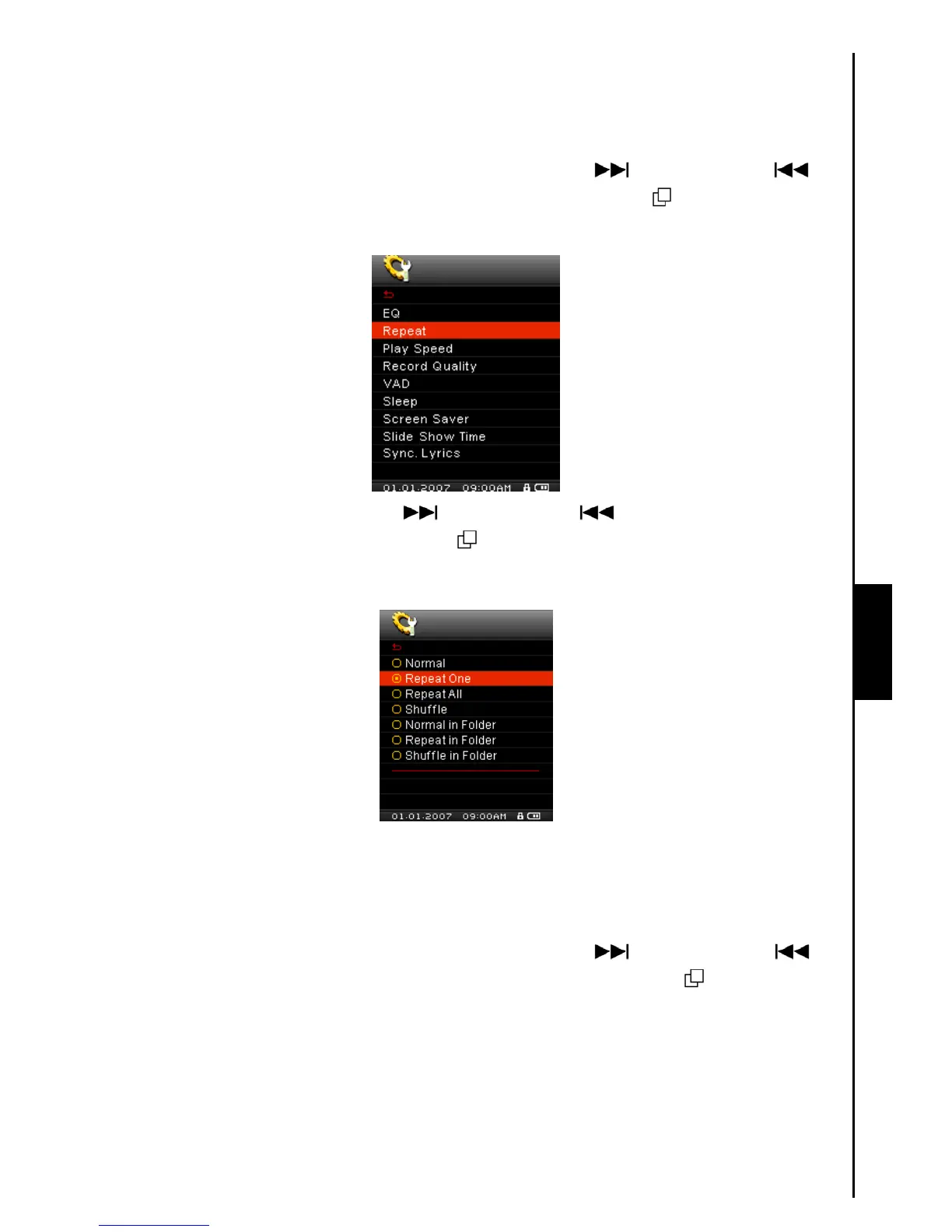
There are several REPEAT Modes to choose from: Normal, Repeat One, Repeat All, Shuffle and
Normal/Repeat/Shuffle all the files in a Folder.
1. In the SETTINGS Menu, push the “Menu Switch” down (Next)
or up (Previous) to
select the Repeat item, then press the “Menu Switch” inwards (MENU)
to enter the REPEAT
Mode.
2. Push the “Menu Switch” down (Next) or up (Previous) to change the REPEAT Mode,
press the “Menu Switch” inwards (MENU)
to select the Repeat setting and return to the
SETTINGS Menu.
Play Speed
The speed at which you listen to an audio file can be increased, or decreased. Playback speeds can be
set to 0.67x, 0.8x, 1.0x, 1.14x and 1.33x.
1. In the SETTINGS Menu, push the “Menu Switch” down (Next)
or up (Previous) to
select the Play Speed item, then press the “Menu Switch” inwards (MENU)
to enter the Play
Speed Menu.



 To Next Page