Transcend Multimedia Converter
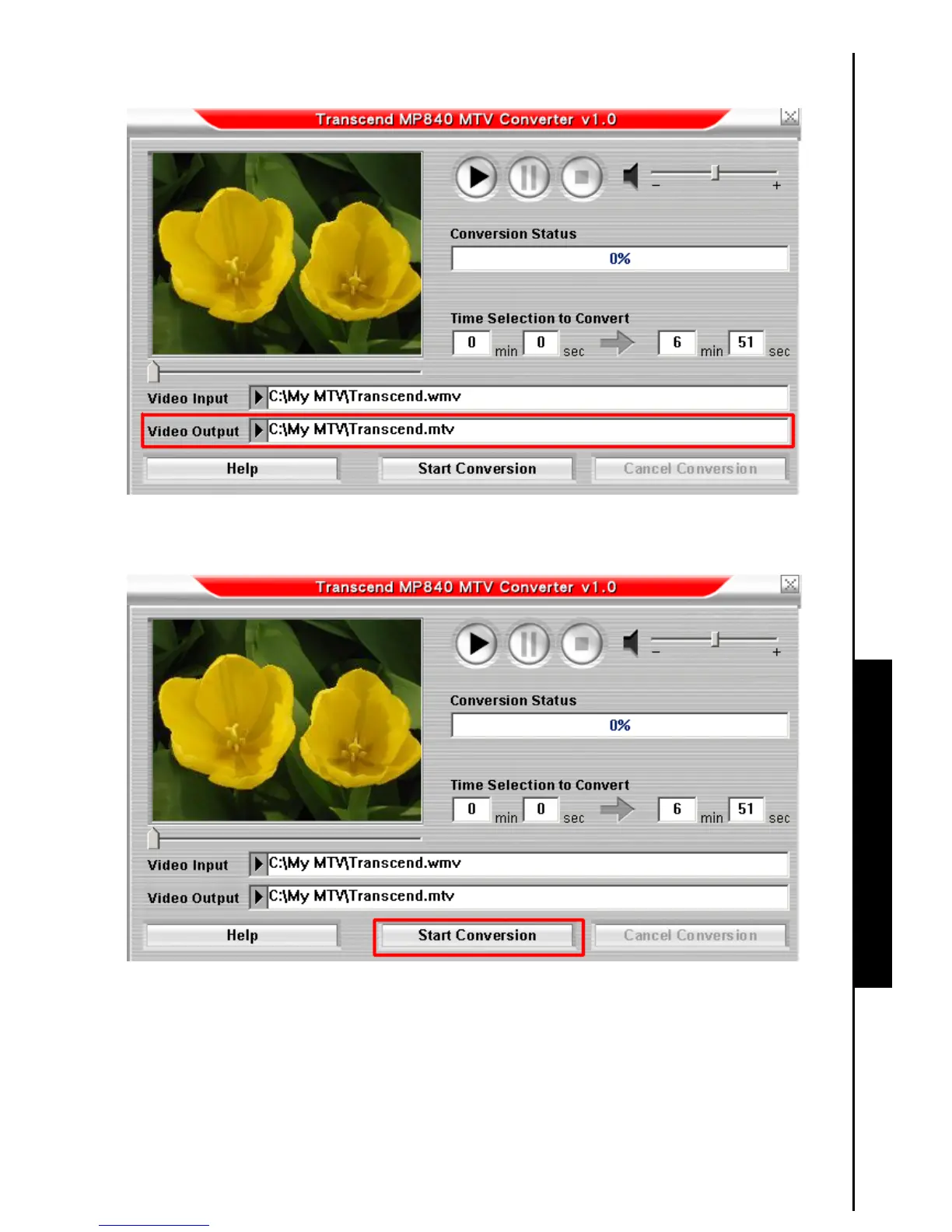
3. After you select a Video file for conversion to the “.mtv” format, click on the “Video Output” button to
select a destination for the converted file.
Figure 13. Select a Destination for the ‘.mtv’ file
4. After selecting a Video Output destination click on the “Start Conversion” button to begin the
conversion.
Figure 14. Start Conversion
5. When the Conversion is complete a “Conversion Complete” message window will appear. Click on
the “OK” button to complete the Conversion process and return to the MTV Video Converter main
window.



 To Next Page