8000 SERIES OPERATION MANUAL TRANSMILLE LTD.
TRANSMILLE LTD. PAGE 14
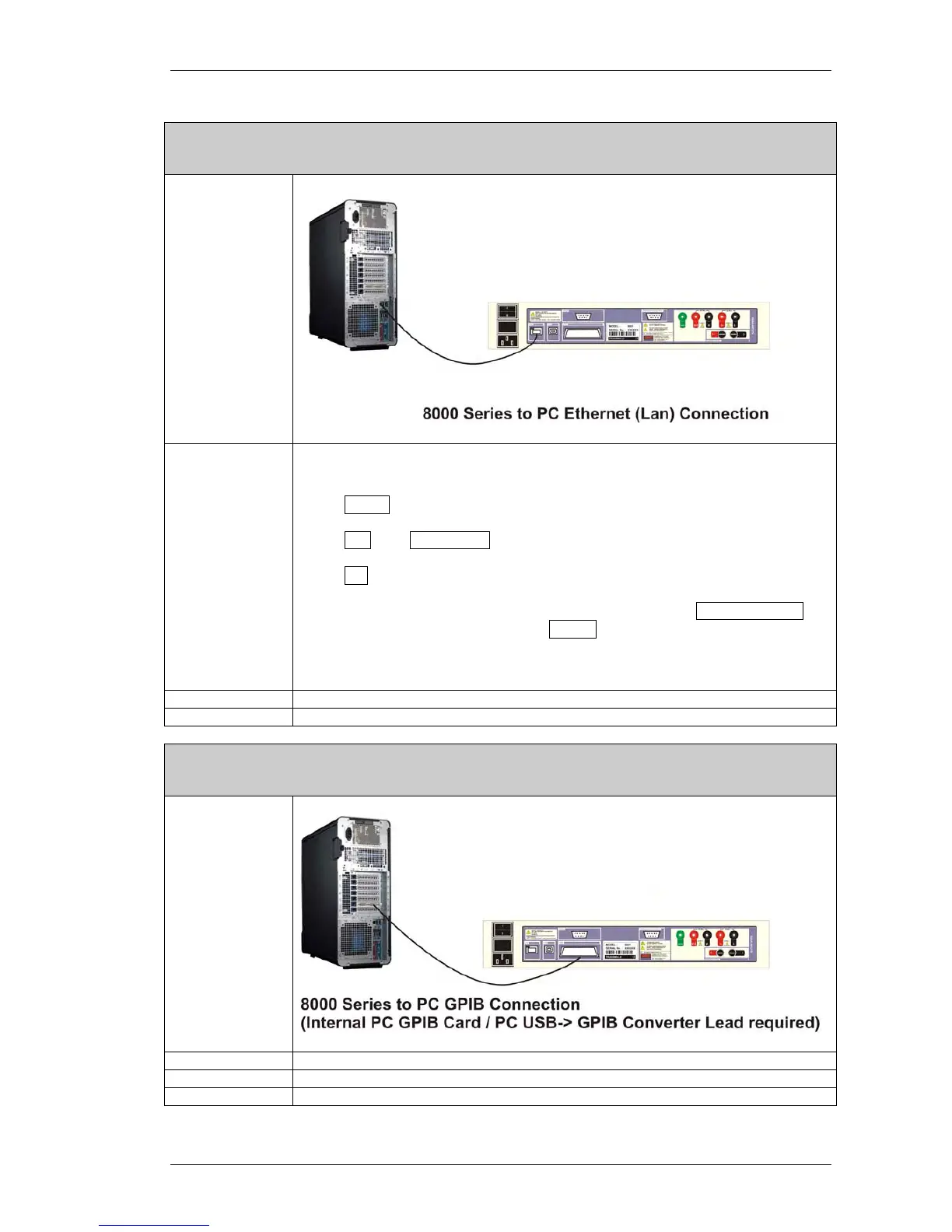
Ethernet (LAN) Interface
Connection
Configuration
8000 Series Menu Setup :
Press MENU
Press Ä until ETHERNET is displayed
Press Æ
*For automatic IP Address (DHCP Host required*) Select ENABLE DHCP
*To set a manual IP Address Select SET IP and enter IP Address in
xxx.xxx.xxx.xxx format.
* For further information consult your network administrator.
Cable Type 100BaseT Ethernet Cable (Standard Network Cable)
Software Driver N/A
GPIB Interface
Connection
Configuration N/A
Cable Type GPIB Interface Cable
Software Driver National Instruments GPIB Device Driver or Similar (Card Specific)



 To Next Page