8000 SERIES OPERATION MANUAL TRANSMILLE LTD.
TRANSMILLE LTD. PAGE 26
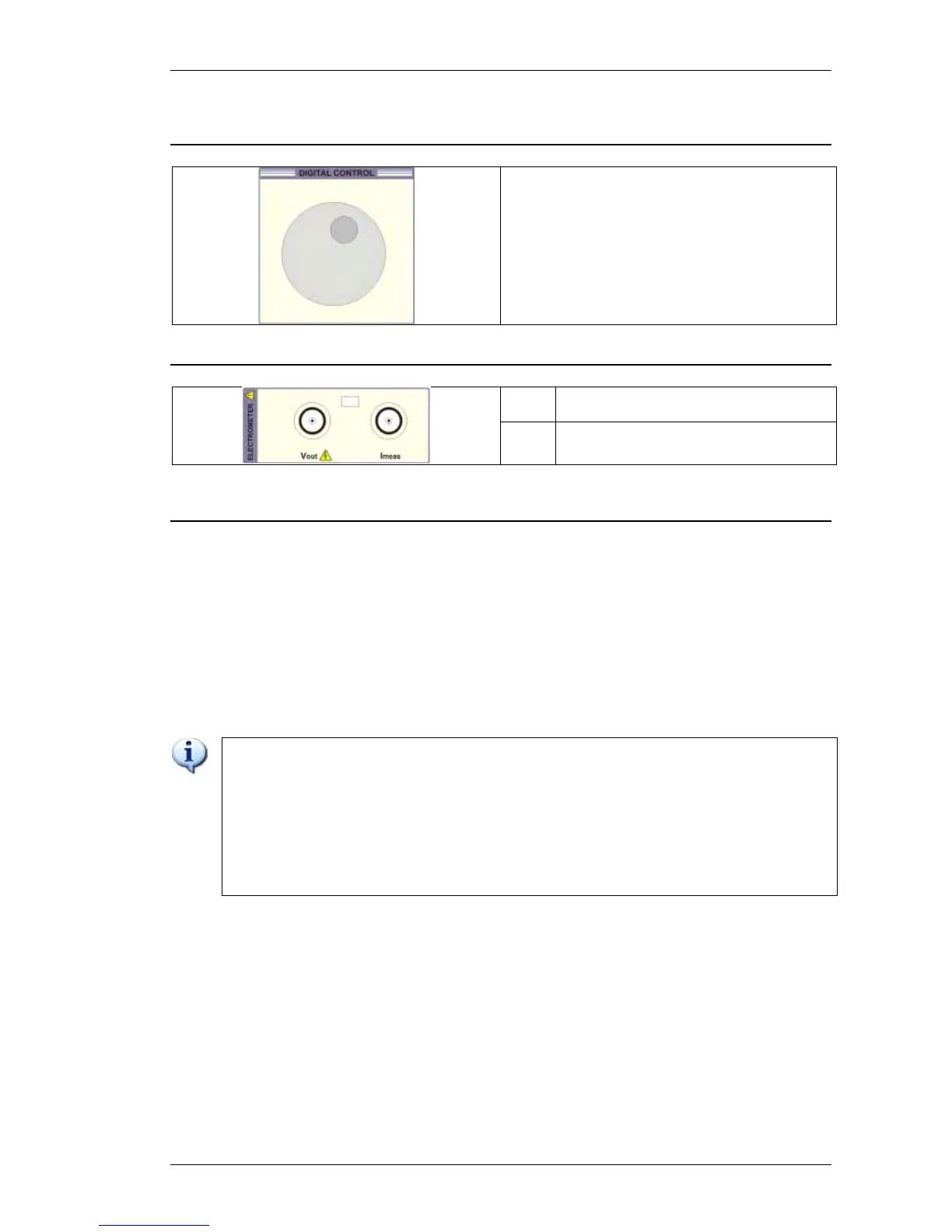
Menu Dial
Multi Purpose Use – Context Specific :
Range Up / Down
Menu Navigation
Menu Item Selection
Numeric Increment / Decrement
Electrometer I/O Terminals
V
out
Voltage output for Electrometer high
resistance measurement function
I
Meas
Current measurement input for
Electrometer function
Front panel Keyboard
The front panel of the 8000 Series Multimeter utilises a high quality custom rubber keyboard with
tactile feel buttons and integral dual display window. The front panel is therefore sealed against the
ingress of moisture and dirt enabling the multimeter to be used in working environments without risk
of dirt causing early failure of the operating buttons. The front panel can easily be wiped clean with a
soft cloth. Care should be taken not to scratch the display window. All graphics are ‘under printed’ so
that they will not wear off with use.
IMPORTANT NOTE
THE FRONT PANEL KEY BUTTONS ARE FOR USE WITH FINGERS ONLY - DO NOT
PRESS THE KEY WITH HARD OR SHARP OBJECTS E.G. BALL-POINT PENS,
PENCILS, SCREWDRIVERS ETC. REPEATED ACTIONS LIKE THIS WILL ALMOST
CERTAINLY CAUSE THE KEYBOARD TO FAIL. (THIS WILL NOT BE COVERED
UNDER WARRANTY). CARE SHOULD ALSO BE TAKEN WHEN TRANSPORTING THE
INSTRUMENT, DO NOT PLACE TEST LEADS ON TOP OF THE PANEL WHICH MAY
GET PUSHED INTO THE DISPLAY AREA OR KEYS WHICH CAN ALSO
CAUSE DAMAGE.



 To Next Page