8000 SERIES OPERATION MANUAL TRANSMILLE LTD.
TRANSMILLE LTD. PAGE 30
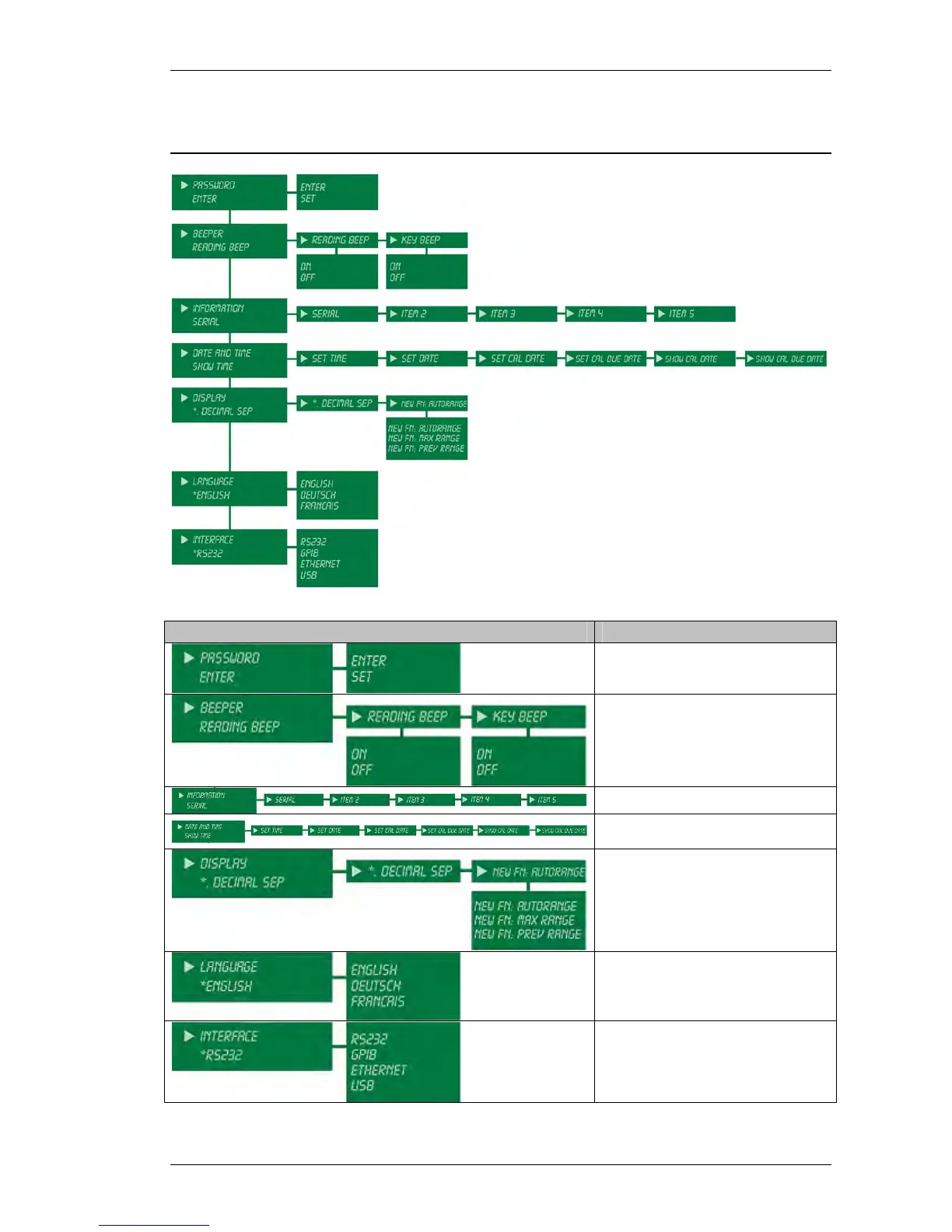
Settings Menu
Menu Item Description of Use
Enter password to access
calibration menus or
set new password
Set reading and key beep modes
on or off
View / set multimeter information
View / Set current date/time and
calibration due date/time
Set decimal separator type (. or,)
and function default
Ranging behaviour
Set regional language
Select interface type



 To Next Page