8000 SERIES OPERATION MANUAL TRANSMILLE LTD.
TRANSMILLE LTD. PAGE 50
Using the Math Functions
Status Display Section Description
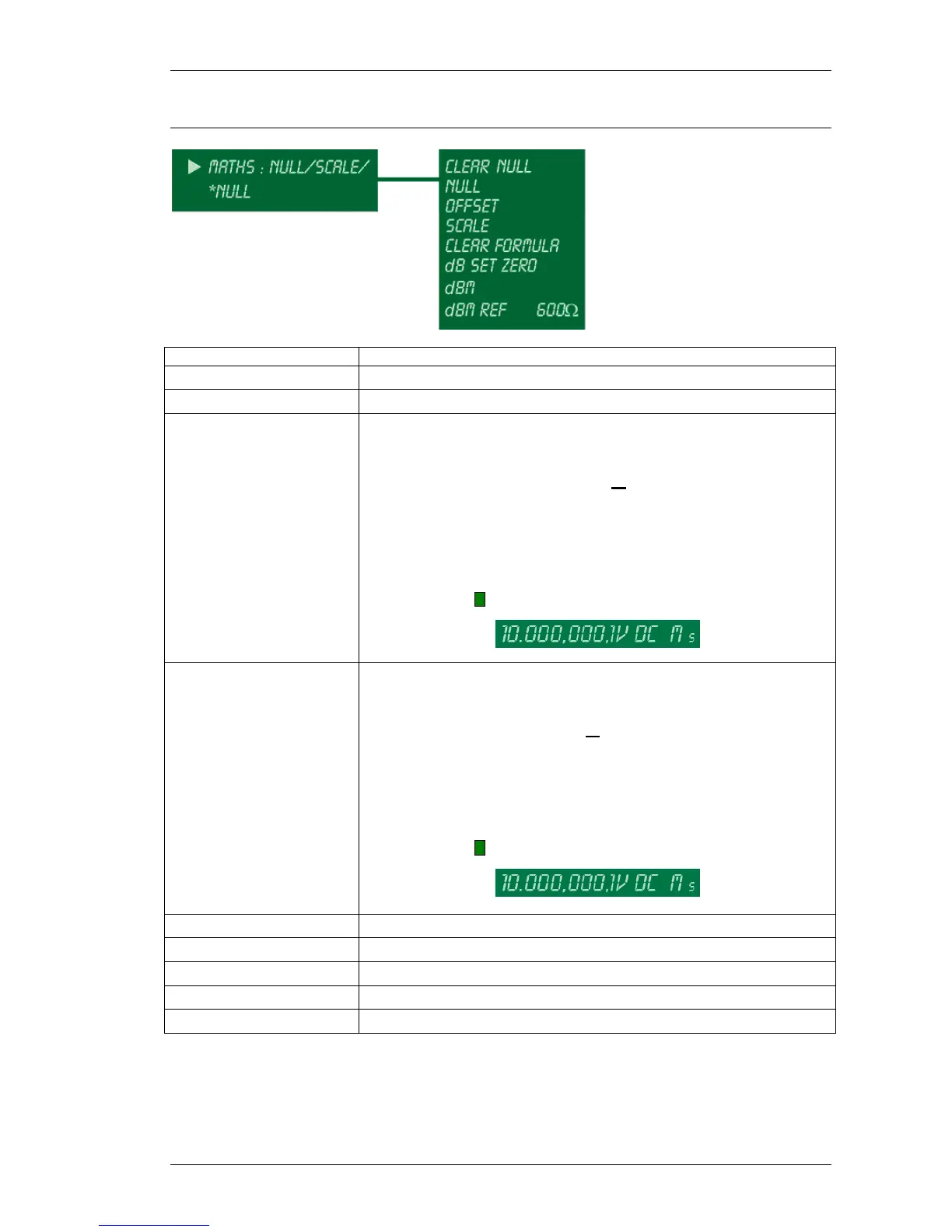
CLEAR NULL Clear stored null (zero reference point)
NULL Store latest input value as zero reference point
OFFSET
Offset measured input using entered offset value
MX+C
Offset is the addition value (C) in the MX+C formula
eg. If C=0.1, then a 10V input reads 10.1V
eg. If C=5, then a 10V input reads 15V
Note : M on right hand of display indicates formula active
SCALE
Scale measured input using entered scale value
MX+C
Scale is the multiplier (x) in the MX+C formula
eg. If X=0.5, then a 10V input reads 5V
eg. If X=5, then a 10V input reads 50V
Note : M on right hand of display indicates formula active
CLEAR FORMULA Clear any OFFSET or SCALE settings
dB Turns on dB measurement mode
dB SET ZERO Store latest input value as zero dB reference point
dBm Turns on dBm measurement mode
dBm REF
Set dBm reference point (default = 600Ω)



 To Next Page