8000 SERIES OPERATION MANUAL TRANSMILLE LTD.
TRANSMILLE LTD. PAGE 46
Guide to setting up a PRT probe
1. Use digital control dial to choose
Probe Configuration Ä PRT Coefficients Ä Primary Display Ä PRT Coefficients
2. Select Linearisation / Coefficient location ITS-90 Front ITS-90 Rear IEC 751 Front IEC 751 Rear
3. Enter Coefficient data (examples shown below) :
ITS-90 Front
Coefficients
ITS-90 Rear
Coefficients
IEC 751 Front
Coefficients
IEC 751 Rear
Coefficients
R
0
100 R
0
100 R
0
100 R
0
100
a<0°C 0 a<0°C 0 A 3.908299e-3 A 3.908299e-3
b<0°C 0 b<0°C 0 B -5.774999e-7 B -5.774999e-7
a>0°C 0 a>0°C 0 C -4.183e-12 C -4.183e-12
b>0°C 0 b>0°C 0 OK OK
OK OK Reset Reset
Reset Reset
Coefficient data entry example : 3.908299e-3
3 SHIFT 9 0 8 2 9 9 SHIFT SHIFT MENU SHIFT MENU 3
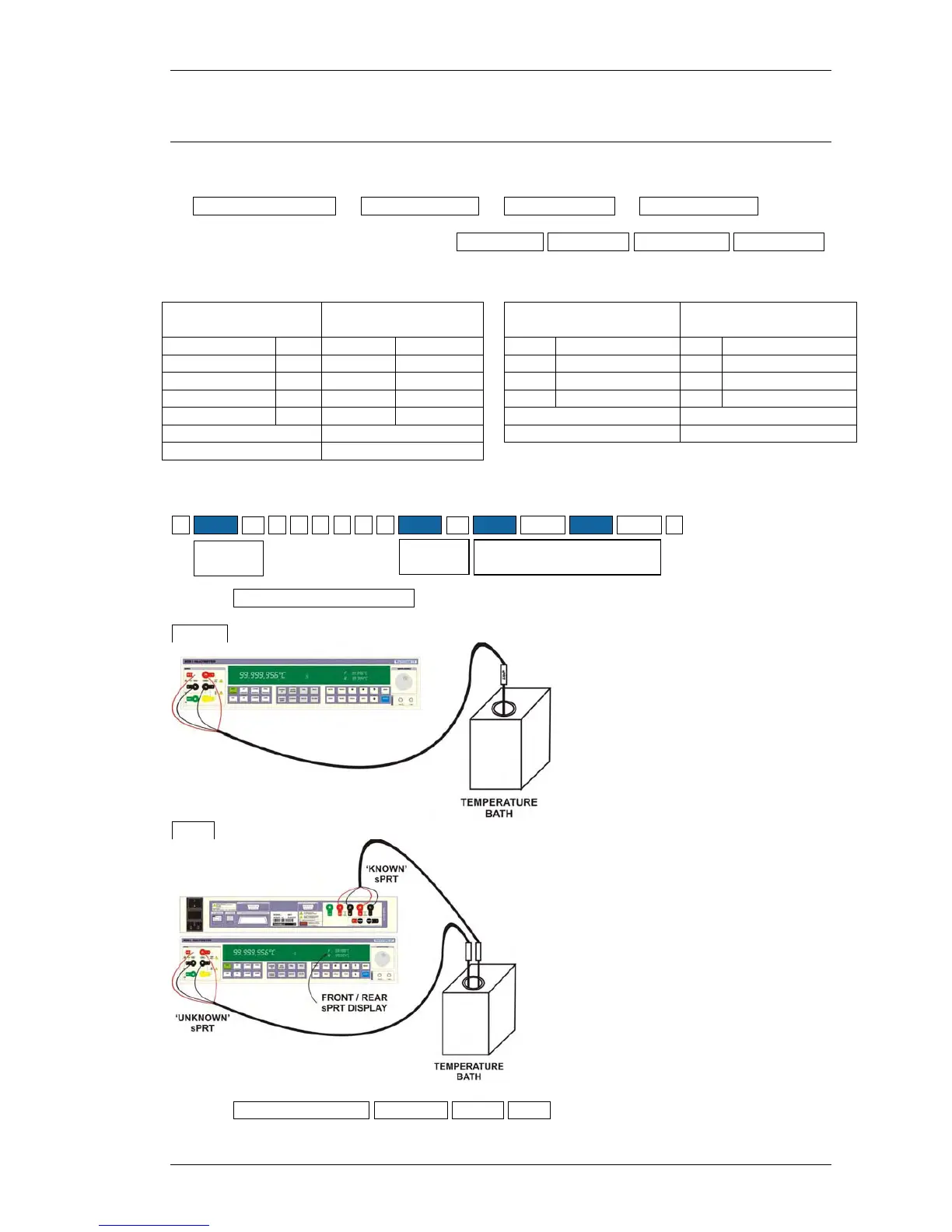
4. Select PROBE CONFIGURATION
SINGLE
DUAL
5. Select PRIMARY DISPLAY AVERAGE FRONT REAR as required
DECIMAL
POINT
EXP
MINUS SYMBOL



 To Next Page