8000 SERIES OPERATION MANUAL TRANSMILLE LTD.
TRANSMILLE LTD. PAGE 32
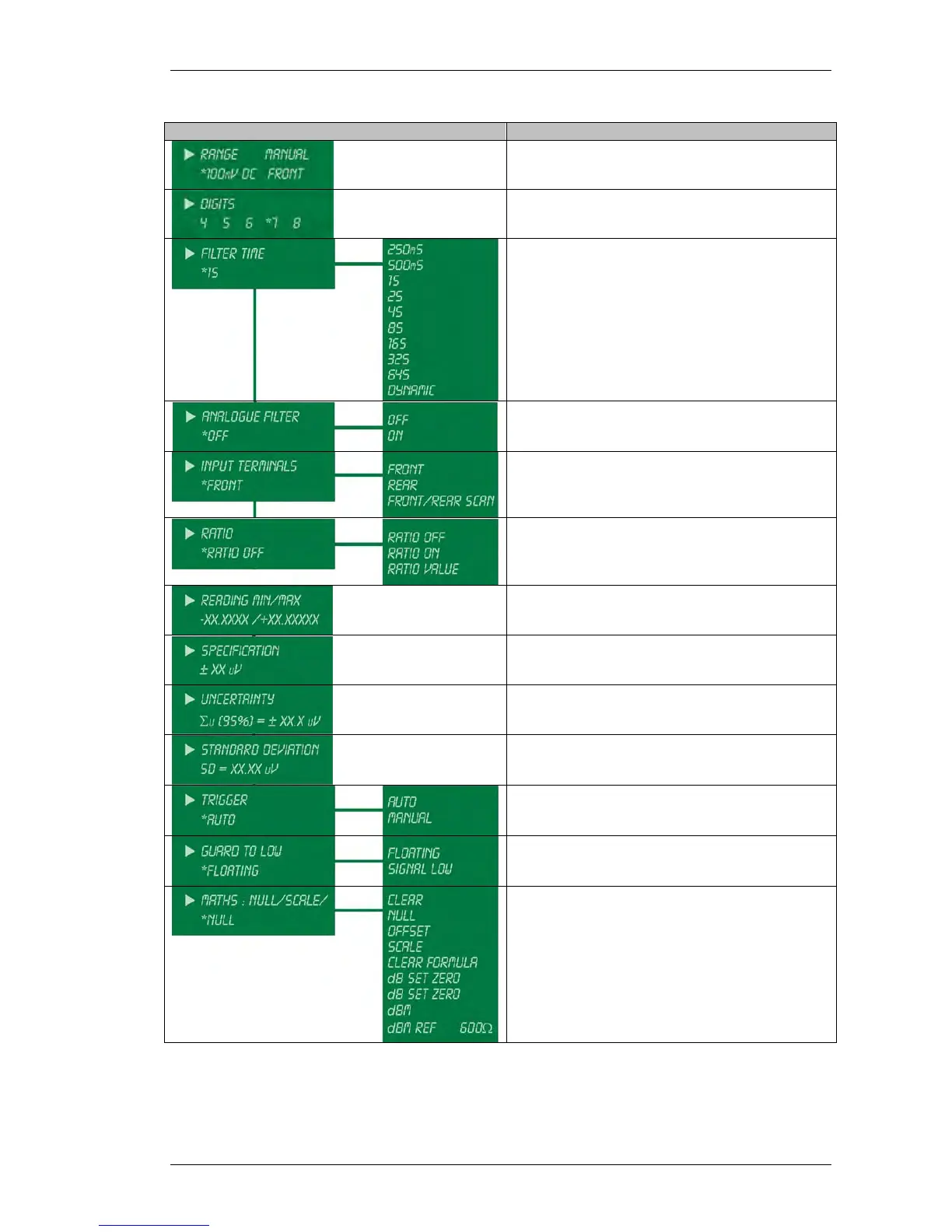
Menu Item Description of Use
Displays function, range and terminal settings.
View / set number of digits
View / set filter time or select Dynamic for
intelligent filter selection
View / set analogue filter
View / set input terminal settings
View / set Ratio settings
View Minimum / maximum readings
View automatically calculated accuracy for the
selected function / range / reading
View automatically calculated uncertainty for the
selected function / range / reading
View automatically calculated standard
deviation
View / set the trigger mode
View / set the guard to low setting
Set maths functions



 To Next Page