4.
5. To abort the test, click on the status line of the test.
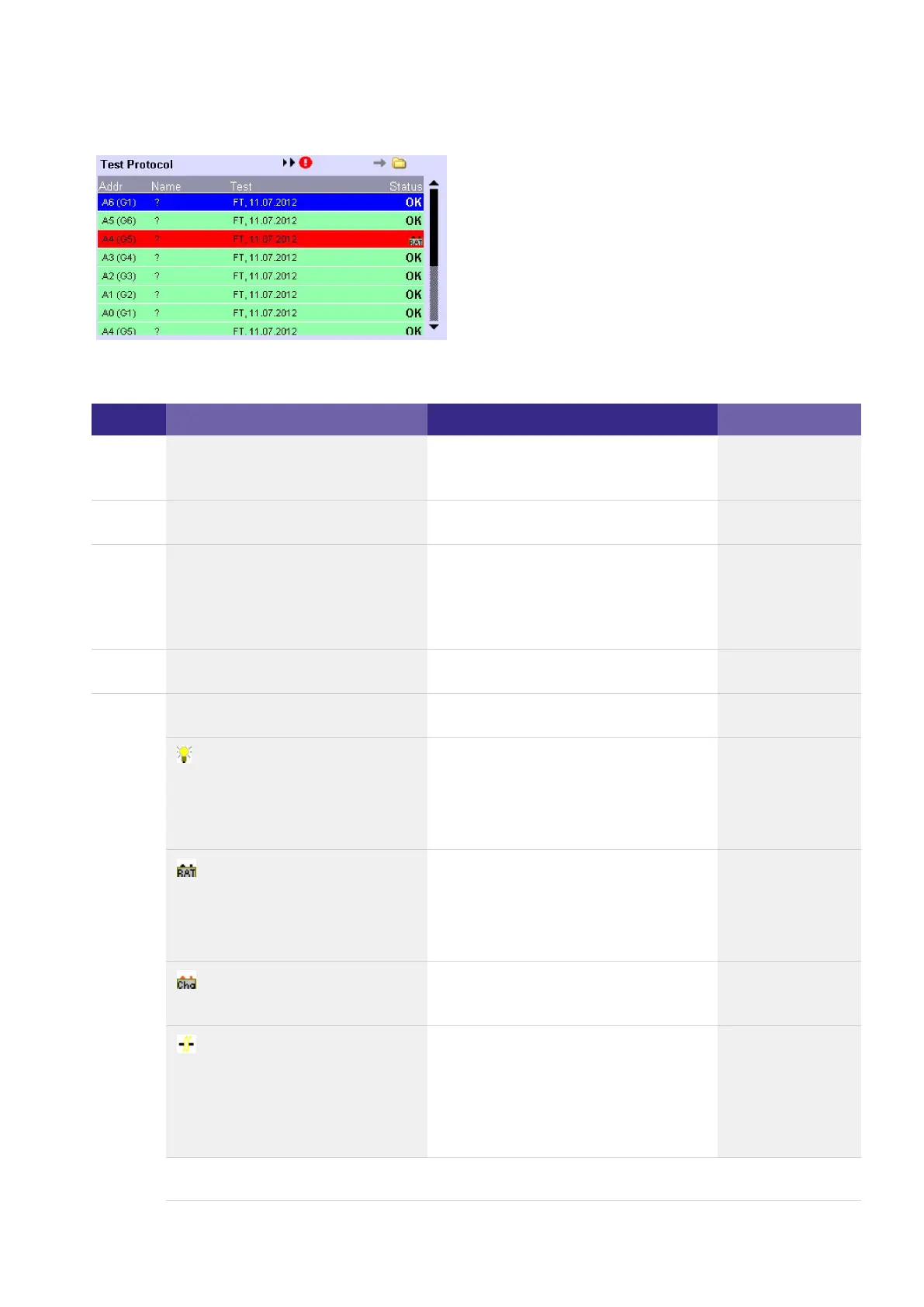
-> The following information is displayed in the test protocol:
Column Meaning Possible cause Corrective action
Adr Address and group of emergency
unit
Name Name of emergency unit
Test Type of test (FT = function test, DT
=duration test, CT =
communication test) and date of
test
Status Result of test:
OK Test successful -
Lamp defective, Lamp Error
Battery fault, Battery Failure
Error in the emergency unit,
Charger Failure
Communication error
Lamp error_
Lamp wrong_
Lamp wiring wrong_
Battery capacity too low_
Battery defective_
Battery wiring wrong_
Emergency unit defective_
Emergency unit defective_
Emergency unit has been
replaced but not addressed
_
DALI wiring error_



 To Next Page