To test the function select the Test field.
To start the function select the Start field.
Once the function is started, colour temperature and dim levels (if active) will be repeated every 60 seconds.
Select to go back to main menu.
Scene
One or several groups are saved in a scene. The groups are dimmed, masked or switched off in such a way that a
demand-driven lighting situation is created. A maximum of 16 scenes, each with a maximum of 16 groups, can be
saved in each scene.
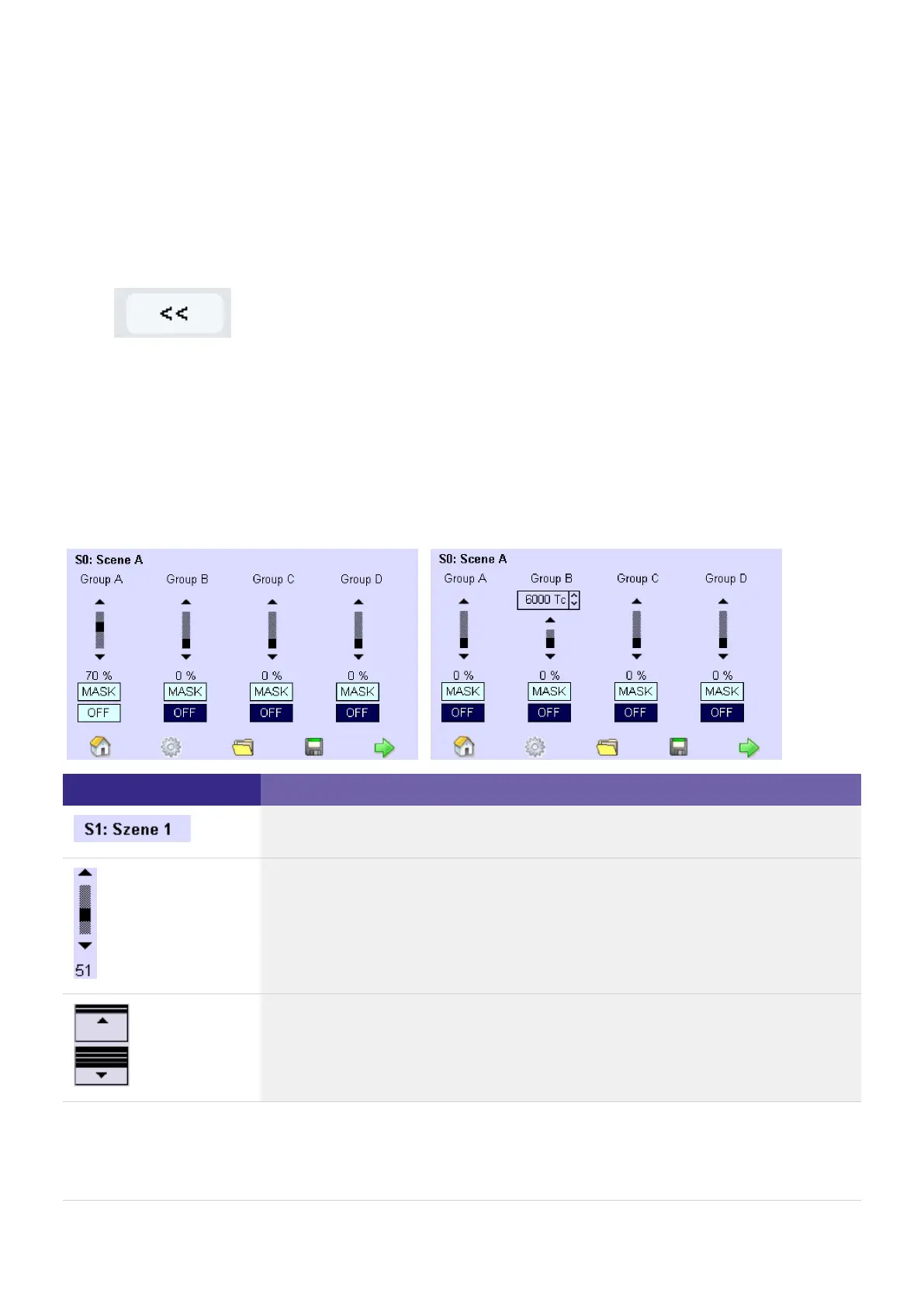
The following operating elements are available to set a scene:
Element Meaning Function /
The scene number (S1) is preset at the factory; the scene name (Scene 1) can be
assigned as desired.
A scroll bar visualises the setting of the dimming value.
Change the dimming value using the arrow keys or the black area on the scroll bar.
The dimming value is displayed as a percentage (51) under the scroll bar.
If a group is used for Somfy components, the ON and OFF buttons are displayed in
this group.
Use the buttons to open or shut the blinds.



 To Next Page