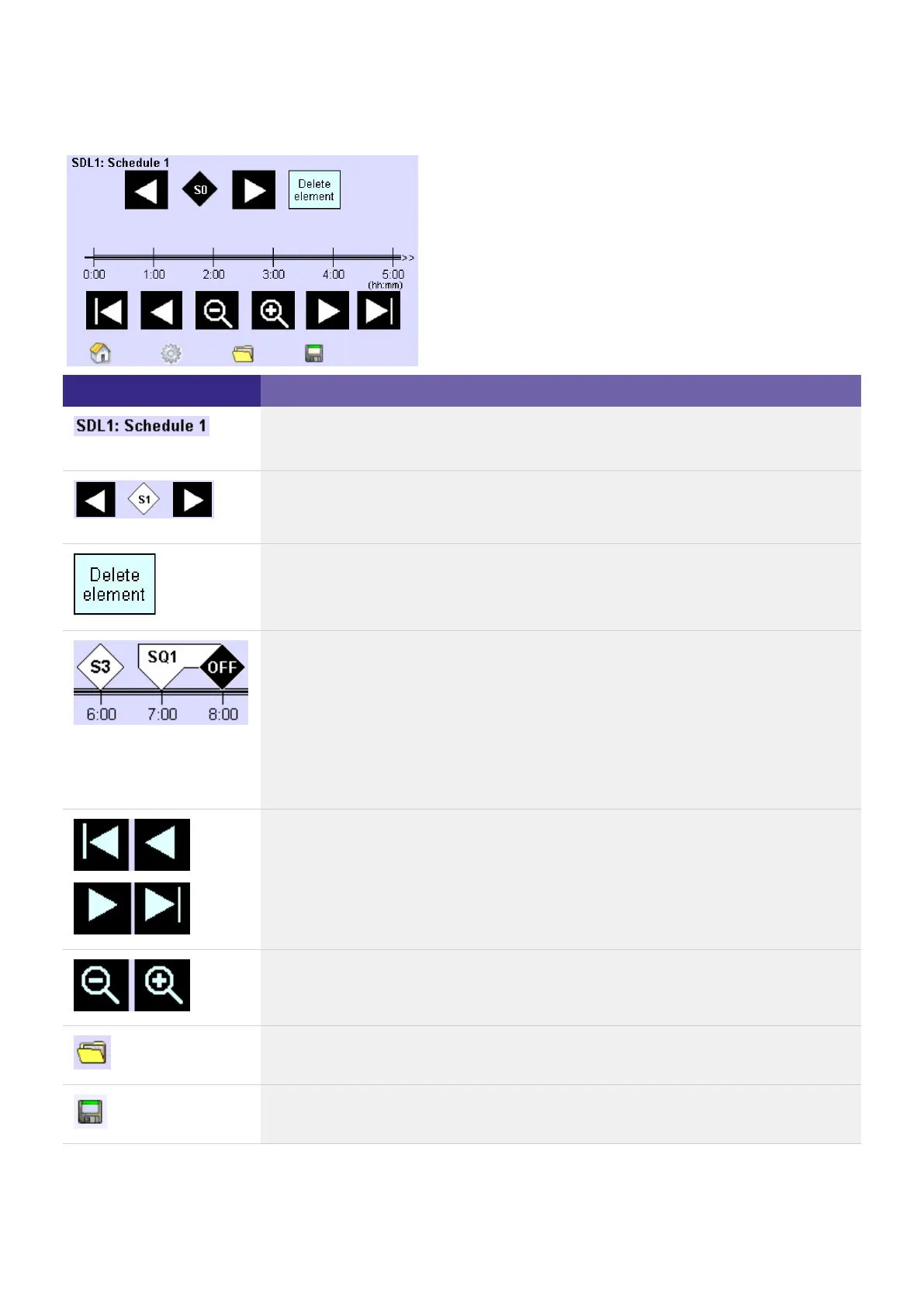
Element Meaning / Function
The schedule number (SDL1) is preset at the factory; the name (Schedule 1) can be
assigned as desired.
Use the arrow keys to select the sequences and scenes that you want to include in
the timeline. After S16, the marker Off is displayed. The marker Off ends a scene,
sequence or schedule and can be set several times.
Use this button to remove the selected scene or sequence from the schedule.
The timeline visualises:
Use the arrow keys to move the visible section of the timeline.
Use the magnifier to enlarge or reduce the timeline section.
The Folder button opens up the dialog box Select schedule.
The Save button opens the dialog box Save schedule. The current settings are
saved in the desired schedule.
The complete schedule (0:00 to 23:59)_
The start of a scene/sequence_
The duration of a scene/sequence_
The end of a scene/sequence_
The intervals between scenes/sequences_



 To Next Page