2.
3.
4.
1.
2.
3.
4.
5.
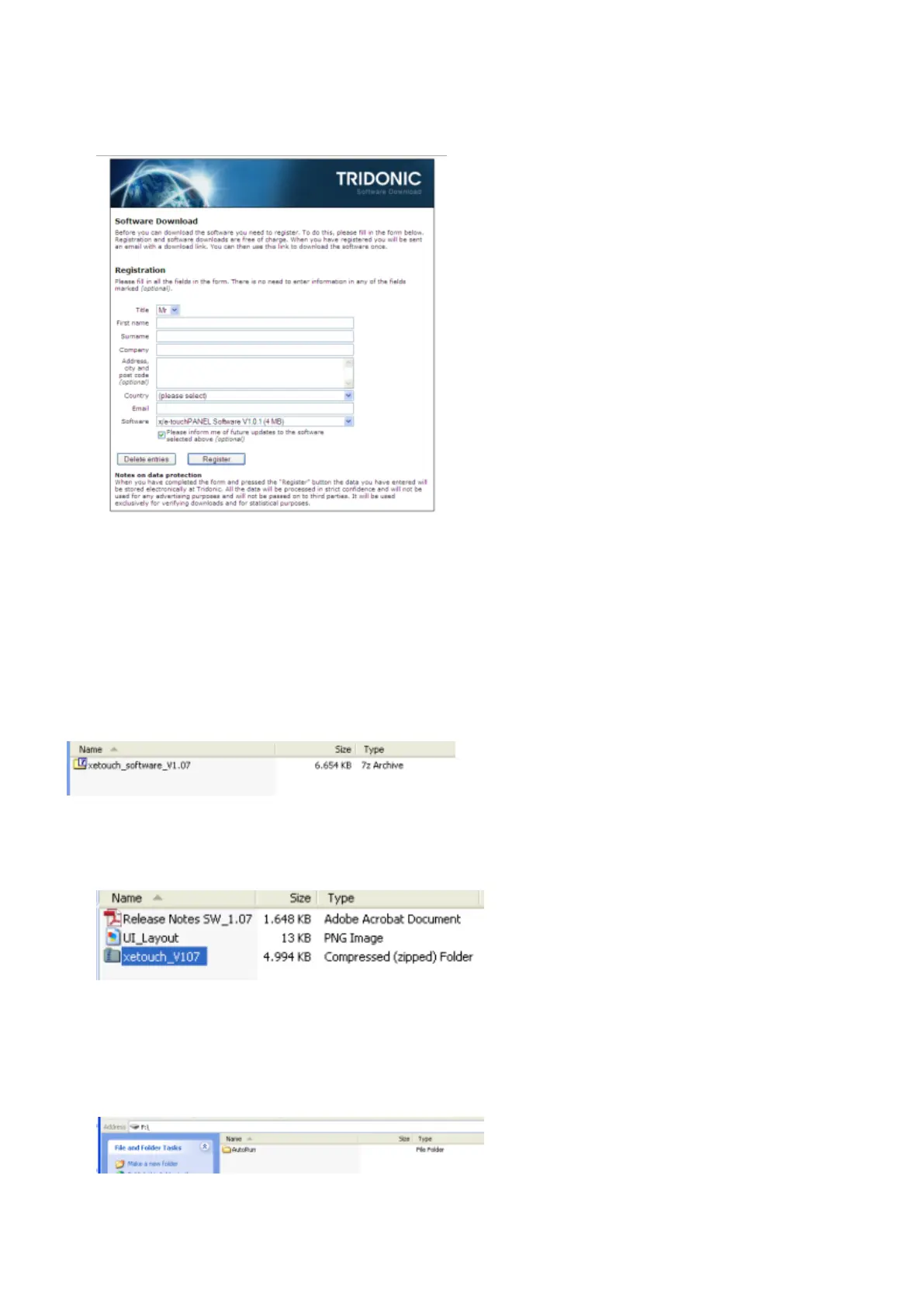
Click on button "Register" to submit data.
-> An E-mail with a download link will be sent to the address entered at "Email".
Click on download link.
-> The software (zip file) is downloaded automatically.
7.3.2. Update firmware via the USB interface
The software (zip file) has been downloaded completely:
Double click zip file "xetouch_software_Vxxx" to extract the software (Vxxx stands for a specific version
number).
-> The Zip file "xetouch_Vxxx" is displayed:
Extract the zip file "xetouch_Vxxx".
Double click the folder "xetouch_Vxxx" to extract it.
-> The folder "AutoRun" is displayed.
Copy the folder "AutoRun" to the top level of a USB memory stick.
Insert the USB memory stick into the USB interface of the x/e-touchPANEL.



 To Next Page