5.
6.
Insert the USB memory stick into the USB interface of the x/e-touchPANEL.
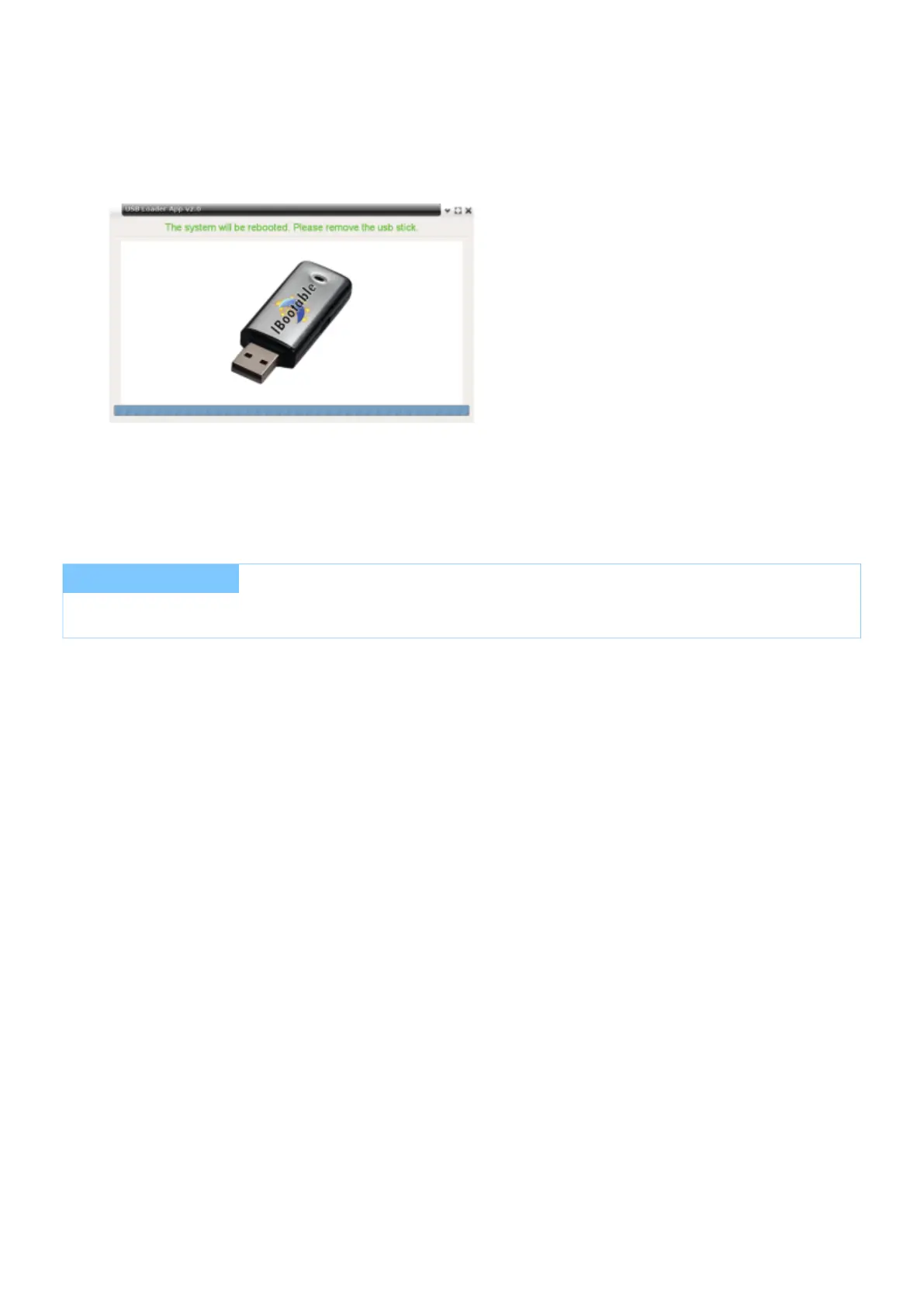
-> The screen "USB Loader App" is displayed.
-> Data is transmitted.
-> A message appears "Please remove the usb stick".
Remove USB memory stick from USB interface.
-> x/e-touchPANEL is restarted.
-> After restart updating the firmware is completed.
I NOTICE
During restart, the mains supply must not be disconnected!



 To Next Page