1.
2.
3.
4.
5.
6.
7.
8.
9.
10.
7.3.3. Load customised design (only available in Basic, Colour, Plug Applikation)
You have already registered at and downloaded the software.www.tridonic.com/xe
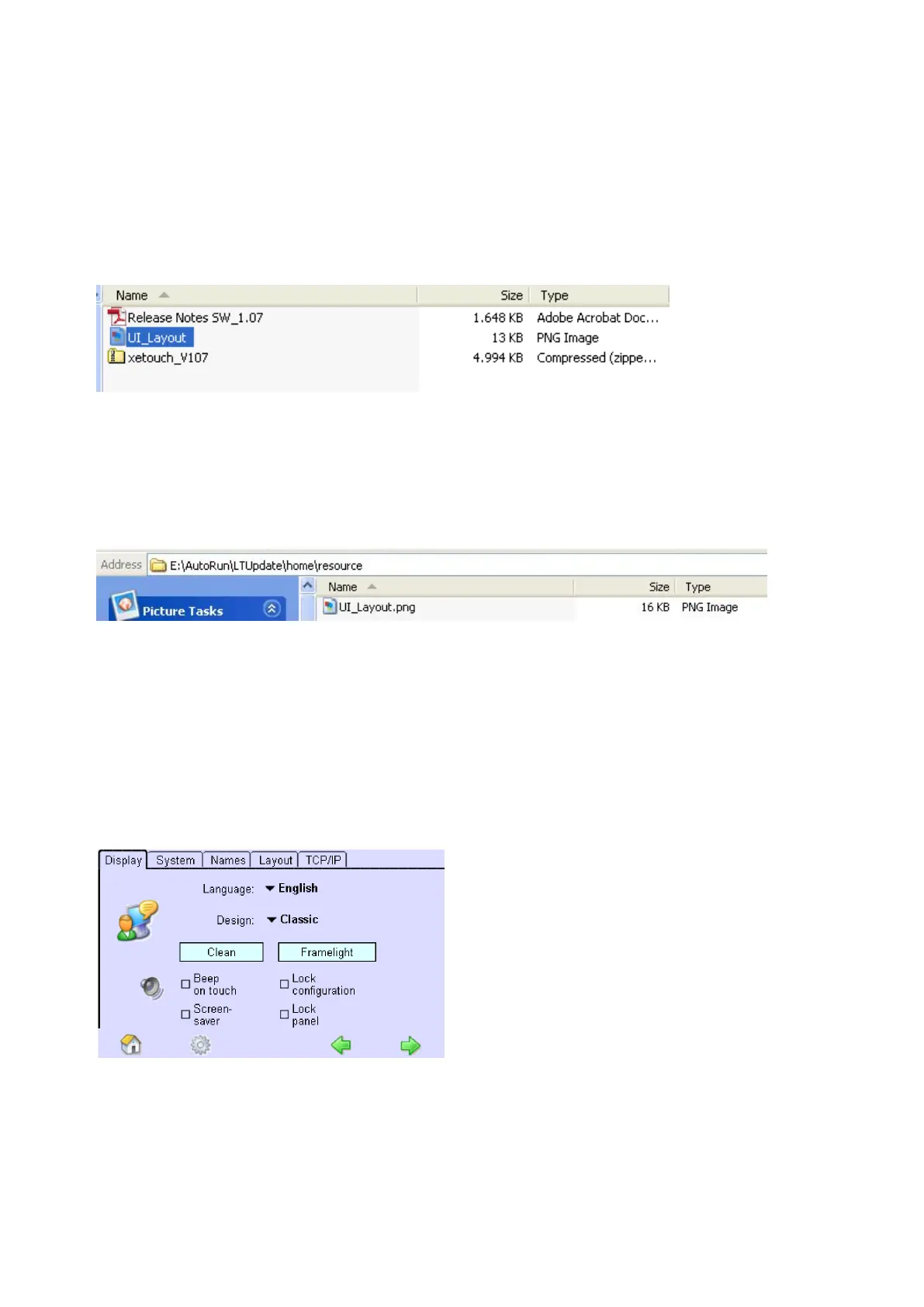
Customised design template Design UI_Layout.png can be found in extracted folder.
Use image editing programm to change the design of the home menu buttons.
Don't use any other templates but UI_Layout.png! Don't change file names, sizes or properties! Don't use
animated logos!
Upload the changed UI_Layout.png file onto the /AutoRun/LTUpdate/home/resource/ directory of a USB
memory stick.
Insert USB memory to the USB interface of the x/e-touchPANEL.
-> The file UI_Layout.png is automatically copied to the x/e-touchPANEL.
Go to xetouch software of the the x/e-touchPANEL.
Click on the "Main menu" symbol.
-> The "Main menu" is displayed
Click on the "Configuration" button
-> The "Configuration" page is displayed
-> The "Display" tab is displayed.
Click button "Design:"
-> A drop down menu with four design options is displayed



 To Next Page