Juno Series User Guide 37
Using the Windows Mobile Operating System 3
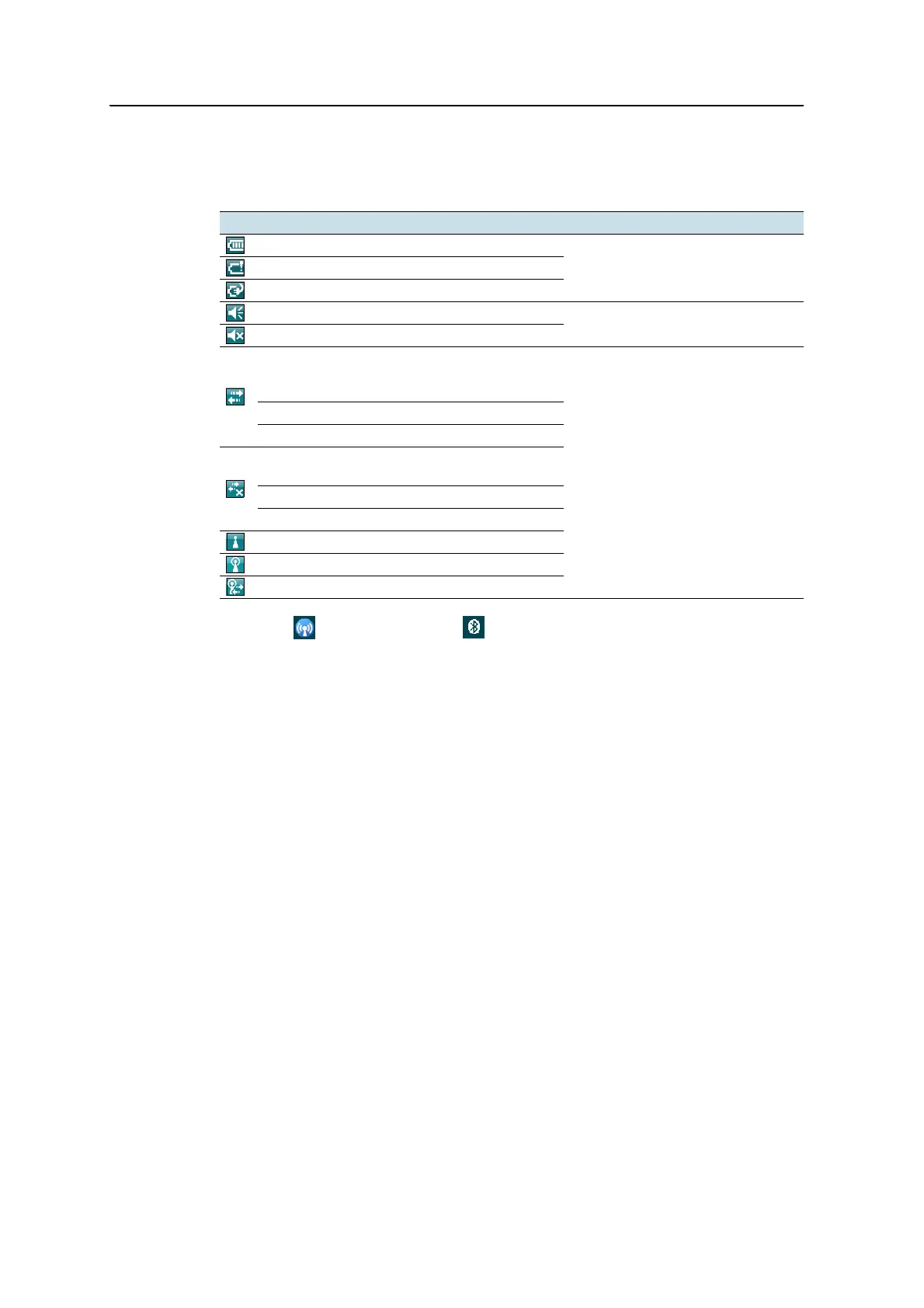
Status indicators
The following Status indicators appear in the title bar at the top of the screen:
The Wi-Fi and Bluetooth icons on the Today screen show the status of each
radio. Tap the icon to access the Wireless Manager and turn on or turn off the radio.
Icon Tap icon to...
Battery level
check battery levelLow battery (10% or less remaining)
Battery charging/using external power
Speaker is on
change volume
Speaker is off
Connected to ActiveSync technology or the
Windows Mobile Device Center (WMDC) on a
computer
configure the connection or access
the Wireless Manager
Connected to a Bluetooth-enabled phone
Connected to a cellular network
Disconnected from ActiveSync technology or
WMDC
Disconnected from a Bluetooth-enabled phone
Disconnected from a cellular network
Wireless LAN radio is on
A wireless LAN is detected
Sending or receiving wireless signals



 To Next Page