Juno Series User Guide 53
Connecting to an Office Computer 4
Installing ActiveSync technology
A copy of ActiveSync technology is provided on the Juno Series Getting Started Disc.
Alternatively, go to www.microsoft.com/windowsmobile/activesync/default.mspx to
download the latest version from the Microsoft website.
Connecting the handheld to a computer
To connect the Juno series handheld to a computer:
1. Make sure that the handheld and the computer are switched on.
2. Make sure you have installed the appropriate connection management software
onto the computer (see Connection management software, page 52).
3. To form a connection, do one of the following:
– Use the handheld's integrated Bluetooth radio to establish a wireless serial
link to a Bluetooth-enabled computer. For more information, see
Connecting to an office computer to use ActiveSync technology, page 94.
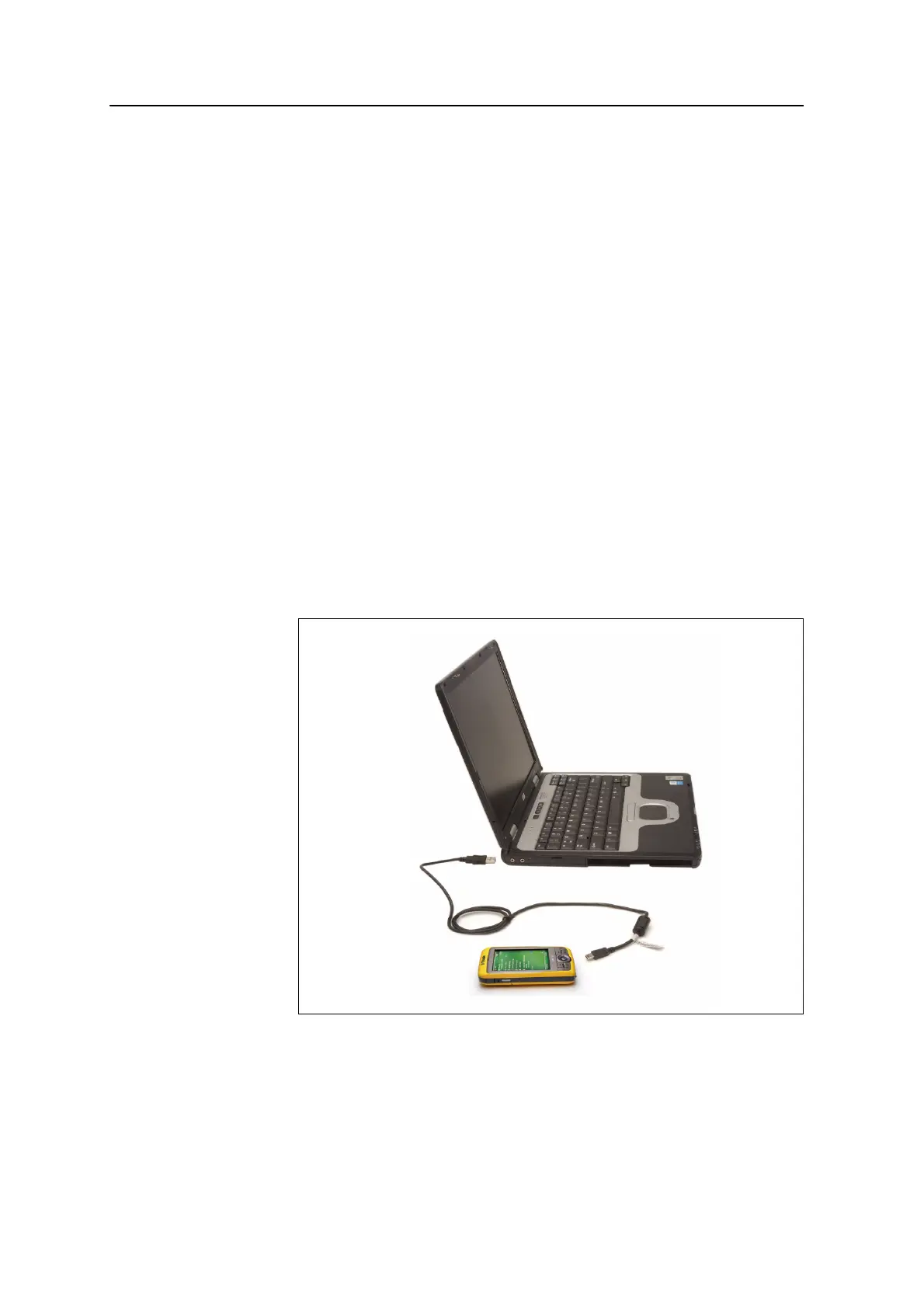
– Use a USB connection:
a. Connect the USB data cable to the USB port on the handheld.
b. Connect the other end of the USB data cable to a USB port on the
computer.



 To Next Page