Juno Series User Guide 67
Using the GPS Receiver 5
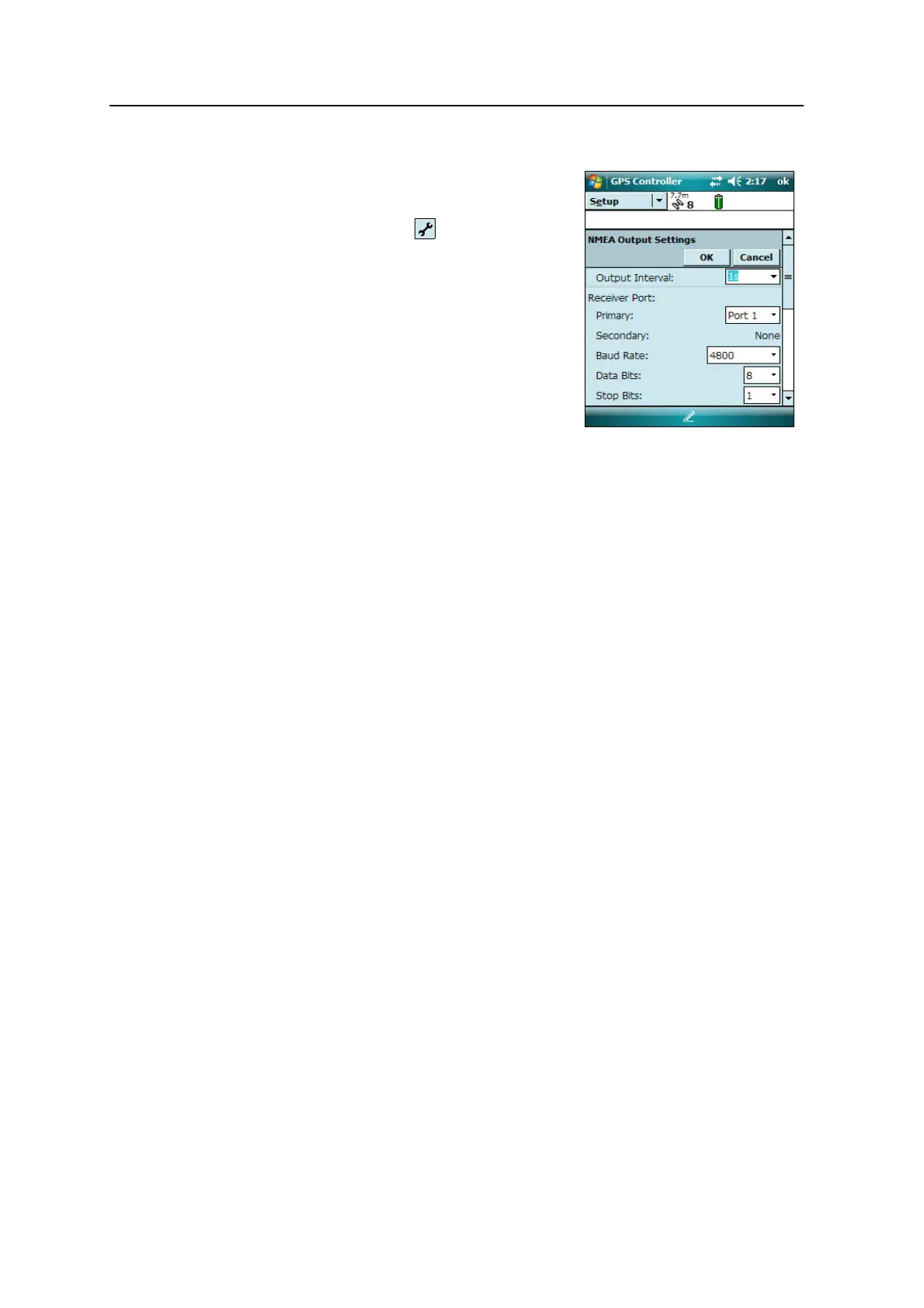
To enable NMEA data to be output:
1. In the GPS Settings form, set the NMEA
Output field to On.
2. Tap the
Setup button that appears next
to the NMEA Output field. The NMEA Output
Settings appears.
3. Configure the NMEA message output
settings.
4. Tap
OK.
For more information, refer to the GPS Controller
Help.
Note – NMEA data can only be used by applications installed on the handheld. There is
no method to output NMEA data to an external device.



 To Next Page