4-17
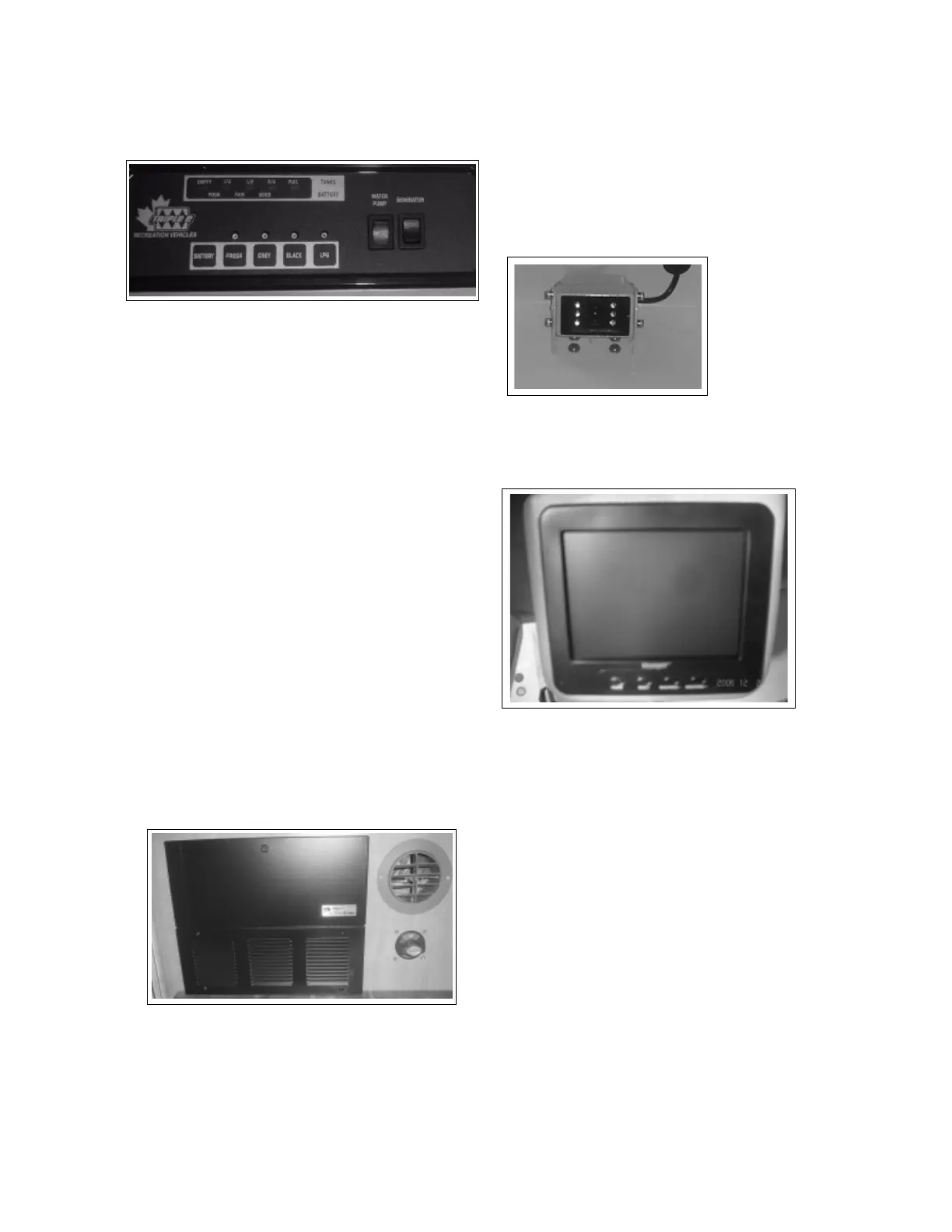
4.13 SYSTEM MONITOR
Refer to the instructions in the Owner's Information
Package for more details.
1. Water Pump:
This 2 position rocker switch controls the power to
the water pump. Depress the top of the switch to
turn the water pump 'on' and the bottom to turn it
'off'.
2. Generator:
This 3 position spring-loaded to neutral center
switch controls the operation of the auxiliary
generator. Depress and hold the upper position to
start the generator engine. Release the switch
when the engine starts. Depress and hold the
bottom of the switch to stop the engine.
3. System Switches:
Each system is equipped with a switch to activate
its own monitoring system. Depress and hold the
switch to read the monitor status. The system
condition will be shown by the LEDs above.
a) Coach Battery
b) Fresh Water Tank
c) Grey Water Tank
d) Black Water Tank
e) Liquid Propane Gas Tank
4.14 CONVERTER
Refer to the instructions in the Owner's Information
Package for more details.
Each motorhome is equipped with a converter and
charging system to maintain the charge in the
battery, using the shoreline or generator as a power
source.
The converter is turned on when 120 volt power is
available.
CLASS C & B
+
MOTORHOME
CONVERTER SYSTEM
SYSTEM MONITOR
1
2
3
a
b
c
d
e
4.15 REAR VIEW MONITOR
A rear view camera/monitor system is available to
mount on the back of the unit to provide a view of
the back of the unit.
1. Camera:
The camera is mounted to pick-up a view of the
area behind the unit for backing up or a trailer
that is being towed.
2. Monitor:
The monitor is mounted so it is visible to the
driver to assist in backing up or driving.
3. Operating Modes:
a. Power:
Press this button to turn the system 'on'. It
is not recommended that it be operated on
a full time basis when driving as it can be
very distracting.
b. Select:
Press this button to select the desired view.
C. Brightness
Press this button to increase the brightness
of the picture.
D. Brightness
Press this button to decrease the bright-
ness of the picture.
4. Refer to the camera/monitor system manual for
more detailed operating and system instruc-
tions.
REAR VIEW CAMERA
REAR VIEW MONITOR





 To Next Page