Unpacking and Setting Up the CPC 2-3
Setting U p
This section contains instructions for setting up the Model 3772/3771 CPC.
Follow the instructions in the order given.
Remove Protective Caps
Remove all protective caps from the inlet sample port and exit flow ports at
the back of the instrument, also remove covers from the BNC connectors.
Mounting the Bracket and Fill Bottle
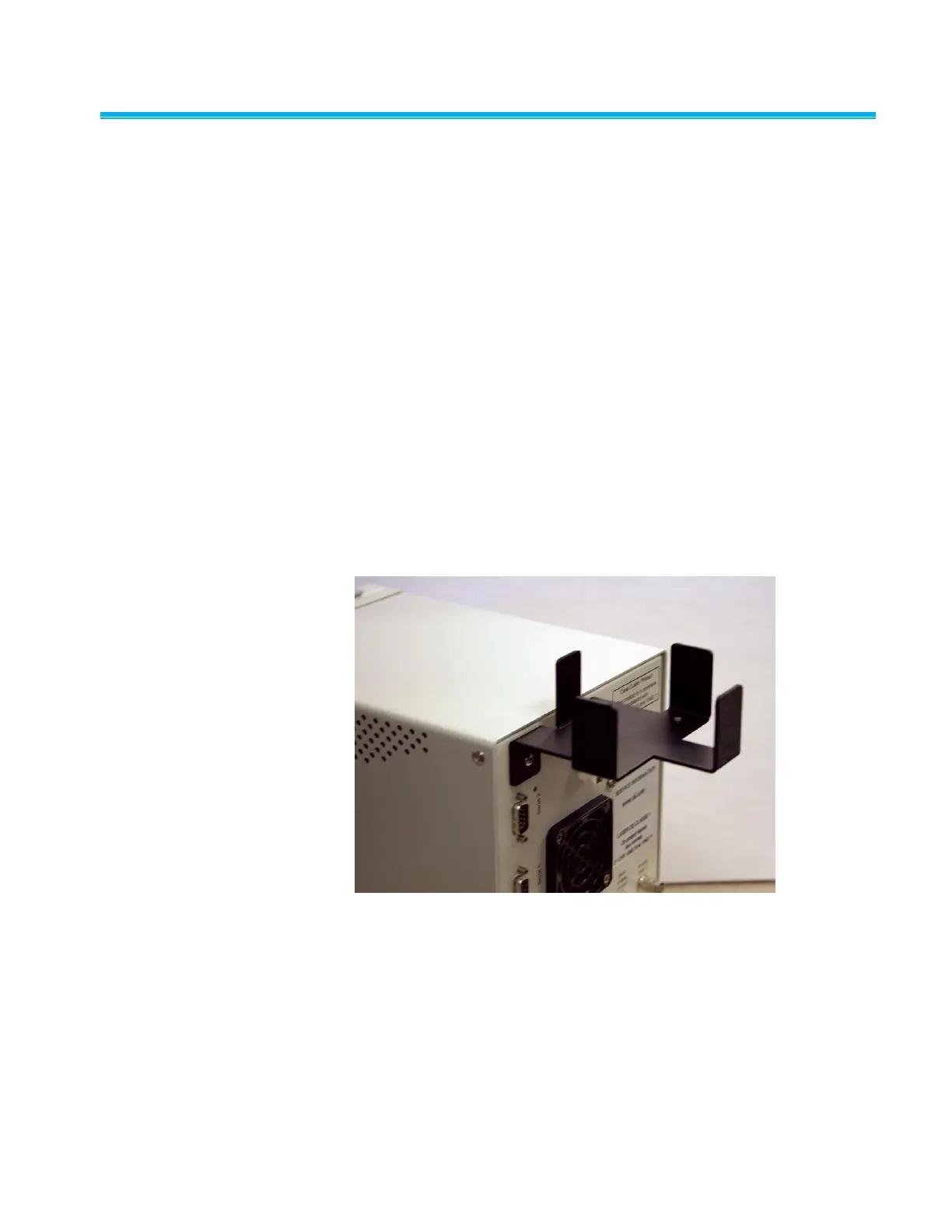
Mount the black anodized aluminum Bottle Bracket to the back panel using
two 8-32
3
8-inch screws and two no. 8 lock-washers found in the
mounting hole locations. Refer to the location of the bottle bracket shown in
Figure 2-1.
Find the Fill Bottle in the accessory kit. Connect the bottle tube fitting to the
Butanol Fill port at the back panel of the instrument. Position the bottle with
the fitting oriented for minimal stress on the tubing connector on the back
panel and place the bottle in the bracket. Both mated fittings are leak-tight
when disconnected.
Figure 2-1
View of Fill Bottle Bracket Mounting



 To Next Page