Computer Interface and Commands 7-3
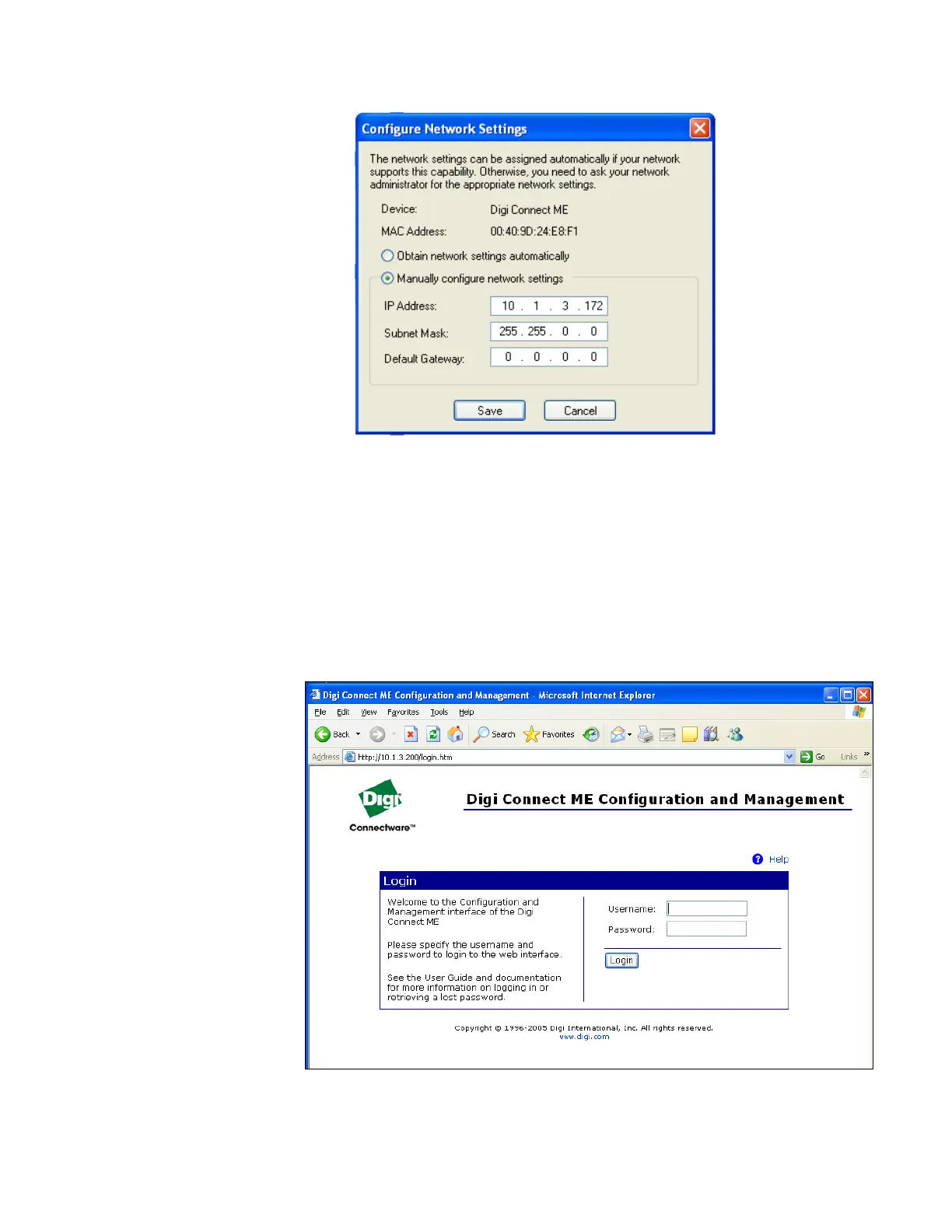
Figure 7-2
Configure Network Settings Screen
5. Close the device discovery program and restart the CPC. It takes
about a minute for the Ethernet to initialize.
6. If the CPC is in the same subnet as the computer, start the device
discovery program Discovery.exe and click on Open web interface.
The username and password are “tsicpc” as shown below in
Figure 7-3. If the CPC is not in the same subnet as the computer, type
in the IP address in your web browser. Work with your network
administrator to make sure the IP address is accessible from the
network your computer is in.
Figure 7-3
Digi Connect ME Configuration and Management Screen



 To Next Page