4-12 Model 3772/3771 Condensation Particle Counter
Follow the steps below to reformat your card:
1. Connect the supplied card reader to your computer using the USB
cable.
2. Insert the flash card in the reader. The flash memory card will appear
as a separate disk drive in Microsoft
®
Internet Explorer
®
browser.
3. If you have any data on the flash memory card you want to save, you
must copy it to a temporary directory on your computer, because the
reformat will erase it from the flash card.
4. Put your cursor on the flash memory card’s drive letter in Microsoft
®
Internet Explorer
®
browser and right click. Select Format.
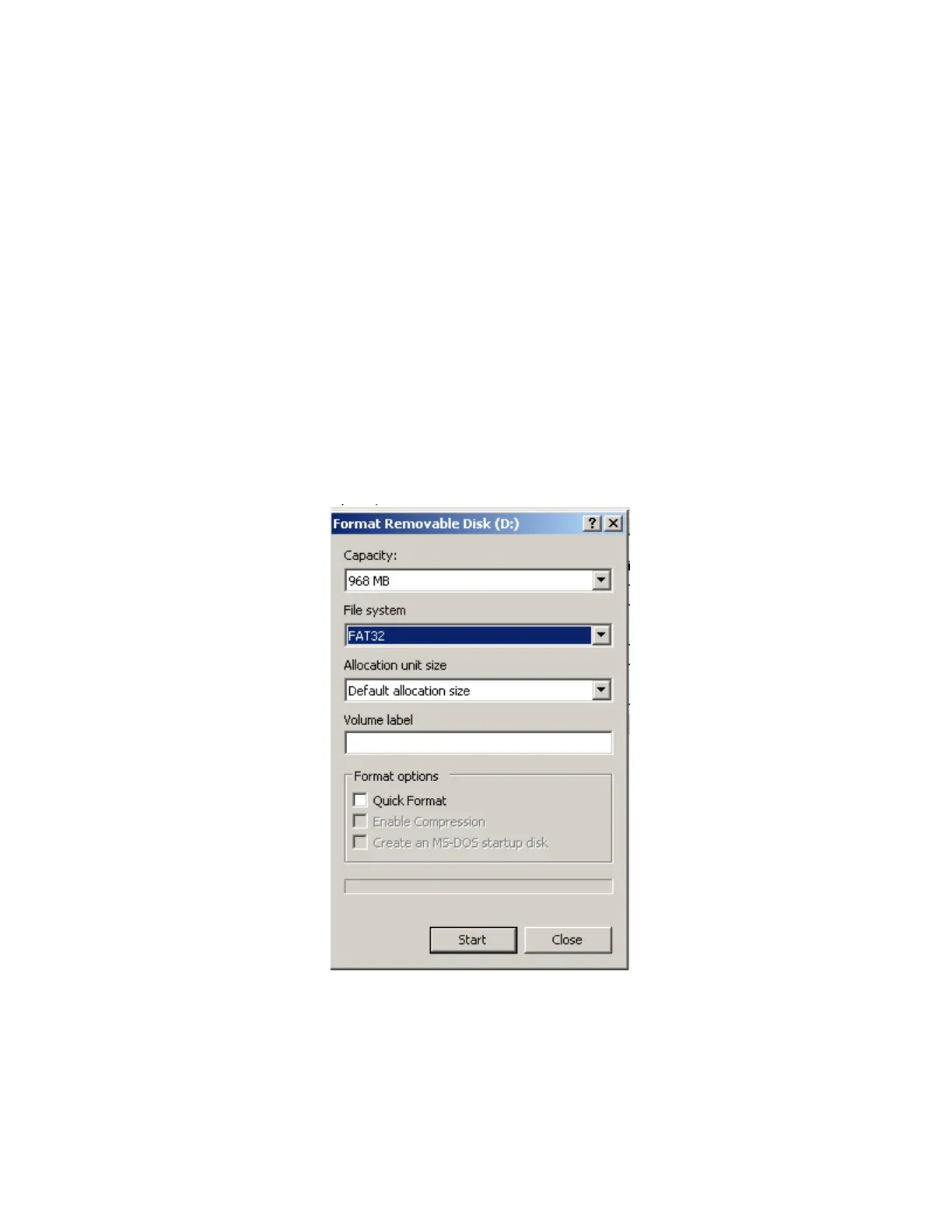
5. Under File System, make sure “FAT32” is selected. Click on Start.
6. When it is done reformatting, copy any files you saved back onto the
flash memory card.
7. You can check the format type of the flash memory card at any time by
right clicking on the drive letter in Microsoft
®
Internet Explorer
®
browser. Select Format and look under File System.
Figure 4-9
Reformatting the Flash Memory Card



 To Next Page