Instrument Operation 4-5
Total C o unt Mode ( 3 7 72 only)
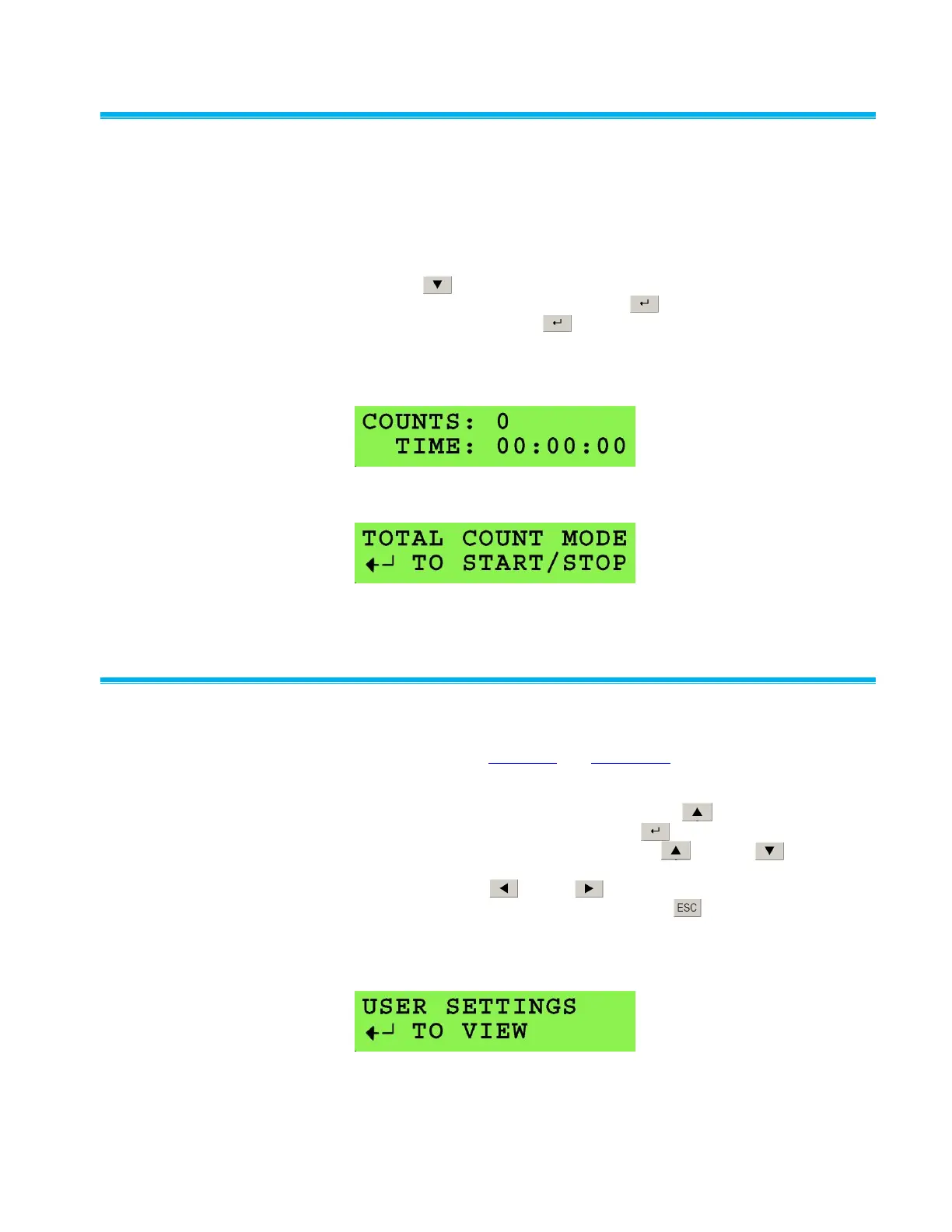
Total Count Mode allows particle counts to be accumulated and displayed
as shown in Figure 4-4. Total Count Mode is generally useful for tests at
very low particle concentrations (e.g., below 10.0 particles/cm
3
), such as
evaluation of high efficiency filters.
To access Total Count Mode from the default Concentration screen, press
the down arrow once. When first accessed, the display appears as
shown in Figure 4-5. By pressing Enter , the screen changes to
Figure 4-5. Pressing Enter again at this screen will cycle between
Start, Stop, and Reset. The CPC will count time and total particles once
Start is set. The sample automatically stops when the time is equal to the
Totalizer Time. Totalizer Time can be set in the User Setting submenu.
Figure 4-4
Total Count Mode Data Screen
Figure 4-5
Initial Total Count Mode Data Screen
User Se t t ings
User settings can be configured through firmware commands on both 3772
and 3771. Refer to Chapter 7 and Appendix B for information on firmware
commands. On the 3772, User Settings is also accessible from the front
panel display. It is a primary function accessible from the default
Concentration screen by pressing the up arrow once. The screen
appears as in Figure 4-6. Pressing Enter once brings up the
submenu. Once inside the submenu, the up or down arrow can
be used to scroll through a list of configurable settings. To change a
setting, use the left or right arrow. The setting takes effect
immediately after it is selected. Pressing ESC once returns the display
to User Settings as shown in Figure 4-6. User settings in the menu are
described under individual headings below, beginning with the Data
Logging.
Figure 4-6
User Settings Display



 To Next Page