4-2 Model 3772/3771 Condensation Particle Counter
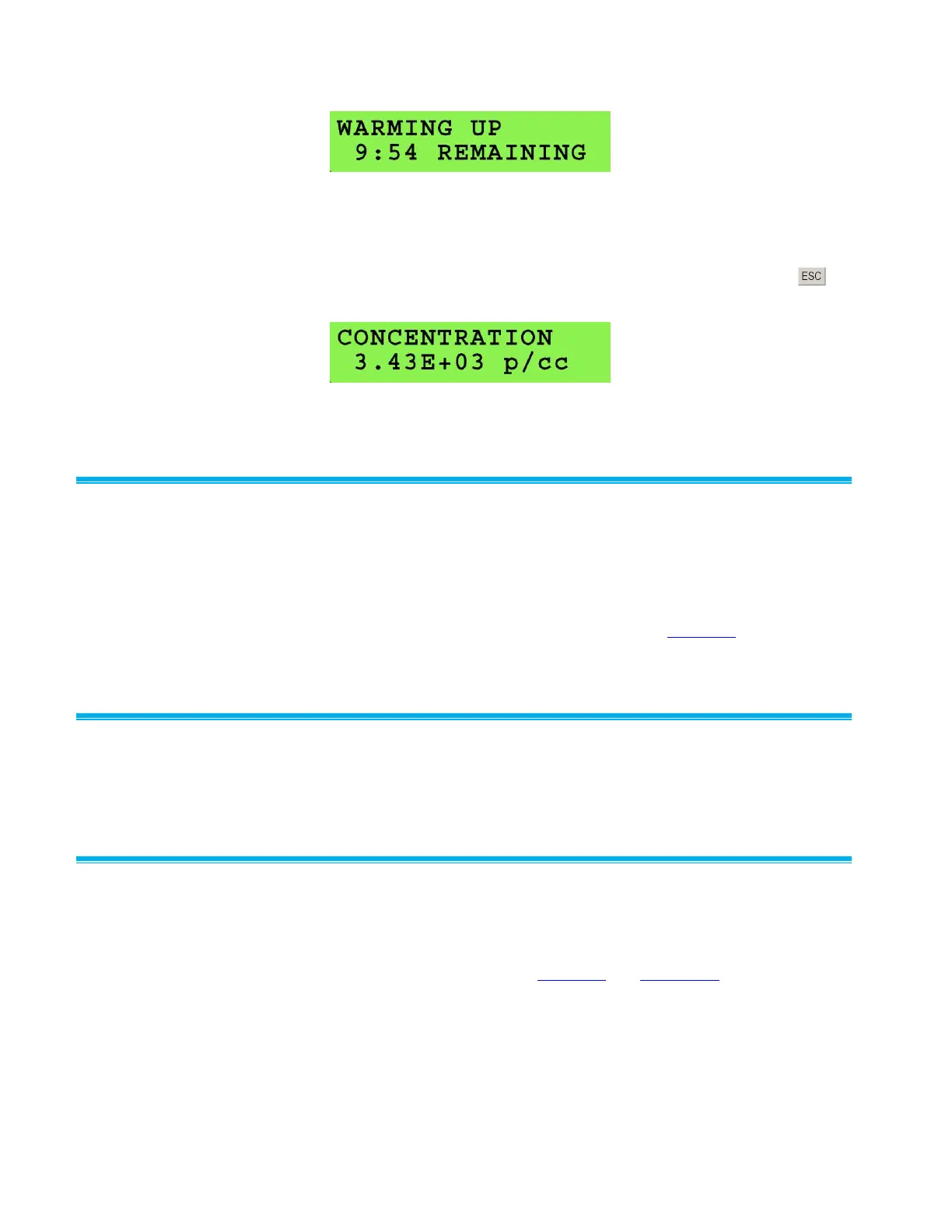
Figure 4-1
Model 3772 Display During Warm-Up
When warm-up is complete, the concentration is automatically displayed
for the 3772 as shown in Figure 4-2. The concentration can also be
displayed before the warm-up is complete by pressing the ESC key at
any time.
Figure 4-2
Model 3772 Display After Warm-Up is Completed
Status I n d icator
A status LED indicator on the front panel of the Model 3772/3771 CPC
indicates the overall status of the CPC. It will remain unlit if a key
parameter falls outside of the acceptable operating range. Parameters
monitored include instrument temperatures, pressures, and liquid level.
Generally it will light after warm-up time is complete, an external vacuum is
applied, and butanol has filled the reservoir. See Chapter 8 for
troubleshooting instructions if the Status indicator LED does not turn on.
Partic l e I ndica t o r
A particle LED indicator light on the front panel of the CPCs indicates
particle counts.
Comm u n i cation
CPC measurement data, instrument status, and user settings are available
through firmware communication for both Models 3771 and 3772 and also
viewable through the front panel for Model 3772. For more information on
firmware communication, see Chapter 7 and Appendix B.



 To Next Page