TSN Box Development – TSN Box 3.0 Getting Started Guide
1 https://jira.umannet.de/confluence/pages/viewpage.action?pageId=580587170
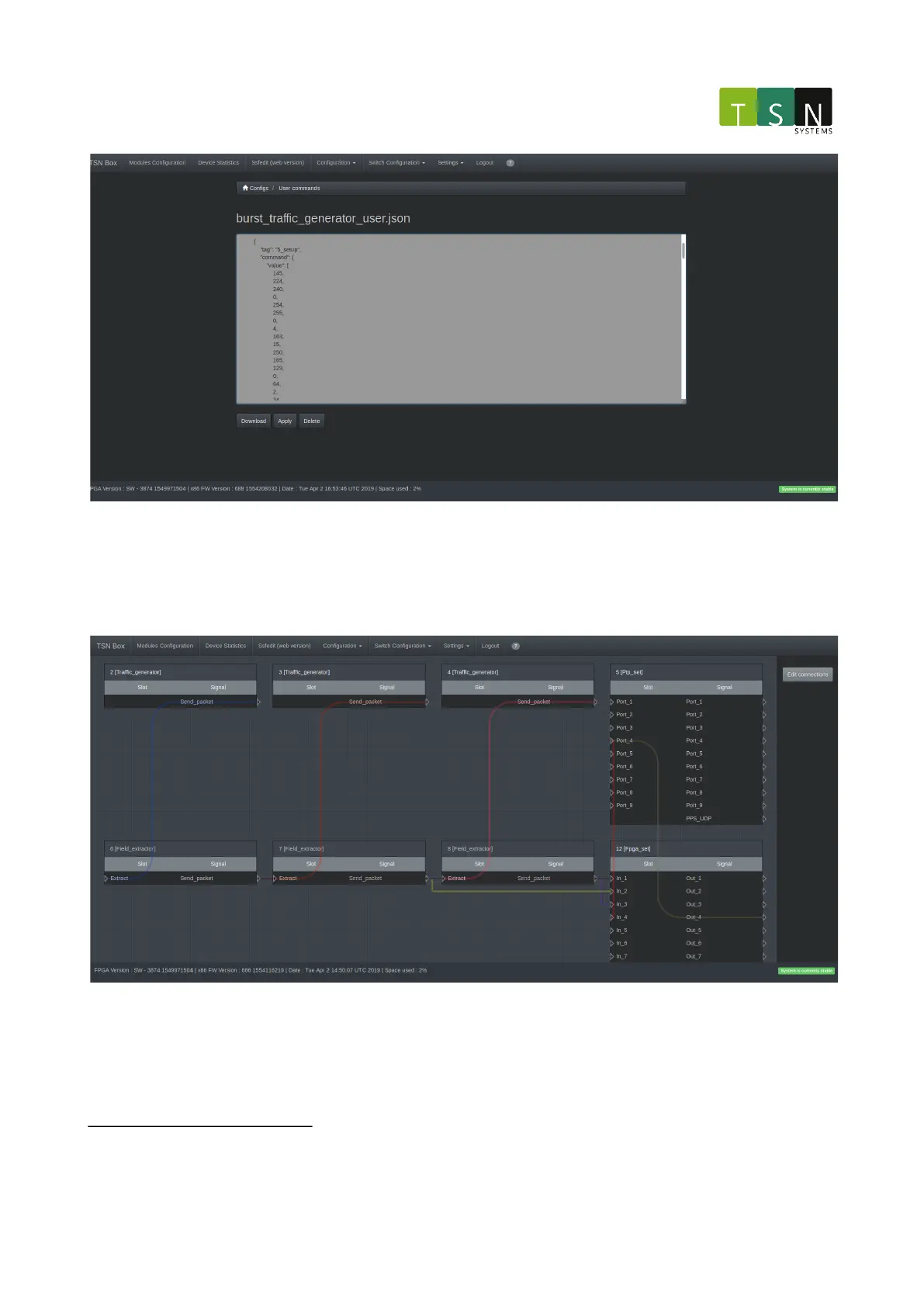
Modules Configuration(v2) Figure 2: This figure shows the page that enables editing of a uploaded configuration
file.
2.5.4.12 Ssfedit (Web Version)
This is the web version of SsfEdit
1
.
Ssfedit Figure 1: The modules shown in this figure are the modules for Packet Generator with burst (master)
configuration.
To make a connection between two modules click on the Edit connections button. The connections will
disappear, a known issue, and two buttons will appear called Create connection and Delete connection. A
combination of a signal and a slot needs to be provided by selecting them on the grid. Once there is a selection,
click the Create connection button to make a connection. The page will reload and the new connection will appear



 To Next Page