TSN Box Development – TSN Box 3.0 Getting Started Guide
2 http://www.ieee802.org/1/pages/802.1as.html
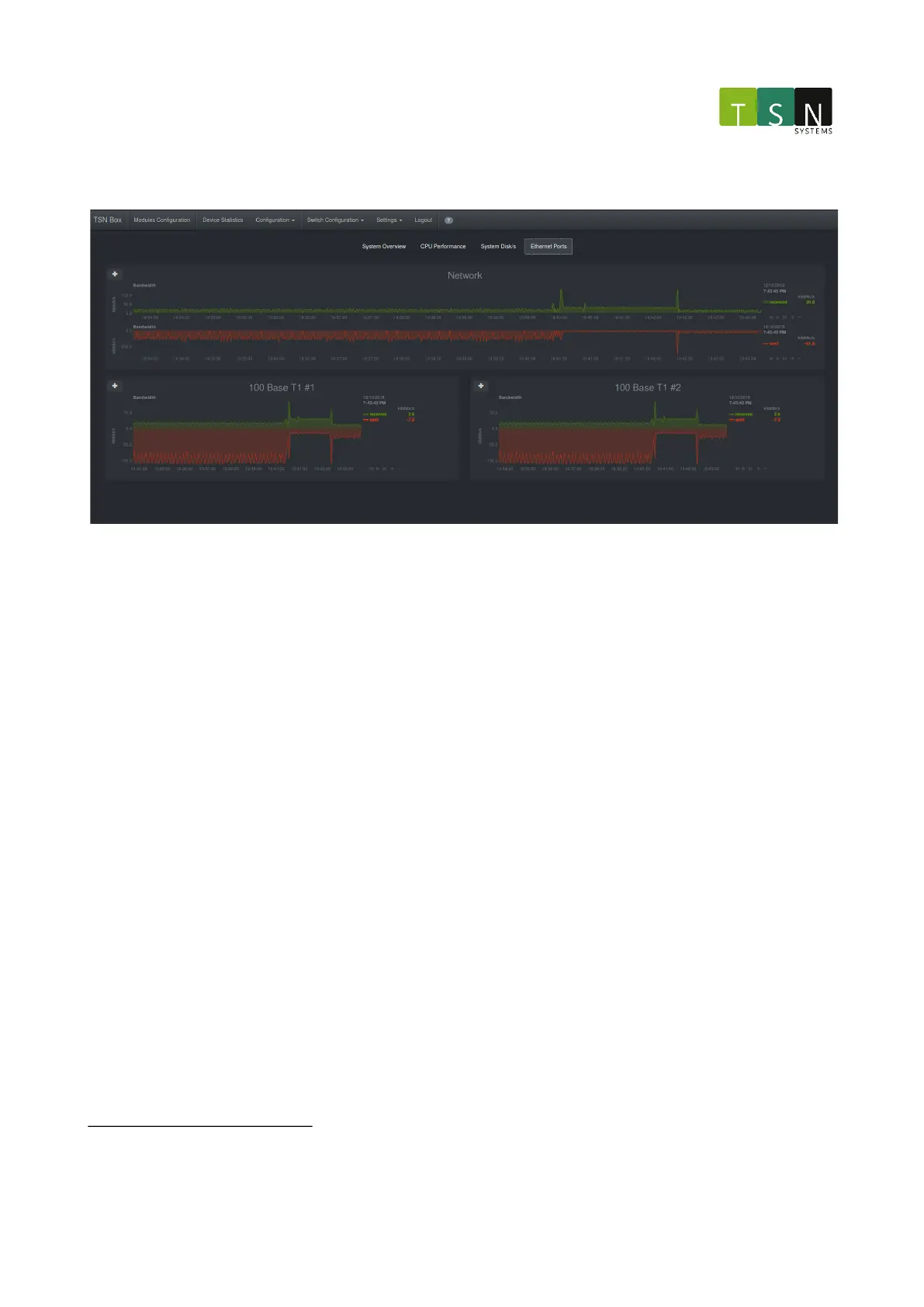
Ethernet Ports:
2.5.4.14 Configuration/Hardware
This page allows configuring the unit hardware. The following is a list of operations available for configuration:
• Network configuration: Get and set the IP address/netmask of the control network interface (reboot the
unit to apply any changes made here)
• Power configuration: Control the x86's power. Note that this will reboot only the x86. To reboot the
entire unit, perform a power-cycle or use the reset button.
• Ports/Ethernet: Configures each individual port. This will also show all the available ports and the current
status of each port. With this interface one can setup the unitfor use cases such as tapping
• Sync: Configure sync to use either the BNC sync available on the unitor to use PTP syncIEEE 802.1AS
2
(Two
units with BNC sync modules are required for this)
• Pulse gen: Starts a PPS signal on the external BNC output aligned to a specified start time (relative to the
FPGA timestamp counter). For example, if a time in the future is given, the pulse will occur on that time but
may start sooner.
• Logs: Provides a download link to download the unit's log which will be useful for troubleshooting.
• About: Displays the various information relevant to the hardware and software versions running on the unit.
In the web application, the available operations are organized in a list. When an item is selected it will show its
available configurations as depicted below:
Network configuration:



 To Next Page