TSN Box Development – TSN Box 3.0 Getting Started Guide
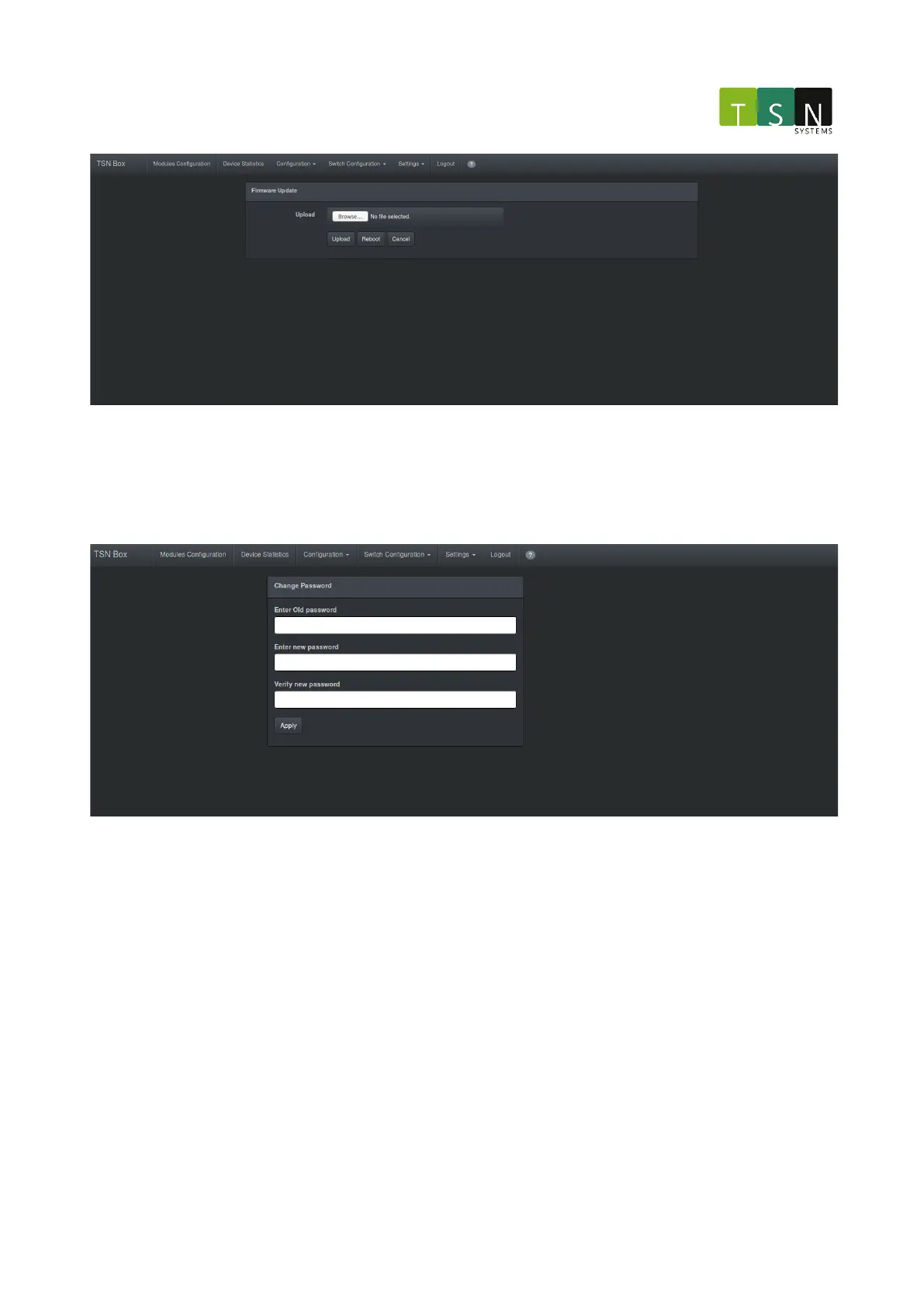
NB: Currently, rebooting from the hardware configuration page will reboot just the x86. If any issues are
experienced after a firmware update, power-cycle the unit.
2.5.4.18 Settings/Change Password
The main account's password can be changed via this interface:
2.5.4.19 Settings/Manage Users
Currently the unitships with only one account which is the admin account. When logged in as admin, other non-
admin users can be created as well.



 To Next Page