TSN Box Development – TSN Box 3.0 Getting Started Guide
if it was successful otherwise nothing will happen. When deleting a connection the same procedure can be followed
but click the Delete connection button instead. As a note, only a signal needs to be selected in order to make a
successful disconnection.
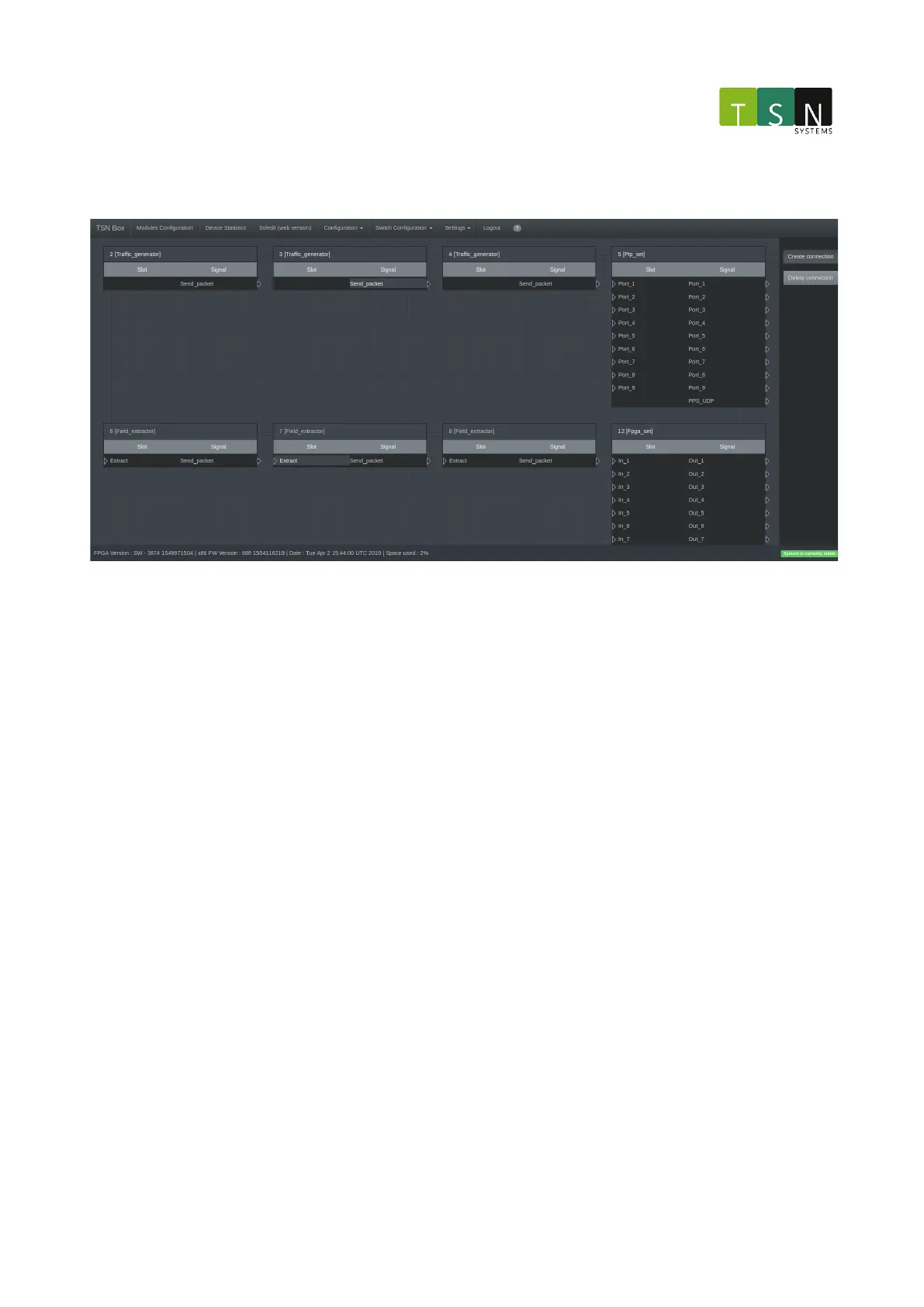
Ssfedit Figure 2: This figure illustrates the selection of a slot and a signal, clicking Create connection will connect
them together.
NOTE: There are a few known issues regarding this version and they will be addressed in future releases.
Some of the known issues are:
• Connections are only shown at the first level of modules:
• By clicking on a module which has sub modules shows a new page that contains them but with no
connections!
• The connections are shown might be mapped incorrectly or missing in some cases.
• As mentioned before, interacting with modules by connecting and deleting them the connections will
disappear until the page is reloaded or when a connection/disconnection has been made.
2.5.4.13 Device Statistics
This page displays some useful statistics for the unit to allow monitoring attributes such as:
• CPU usage
• Memory usage
• Network usage (for the control interface only for now. The network usage of the TAP ports are still to come)
When performing tasks with the unit, one can use this page to monitor usage of available resources.
Attributes are categorized with tabs: System Overview, CPU Performance, System Disk/s and Ethernet Ports.
System Overview:



 To Next Page