Page 32 of 66 Pages
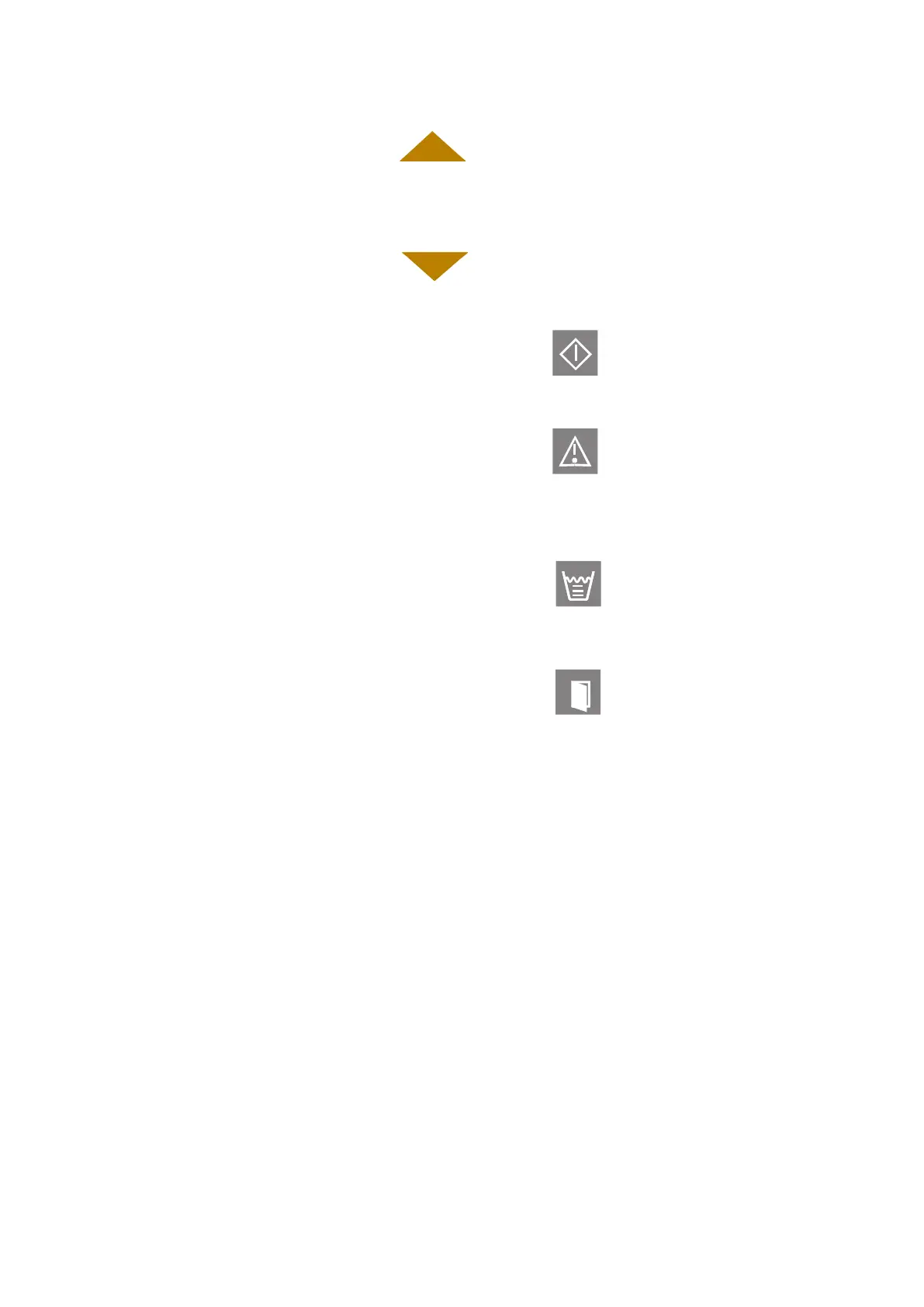
5. UP key
This key enables increasing the value displayed above the
cursor, at the clock programming and for setting of certain
parameters by the technician.
6. DN key
This key enables decreasing the value displayed above the
cursor, at the clock programming and for setting of certain
parameters by the technician.
7. START LED INDICATOR
When the “START” LED indicator s on it; indicates that the
system is running a program.
8. FAIL LED INDICATOR
When the “FAIL” LED indicator is on; it indicates that the cycle
has failed either as a result of exceeding the allowable limits or
the STOP key has been pressed.
9. WATER LED INDICATOR
When the “WATER” LED indicator is on; it indicates that there
is a lack of water in the reservoir.
10. DOOR LED INDICATOR
If the “Start” key is pressed and the door is unlocked the light
will signal twice and the buzzer will sound four times.
If a cycle is in progress and fails on door unlocked “FAIL” LED
indicator will lit and a message “Door Unlock” will be
displayed.



 To Next Page