Page 93 of 102
TVL 351
ISSUE 15
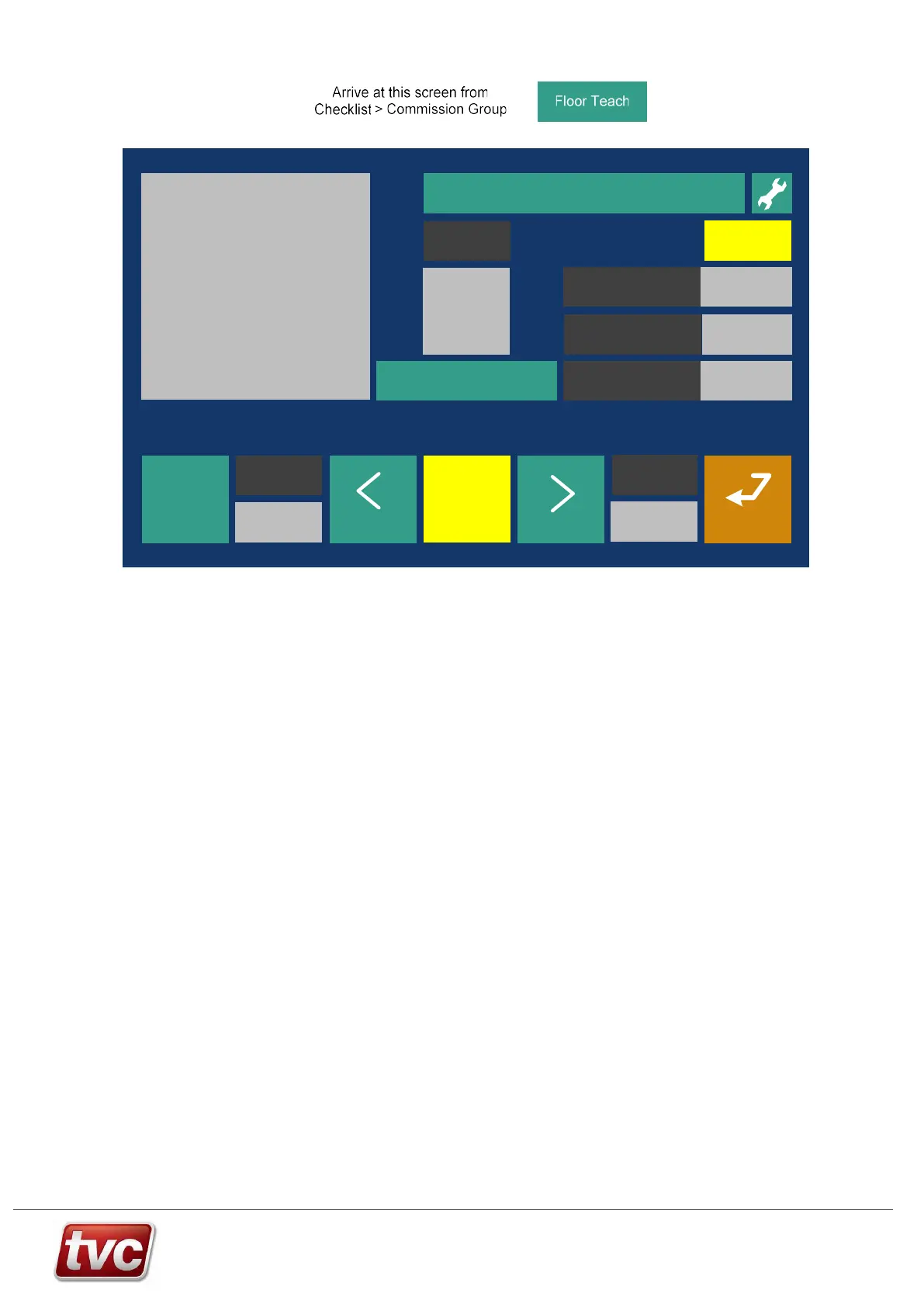
Teaching the Floor Levels
View Events
Move car using emergency electrical operation to each floor and teach the floor levels.
Back
?
Help
Next
Floor
Bottom Reference
Position
75678 mm
9500 mm
Current
Floor
2
13000mm
Instructions:
To teach floors - Switch to Panel
Test and Door Disable, activate
Teach Mode. Start with the car at
the bottom floor.
Move car to floor level and then
press teach “FRONT, REAR or
both” teach button. Move up a
floor and repeat until all floors are
taught.
Previous
Floor
Enable
Doors
End
Teach
Mode
Top Reference
Position
Limax Position
14000 mm
Next FloorPrev Floor
Teach - FRONT
10000 mm
32567 mm
Out of Service
Checklist >Floor Teach Fri 03/09/21 15:47:00=Level 1
Teach mode – To Teach / Learn the Floor Levels.
Floor Teach will only work if the following conditions are met:
1) In Emergency Electrical Operation (Panel Test - PTR Input Active) or In Inspection Control (Test – TTR
Active)
Sequence of Teach Floor Operation:
1) Select “Floor Teach” from checklist.
2) Disable doors.
3) Place in “Teach Mode”.
4) Move the lift using the panel test buttons, or car top controls.
5) Starting at the bottom floor, position the lift as close to floor level as possible.
6) Select floor 1 with the arrows on the MMI or with the car buttons, the selected car button will flash to signify
teach mode.
7) Press “Teach – FRONT / REAR / BOTH” depending on pre-set floor location table or press the DOP push
for 3 seconds if in the car. Confirm the floor level is registered. The car push will stay lit for 5 seconds to
confirm a teach is requested.
8) The position distance will be reset to 10m once the bottom floor is taught.
9) Select “Next Floor” to increment the floor display.
10) Move the car to the next floor and repeat the process until the top floor is reached.
11) Press “End Teach Mode” to activate the Limax3CP.
During teach mode event code 300 "Limax3CP Teach Mode" is logged.
Once the floors and reference positions are taught the panel can be switched to normal operation.



 To Next Page