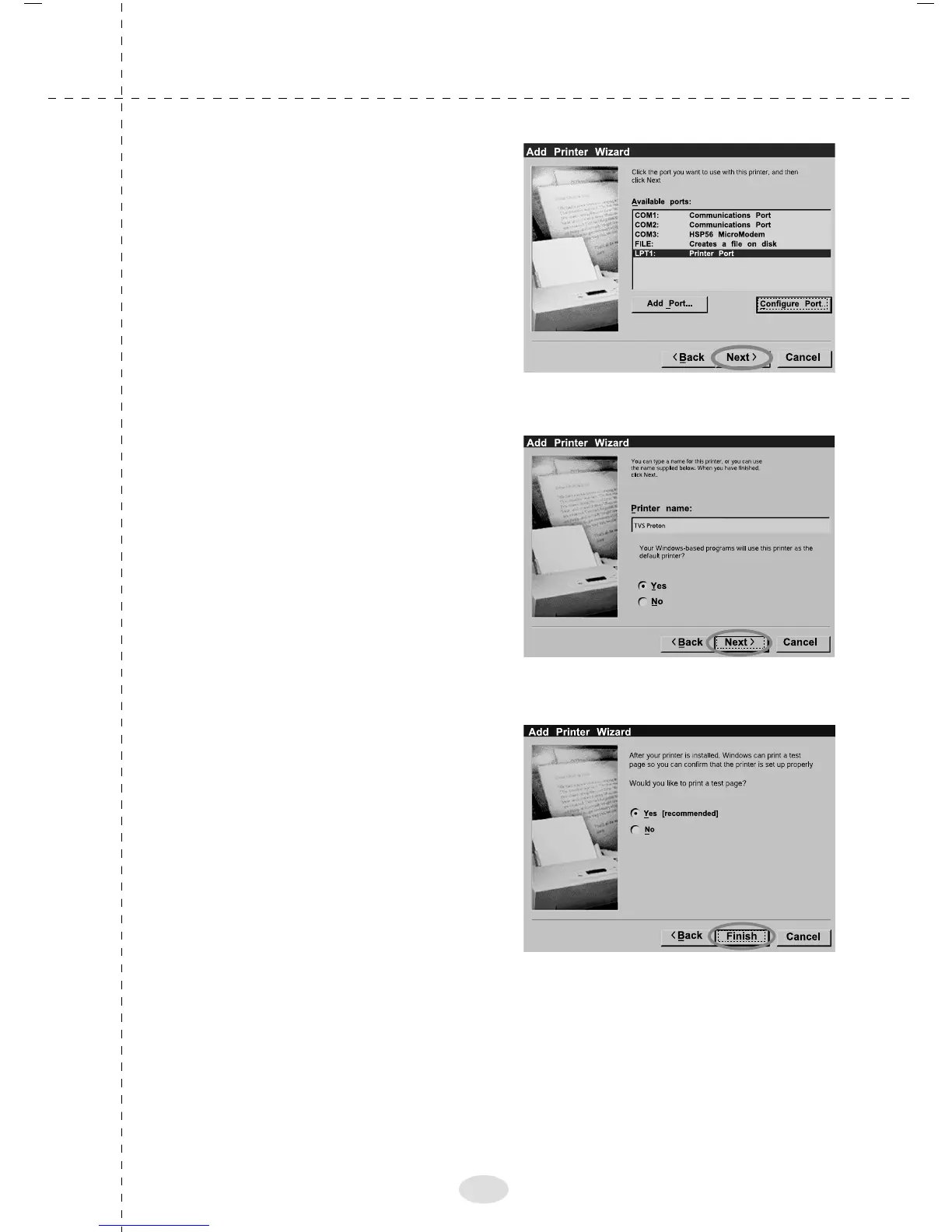
13. Add Printer Wizard will
appear as shown in the
adjacent screen. Select "LPT
1" port and Click "Next"
14. Add Printer Wizard will
ask if you want to set
PROTON as Default Printer.
By selecting "Yes"we can
make TVS PROTON as
Default Printer Click "Next" to
continue.
15. Select "Yes" and Click
"Finish" to continue Printer
will start printing Windows
Test Page.
19



 To Next Page