107
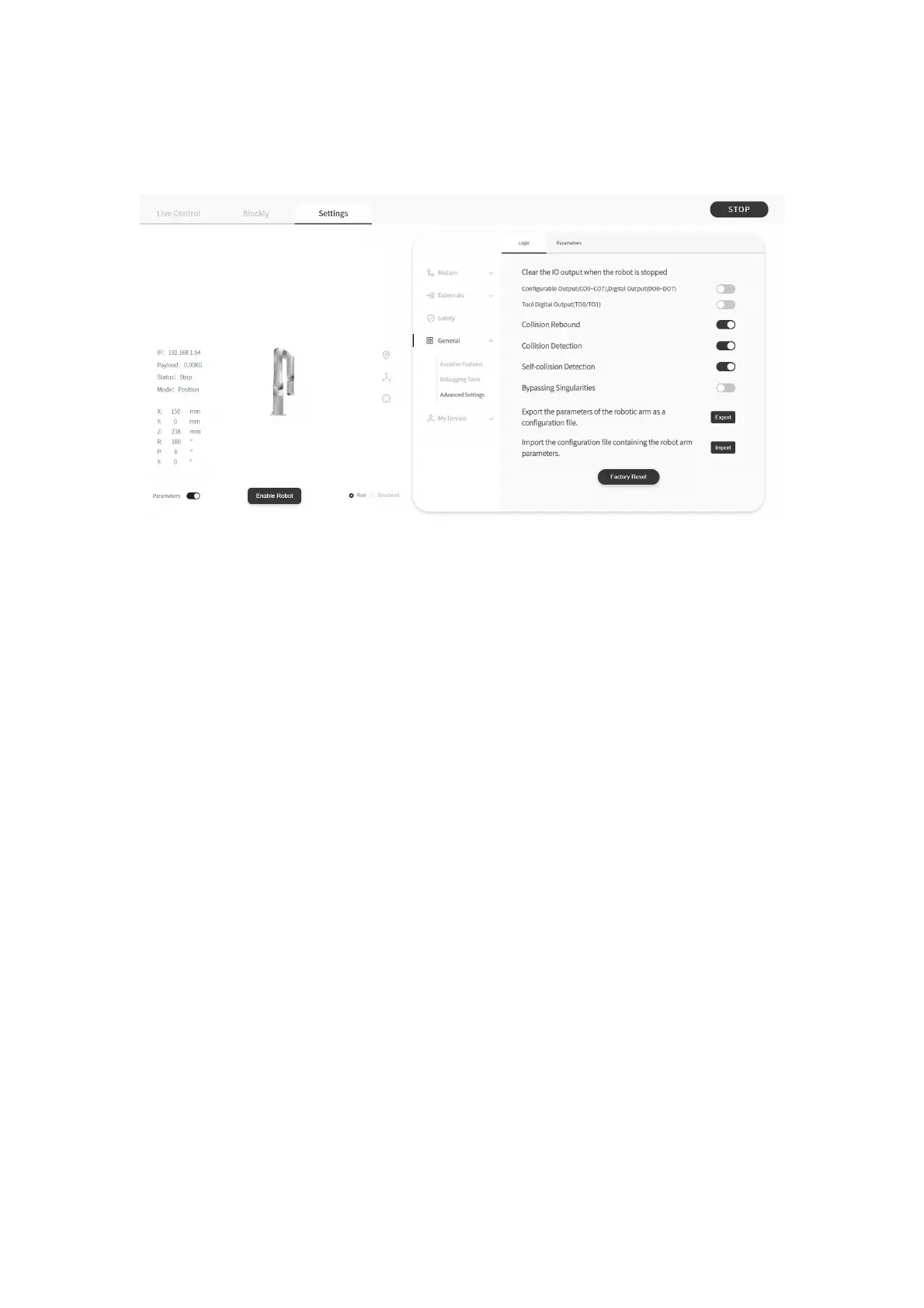
1.4.4.3 Advanced Settings
Clear the IO output when the robot is stopped
● After turning on 【Clear IO output when the robot is stopped】if the
robotic arm receives a stop command, 【 Controller Digital Output 】 or
【 Tool Digital Output 】 will be set to the invalid state. Otherwise, the
【 Controller Digital Output 】 or 【 Tool Digital Output 】 will not be
affected by the stop command.
Collision Rebound
● When this mode is turned on, the robotic arm will rebound backward
for a certain distance after it collides with an obstacle. If collision
Detection is open, when this mode is turned off, the robotic arm will
stay at the position where collision is detected.


 To Next Page