____________________________________________________________________________________________
Page 18/63 UltraGauge™ EM User Manual www.ultra-gauge.com
GAUGE PAGES & ZONES
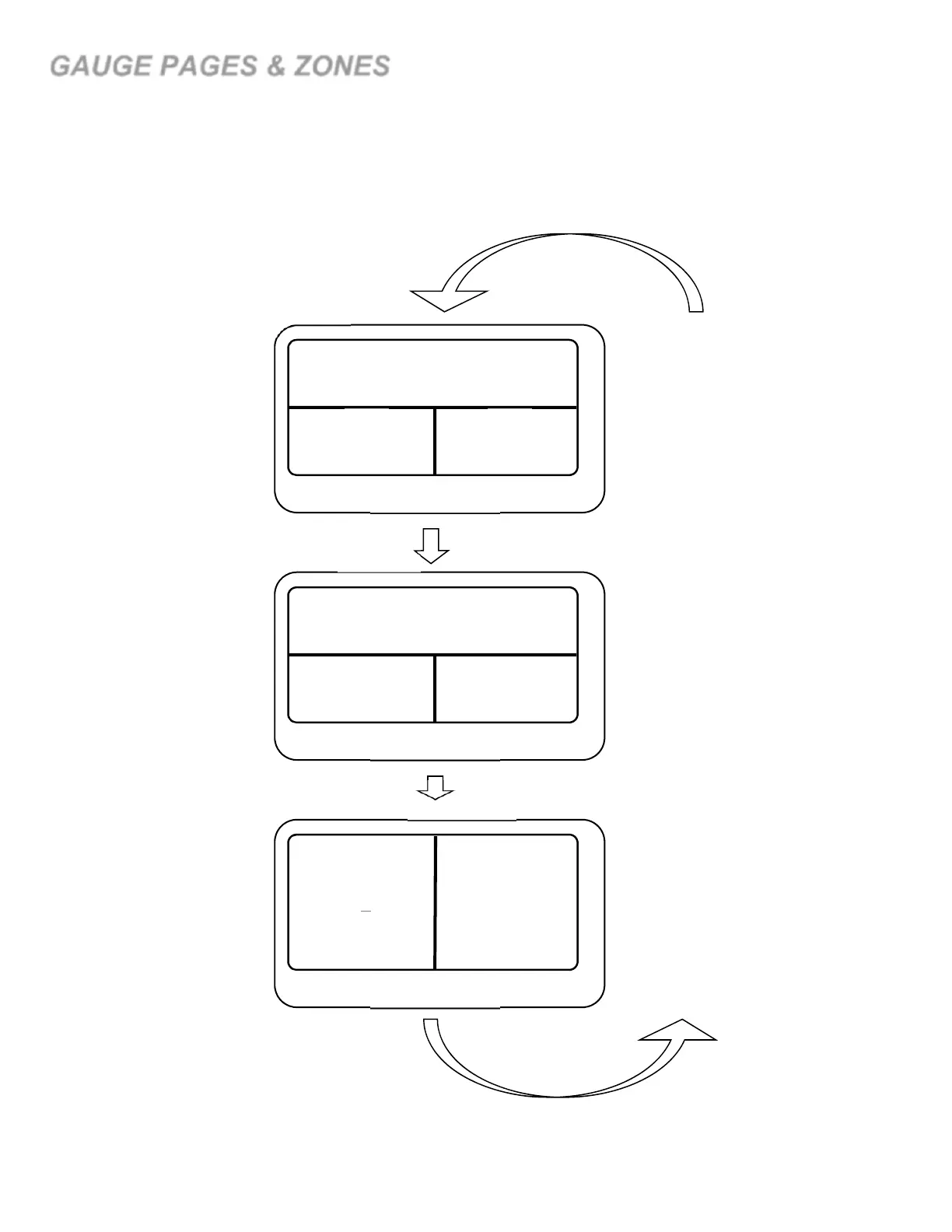
UltraGauge can display seven separate pages of gauges. Each page can independently be configured to display 4, 6 or 8 gauges. Gauges
are displayed by assigning a gauge to a particular zone. Zones are identified by a number; 1 through 8. Assigning a gauge to zone “1”,
places the gauge in the upper left hand corner, as shown below. Likewise, a gauge assigned to Zone “6”, places the gauge in the lower
right hand corner. Zones that are unused on a page are ignored, but still may be assigned should you wish to switch between 4, 6 or 8
gauges per page.
During normal operation, to advance to the next page of gauges press and hold the DOWN arrow key for 1 second. UltraGauge will emit
a tone when the page advance is recognized. Pressing DOWN on the last enabled page returns the display to page 1.
5
7
6
8
Page 7
1 2
Page 2
1 2
3
5
4
6
Page 1
Press
DOWN
Press
DOWN
Press
DOWN
Gauge Zone
Ordering
3 4
3
1
4
2
8 gauges
Per page
4 gauges
Per page
6 gauges
Per page
…



 To Next Page