____________________________________________________________________________________________
Page 59/63 UltraGauge™ EM User Manual www.ultra-gauge.com
Performance
MENU More .. Performance
UltraGauge can measure both acceleration and braking performance.
Acceleration Performance Braking Performance
0-30 MPH 30-0 MPH
0-60 MPH 60-0 MPH
0-100 KPH (Km/H) 100-0 KPH
0-100 MPH 100-0 MPH
0-1/8 Mile N/A
0-1/4 Mile N/A
Simply arm the gauge then go. As each Performance milestone is reached the time is displayed. Once the desired milestone is reached,
hard braking will measure the braking performance. You may begin the braking measurement when any of the milestones are reached.
To start the performance monitor, enter the performance screen by selecting MENU More .. Performance.
If the vehicle is moving, the message “Not Rdy” will be displayed at the bottom of the screen. Once the vehicle is stopped, the “Ready”
message will appear. The vehicle can now begin accelerating. If the speed does not reach the first milestone and the speed drops back
to zero, then the gauge will rearm and display “Ready”.
Once the performance measurement is started, the real-time speed, distance & time will be displayed at the bottom of the screen.
When the vehicle begins to slow
*, the display of these parameters will freeze. Once the vehicle stops, the braking data will be
displayed.
The Feet, Meters, and Seconds for each of the braking milestones can be displayed. Once stopped, the braking data can be toggled by
pressing the “DOWN” Key. To leave the Performance screen, press MENU.
To repeat the measurements, exit the Performance screen and then re-enter.
The performance screen is only intended to measure sharp acceleration and braking. It is not meant for any other purpose beyond this.
As a result do not leave this screen up while driving as the times and distances will quickly grow too large to fit in the area provided.
In general, the elapsed time should not be allowed to exceed 99 seconds. No harm to the gauge will occur; the display will just become
overrun with data.
* Note: The Deceleration phase begins when the speed drops through the last achieved acceleration threshold of 30, 60 or 100MPH. For
example, if the speed crosses over 60MPH and increases to 70MPH, the deceleration phase begins when the speed drops below 60MPH.
Likewise, if the speed just reaches 60MPH, and the vehicle is shifted slowly, causing the speed to drop below 60MPH, the deceleration
phase will begin. The Acceleration numbers will freeze when the deceleration phase begins.
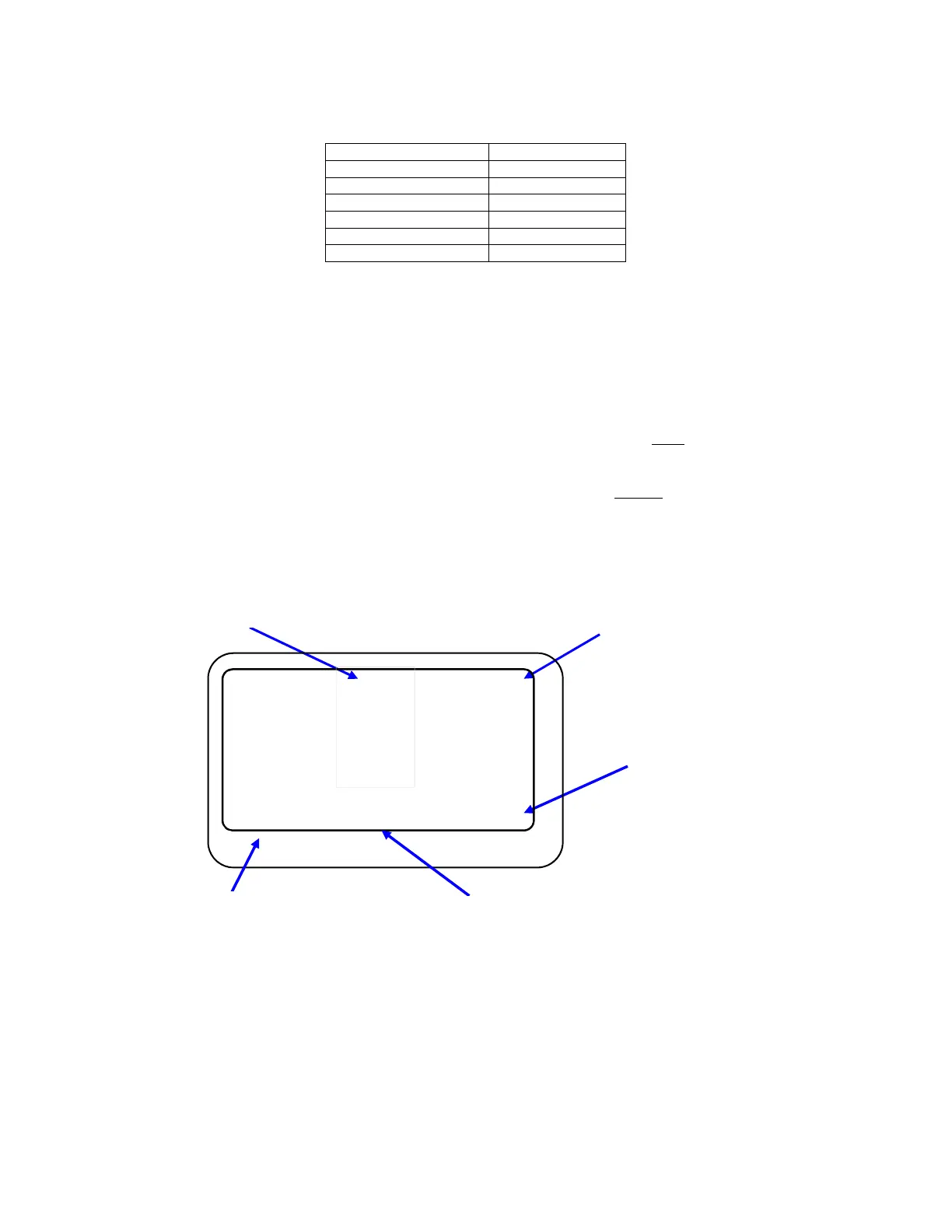
Elapsed acceleration time (secs)
0-30 MPH 3.40 22f
0-60 MPH 7.82 85f
0-100 KPH 7.99 88f
0-100 MPH 14.50 260f
1/8 Mile 8.90
1/4 Mile 15.96
MPH 60 mi 0.10
KPH 96 km 0.16 16.2
Braking units {ft,m,s}
“DOWN” to change
units
Milestone Time (secs)
Elapsed acceleration Distance
Acceleration Speed



 To Next Page