____________________________________________________________________________________________
Page 57/63 UltraGauge™ EM User Manual www.ultra-gauge.com
R134a, hence the monitor is irrelevant.
READINESS STATUS
Status indicates if a test has completed or not. If not completed (Not Ready), it can mean a system component has prevented the test
from completing. For example, if the Speed sensor is not working, the test cannot complete since the drive cycle cannot be determined.
However, it does not mean that the results of the test failed, only that the test completed or not. Once a test completes, and the test is
marked “Ready”, the test may have passed or failed. If the test failed there will likely be trouble codes posted. Note that UltraGauge is
simply the messenger, relaying information from the vehicle’s ECM, and has no influence or impact upon the tests.
The Test Status displayed by UltraGauge is one of four values:
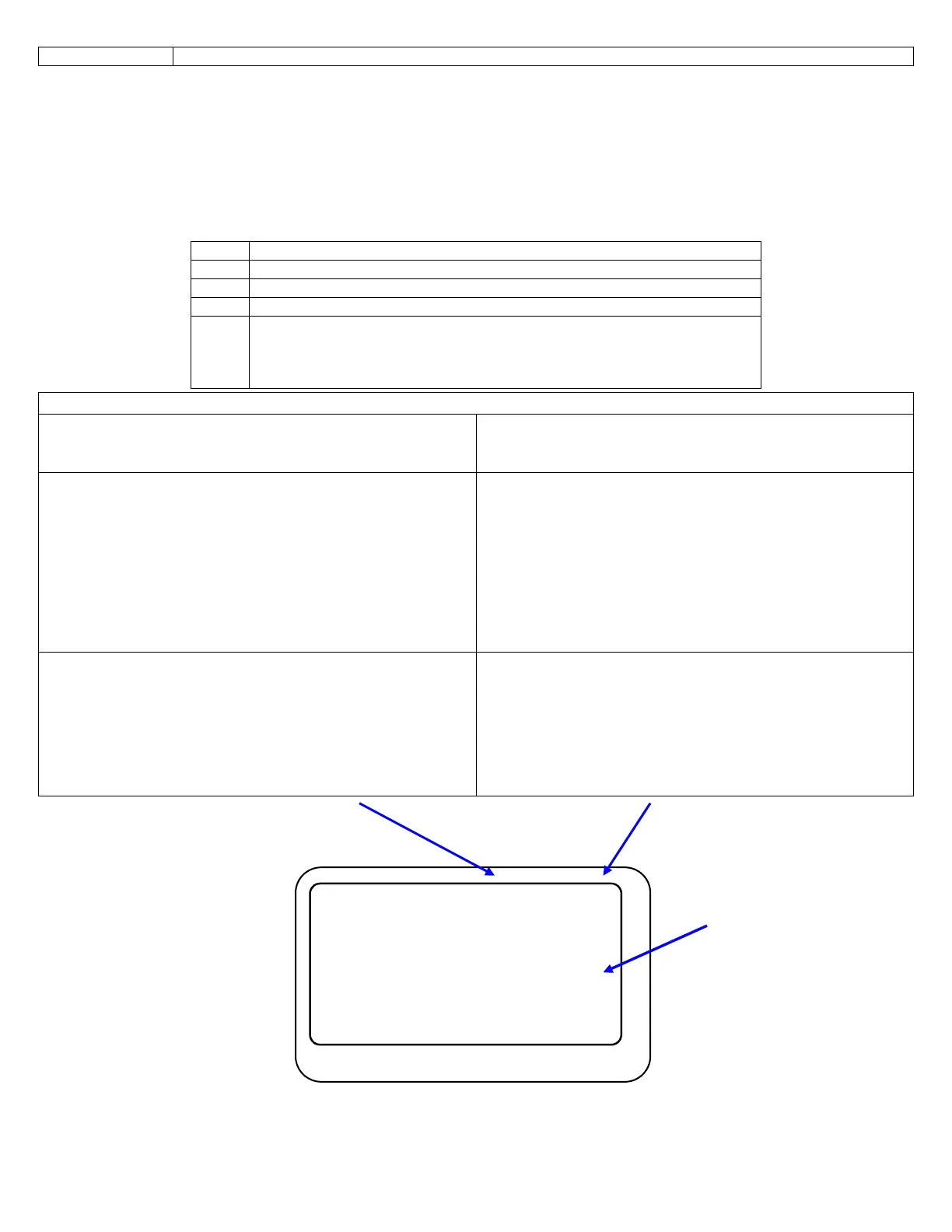
UltraGauge Status Display
Status this current driving cycle
(Left Column Status)
Status since Trouble Codes last cleared
(Right Column Status)
The left column represents the readiness status for the current
driving cycle.
Each time the engine is started, and in some cases when the
ignition is switched off, the ECM attempts to rerun the various
readiness monitors/tests. If a test completes, it will be reflected in
the left column and the right column. If a monitor/test does not
complete, “NO” will continue to be displayed in the Left Column,
the right column will not be affected.
The Right column represents the readiness status since the trouble
codes were last cleared. The right column is sticky, in that once a
test completes and the status changes from NOT READY to
READY, its sticks and will not revert back to NOT READY unless
the trouble codes are again cleared, even if there are no trouble
codes.
To restart/clear monitor status, select:
MENU Trouble Codes... Clear Check Engine
This will clear any posted trouble codes and reset the readiness
status
This status is not always available. It is more common on newer
vehicles and less common on older 90’s and early 2000’s vehicles.
If not supported by your vehicle, the column will show “NR” for
all tests. (See NR above)
If no results are shown, exit the menu, place the ignition to RUN
and then rerun the readiness menu item. Always leave the ignition
in the RUN position (engine off), prior to and while checking the
Readiness status.
This status is commonly available on all vehicles.
If “NR” is shown, exit the menu, place the ignition to RUN and
then rerun the readiness menu item. Always leave the ignition in
the RUN position (engine off), prior to and while checking the
Readiness Status.
The Status will continually be read and displayed until any key is pressed. If the ECM is running the monitors, the status may change in
real time. The Refresh/Action symbols are displays on those tests which are being read and updated.
Status Description
RDY Ready. The test has been completed
NO Not Ready. The test has not completed
N/A The vehicle does not support the test.
NR No Response– The vehicle did not respond because the ignition was
not in the RUN position, or the vehicle does not support “Current
Drive Cycle” readiness. Or the ignition was switch OFF, then back ON while
viewing Readiness Status, and the vehicle is using 9141 or KWP2000 Protocol
Catalyst RDY RDY
Cat Heater N/A N/A
Evaporative RDY RDY
Secondary Air NO NO
Air Condition N/A □□□
O2 RDY RDY
O2 Heater RDY RDY
EGR/VVT N/A N/A
Refresh/action symbols



 To Next Page