28 MAKING AND ANSWERING CALLS Customer Service: 888-269-7477
Answering an Incoming Call
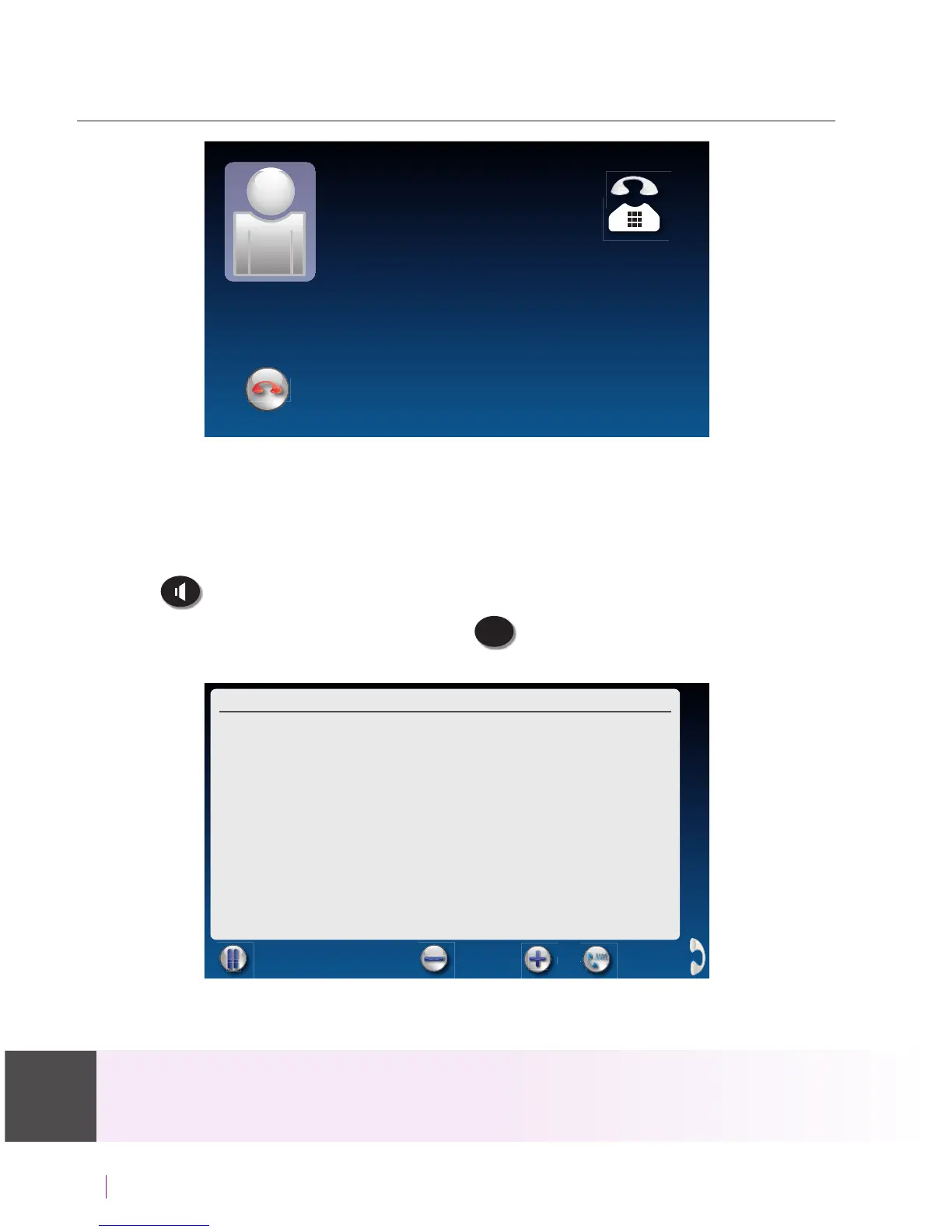
1. When the phone rings, the display lights up to let you know there is an
incoming call. (If you have Caller ID service, the caller’s name and phone
number will appear.)
2. Lift up the handset to answer the call. Or, to answer on speakerphone,
press
(SPEAKER button).
3. Check that the blue light around the
CAPTIONS
(CAPTIONS button) is on. If
not, press the CAPTIONS button to turn captions on.
When you are nished with your conversation, hang up the phone as you
normally would.
If you answer on an extension telephone and want to get captions, just pick up the
CapTel handset. As long as the CAPTIONS button is on, your CapTel phone will connect to
the Captioning Service and you will see captions. For details see Line in Use on page 97.
send to ans machine
Incoming Call
13335552652
Corner Pharmacy
C Pharmacy
Call Time: 00:00:16June 22 10:49 am
(CapTel CA# C6430) (F) Hello
this is corner pharmacy calling
your prescription is ready to be
picked up
Pause Captions Font Size
Tone


 To Next Page
 Loading...




