98 • USING CAPTEL IN 2-LI NE MODE Customer Service: 888-269-7477
Answering an Incoming Call in 2-Line Mode
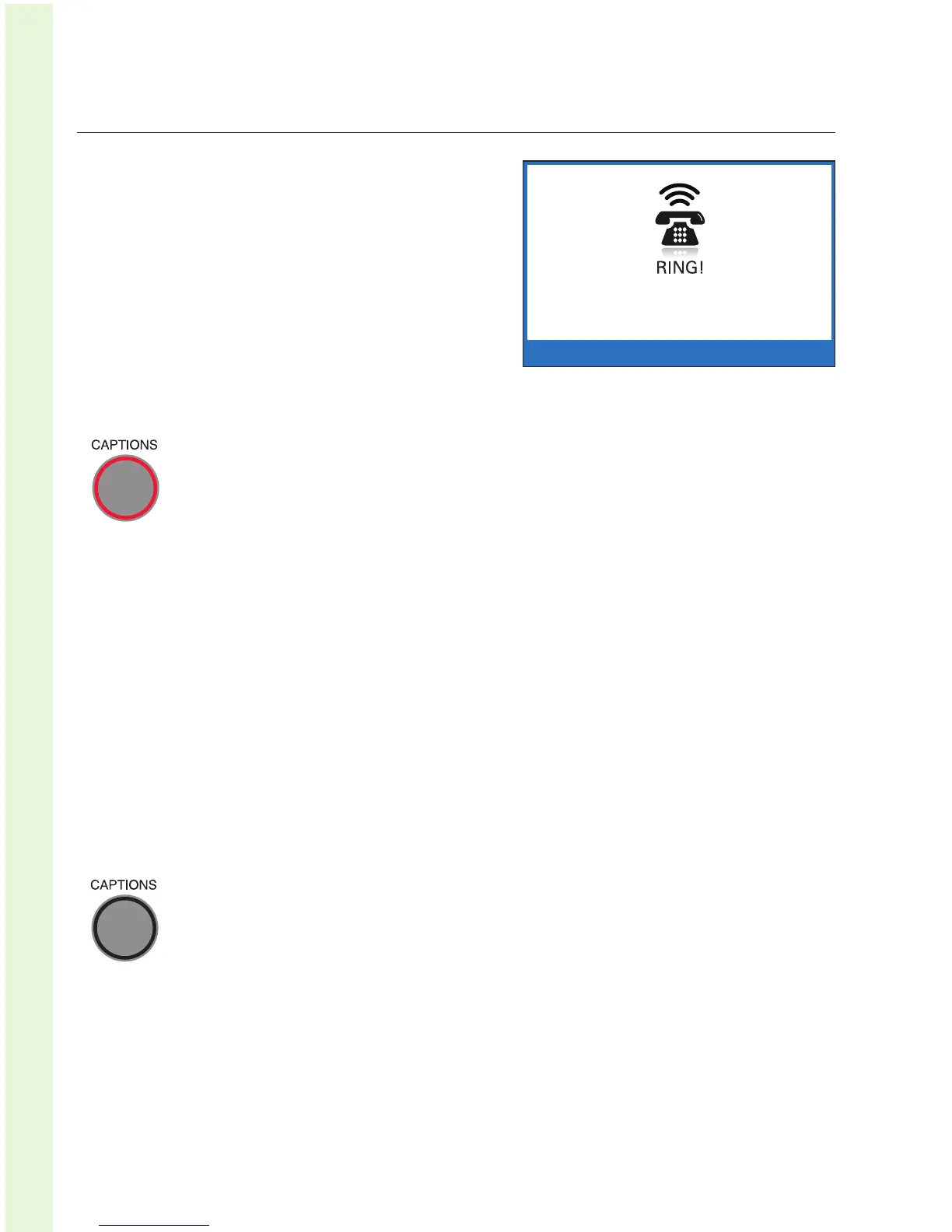
1. When the CapTel rings, RING!
is displayed.
2. Pick up the handset to answer.
Check to see if the Captions
feature is on (the red light around
the CAPTIONS button is on).
If the Caption Feature is On
The CapTel phone will automatically connect the call to the
Captioning Service using Line 2. After an initial delay of 12-15
seconds, captions of everything the caller says will be displayed.
NOTE: As you answer a call, there is a delay between the time you answer and
the time that captions begin, because it takes time for the phone to connect to
the Captioning Service and initiate captions. The display will indicate when
captions are ready. During this time, you and your caller will be able to speak
to and hear each other, so you may begin your conversation if you can hear
the caller clearly enough.
You may ask your caller to hold for a moment while captions are being
established or speak to the other party during this time. Or, begin your
conversation when you see a CapTel CA# appear on the display.
If the Caption Feature is Off
The call will not start with captions. To receive captions, simply
press the CAPTIONS button at any time during the conversation.
Verify that the CAPTIONS button light is on. There will be an initial delay of
about 12–15 seconds as the phone connects to the Captioning Service. You
may speak to the other party during this time. The display will indicate when
the Captioning Service has connected. You will receive captions throughout
the remainder of the call, or until you turn the feature off by pressing the
CAPTIONS button again.


 To Next Page