46 • CALL H ISTORY Customer Service: 888-269-7477
Using Call History to See Recent Calls
Your CapTel 840 phone keeps a list of the most recent incoming phone calls
including calls you may have missed. There is a maximum of 99 incoming
phone calls stored.
The CapTel display screen automatically shows you the phone number of the
person who called you most recently, even if you were not there to answer
the call. Depending on your Caller ID service, the display screen may also list
the name of the caller. To see other callers’ information saved in Call History
,
press the DOWN arrow button to scroll back through recently received calls.
Missed Calls
Any unanswered calls appear as New Calls
in the display screen.
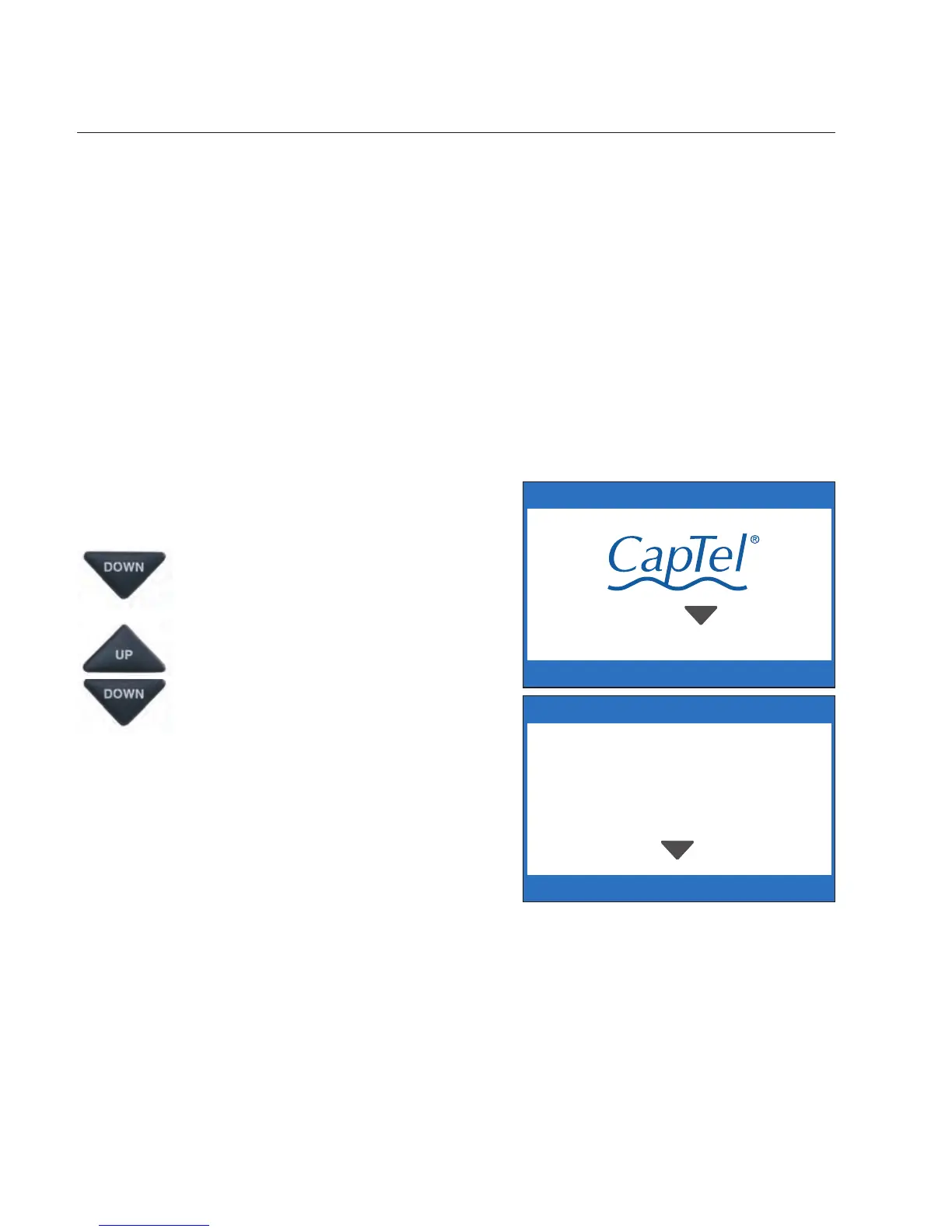
1. To review calls, press the
DOWN arrow button.
2. Use the UP and DOWN arrow
buttons to move backwards
and forwards through previous
call listings.
CALL HISTORY (1 OF 2)
Press YES delete or NO to exit



 To Next Page