Customer Service: 888-269-7477 USI NG CAPT EL IN 2 -LINE M OD E • 97
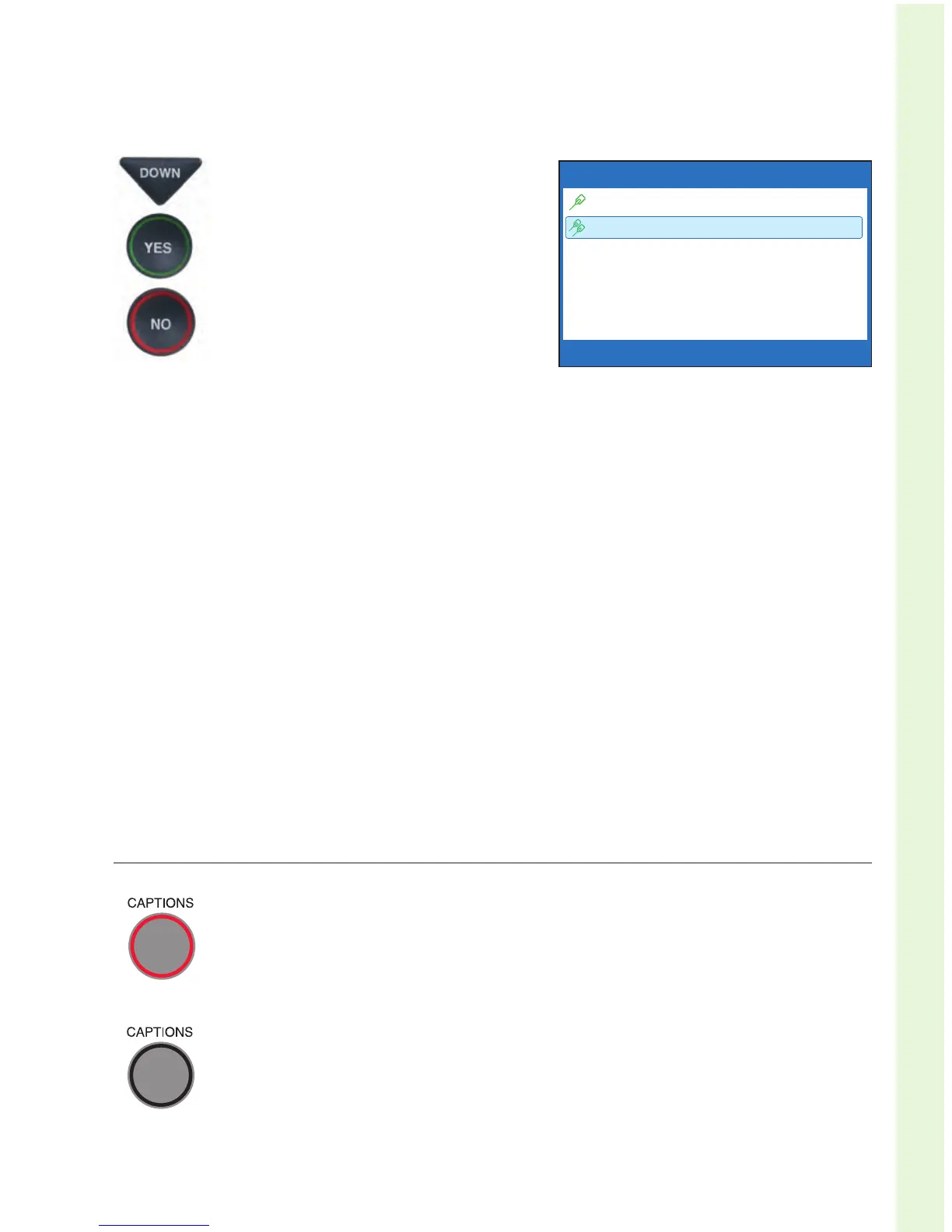
5. Press the DOWN arrow button
until Use 2 Telephone Lines
is highlighted. Press the YES
button to turn 2-Line Mode on.
6. Press the NO button repeatedly
to exit out of Options menu.
NOTE: If you are in an office setting, where Line 1 requires you to dial a
number to reach an outside line (such as “9”), you will need to manually dial
the dialing prefix before placing your call. If Line 2 also requires a dialing
prefix to get an outside line, make sure you’ve entered a dialing prefix in the
CapTel menu as well. See page 77 for directions.
You are now ready to begin making and receiving calls using 2-Line Mode.
NOTE: If you have already used your CapTel phone in 1-Line Mode, be sure to
remove any Call Waiting blocks previously set in the CapTel menu.
Turning Captions On/Off in 2-Line Mode
With 2-Line Mode, you can turn captions on/off at any time during
your call by pressing the CAPTIONS button. When the red light
around the CAPTIONS button is lit, you will see captions of
everything the other party says.
To turn captions off, press the CAPTIONS button again. The red
light around the CAPTIONS button will go off.
CURRENT CAPTIONING METHOD USES 2 LINES
Use 1 Telephone Line
Use 2 Telephone Lines
Press YES to accept or NO to exit



 To Next Page