42 • VIEWIN G CAPTIONS Customer Service: 888-269-7477
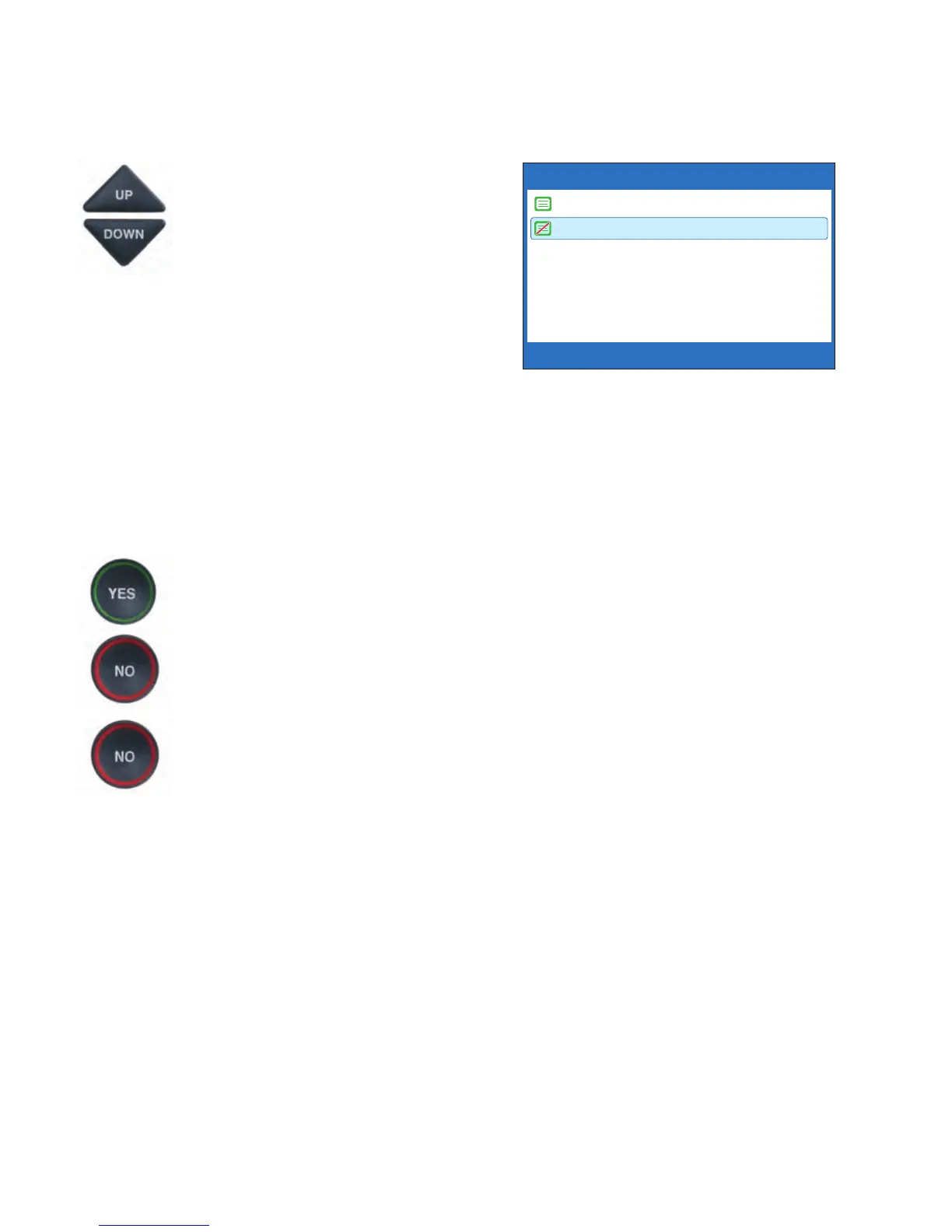
5. Press the UP or DOWN arrow
button to highlight
CONVERSATION SMOOTH
SCROLL on or off.
Conversation Smooth Scroll
On rolls captions across the
display screen line-by-line in a
continuous movement.
Conversation Smooth Scroll
Off displays captions word-by-
word as each word is captioned.
6. After making your selection,
press the YES button to accept
or press the NO button to exit.
7. Press the NO button
repeatedly to exit out of
the menu system.
NOTE: This setting will remain On/Off until you change it again.
CONVERSATION SMOOTH SCROLL CURRENTLY OFF
Conversation Smooth Scroll On
Conversation Smooth Scroll Off
Press YES to accept or NO to exit



 To Next Page