78 • SET TING S Customer Service: 888-269-7477
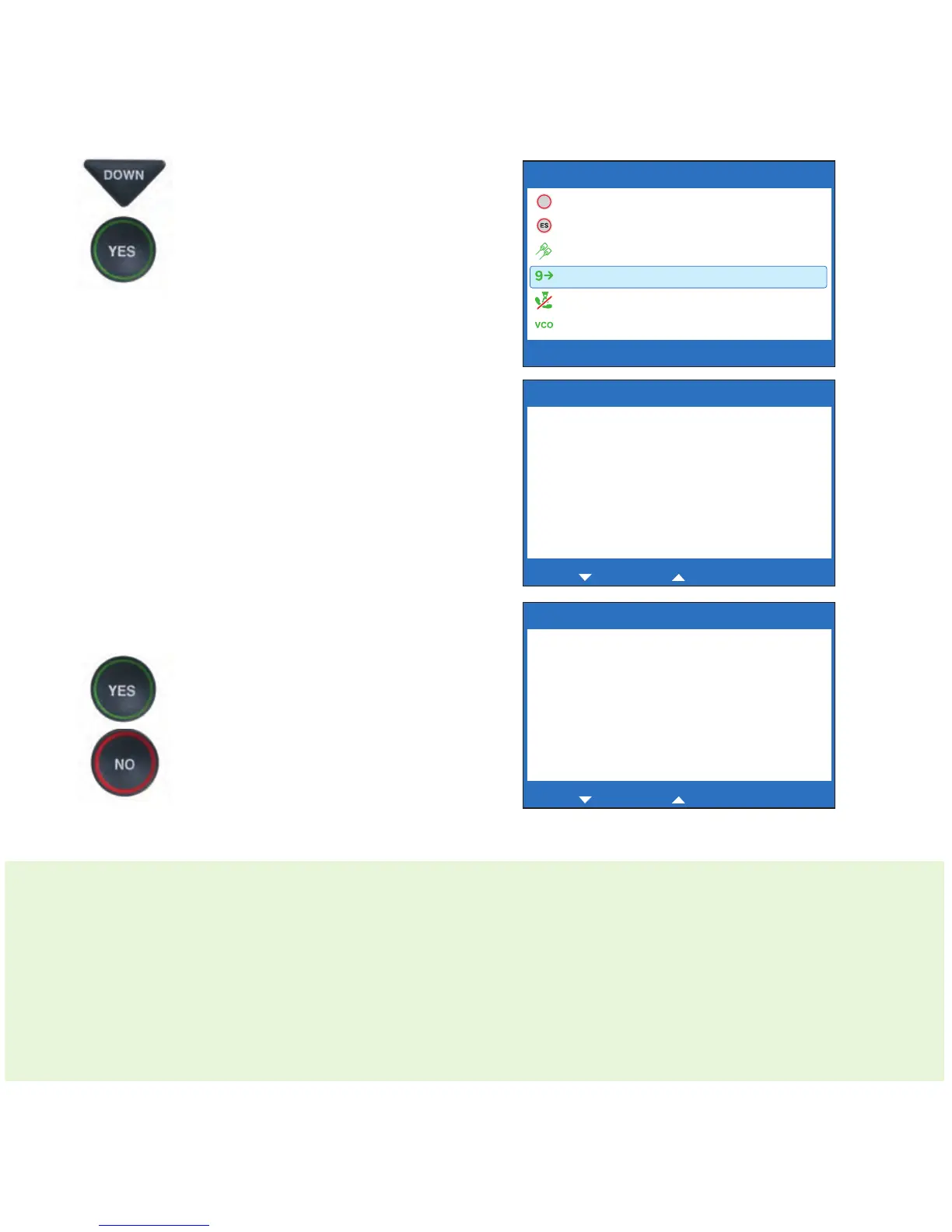
4. Press the DOWN arrow button
repeatedly until Dialing
Prefix is highlighted. Press
the YES button to select.
5. Using the dialing keypad to
enter the number you need
to get an outside line. Use
the DOWN arrow button
to backspace and press the
UP arrow button to add
2-second delay, which will
appear as a comma (,).
6. When the number is entered,
press the YES button to save.
7. Press the NO button
repeatedly to exit.
2-LINE MODE: When you place a call in 2-Line Mode, you need to dial the 9
or other number to get an outside line before you dial the telephone
number, even after you've entered a Dialing Prefix into the CapTel menu. The
Dialing Prefix feature only applies to Line 2, the telephone line that connects
to the Captioning Service to provide Captions. Because your calls are placed
over Line 1 (the telephone line that carries the voice portion of the call), you
still need to manually enter the Dialing Prefix before placing a call.
Edit Dialing Prefix
Dialing Prefix:
_
Press YES to save number or NO to exit
for Backspace, for 2 second delay
Edit Dialing Prefix
Dialing Prefix:
9,
Press YES to save number or NO to exit
for Backspace, for 2 second delay
CAPTION SETTINGS
Captions Button
Spanish Captions
1 or 2 Line Captions
Dialing Prefix
Block Call Waiting
VCO Mode
Press YES to select or press NO to exit



 To Next Page