80 • SET TING S Customer Service: 888-269-7477
5. Use the dialing keypad to enter
the number you need to block
Call Waiting. Use the DOWN
arrow button for Backspace and
the UP arrow button to add in
a 2-second delay, which will
appear as a comma (,).
NOTE: Check with your local
telephone provider for directions
on blocking the Call Waiting tone
in your area. Many telephone
service providers
use “*70” as
the sequence
to block the Call
Waiting tone.
6. When the number is entered,
press the YES button to save.
7. Press the NO button
repeatedly to exit.
NOTE: If you program a Call Waiting block but you do not have Call Waiting
service you will not be able to dial out with captions.
2-LINE MODE: If Line 2 has Call Waiting service, you should enter a Call
Waiting block to make sure that captions are not interrupted. You can still
use Call Waiting service in 2-Line Mode, as long as the Call Waiting service is
on Line 1. It is recommended that there are no special features in use on
Line 2. See page 91 for details.
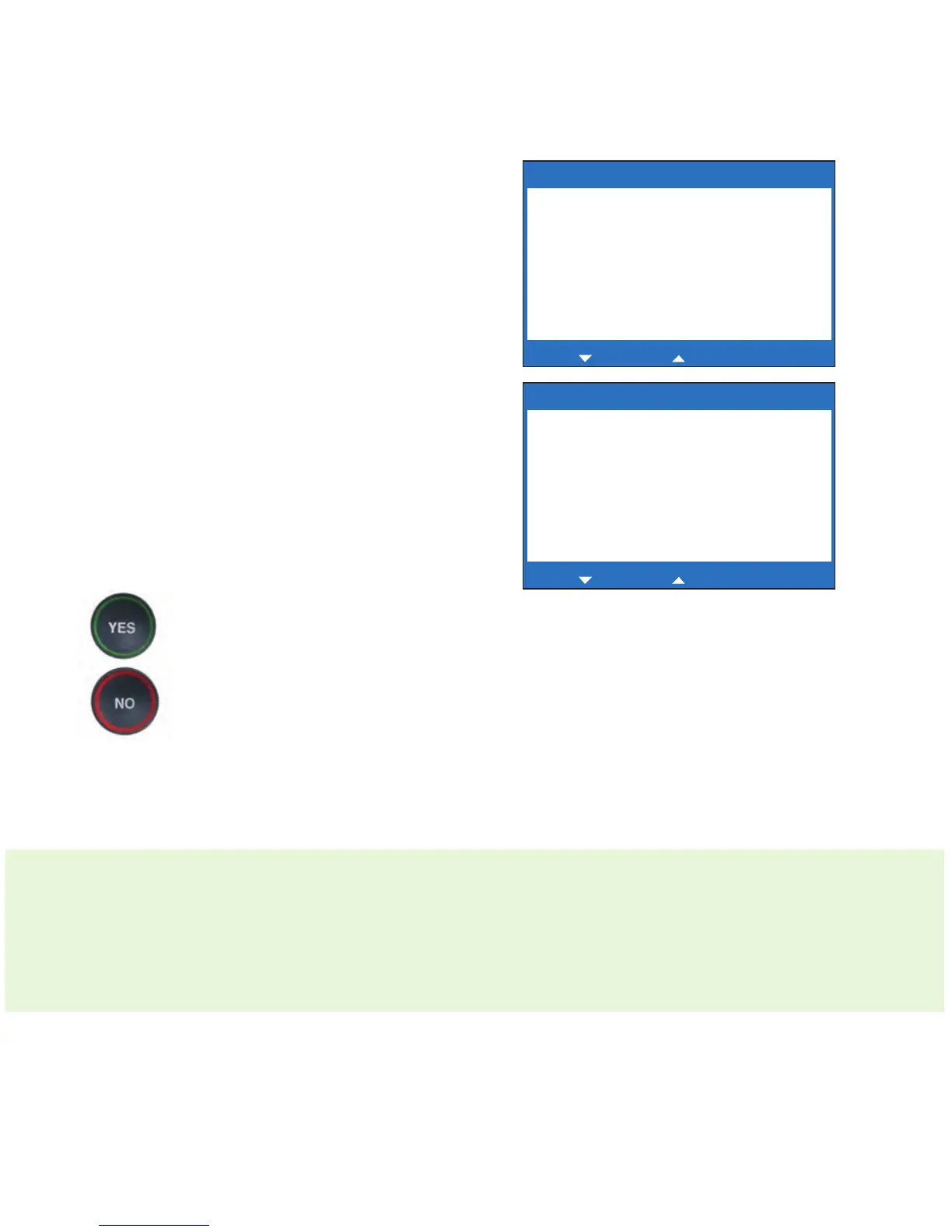
Edit Block Call Waiting
Block Call Waiting: _
Press YES to save number or NO to exit
for Backspace, for 2 second delay
Edit Block Call Waiting
Block Call Waiting: *70,
Press YES to save number or NO to exit
for Backspace, for 2 second delay



 To Next Page