3 Installation and step of use
3.1 Installation
Download the APK to your smart phone and click “install”
3.2 Step of use
3.2.1
Connection between the smart phone and vehicle
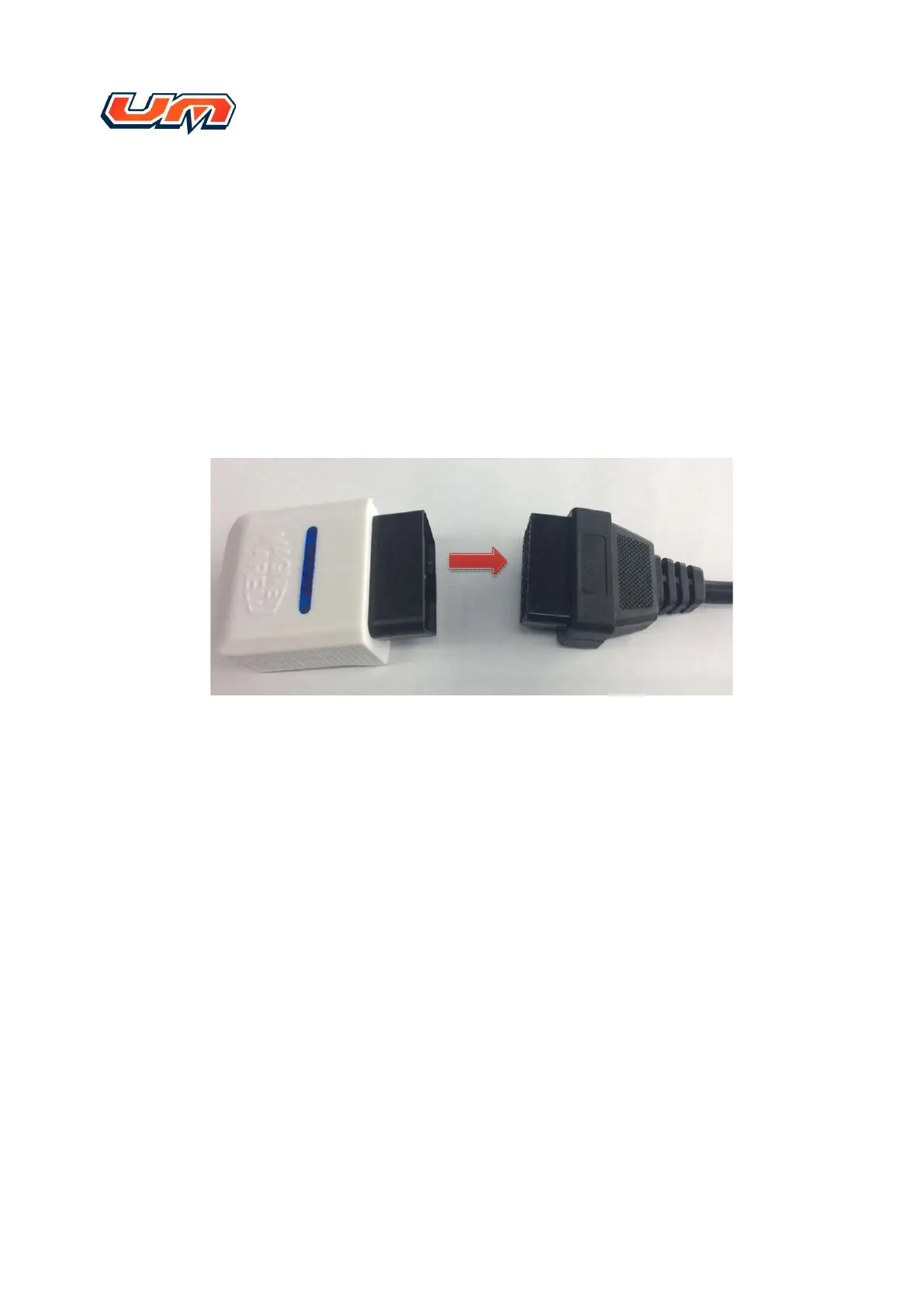
Please insert the Dongle to the vehicle‟s OBD connector, as shown in figure 2
figure 2
3.2.2
Operation of vehicle
Insert the key to the vehicle, and make sure the vehicle‟s status is “key on”. If you need
to test dynamic data, please crank the vehicle
3.2.3
How to use EMS Link APP
Note: The distance between the smart phone and Dongle must be within 5 meters. Make
sure the smart phone‟s Bluetooth is enabled before using APP.



 To Next Page
 Loading...