The “other parameters” which is selected in “Other Parameters” page will be shown in
“Information” page, as shown in figure 18
4.2 Trip Meter
figure 18
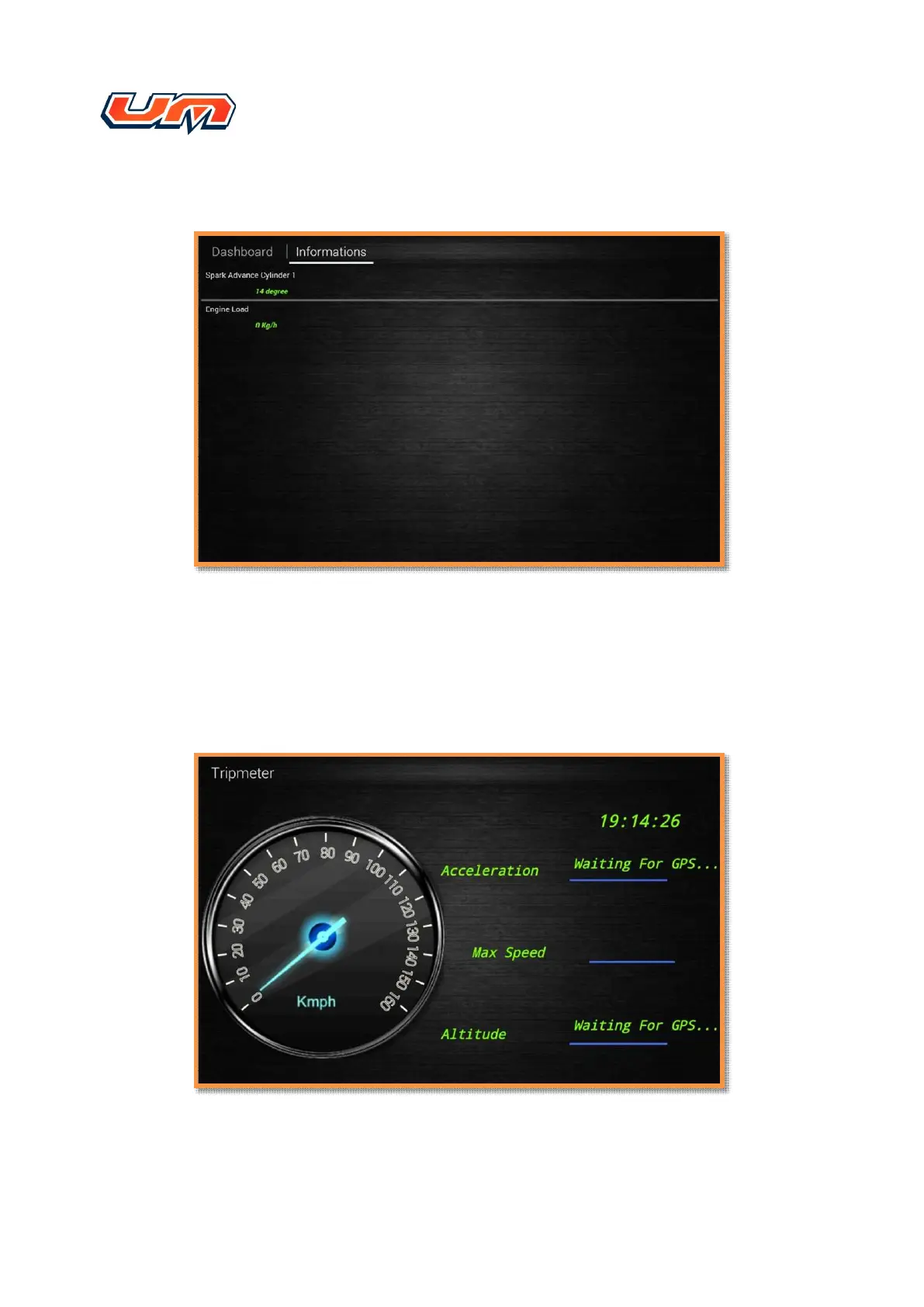
The “Trip Meter” function through the GPS to display the “Max Speed”, “Acceleration”,
“Altitude” and the “Speed” on your trip. The “Trip Meter” function need to enable the GPS
function, as shown in figure 19


 To Next Page
 Loading...