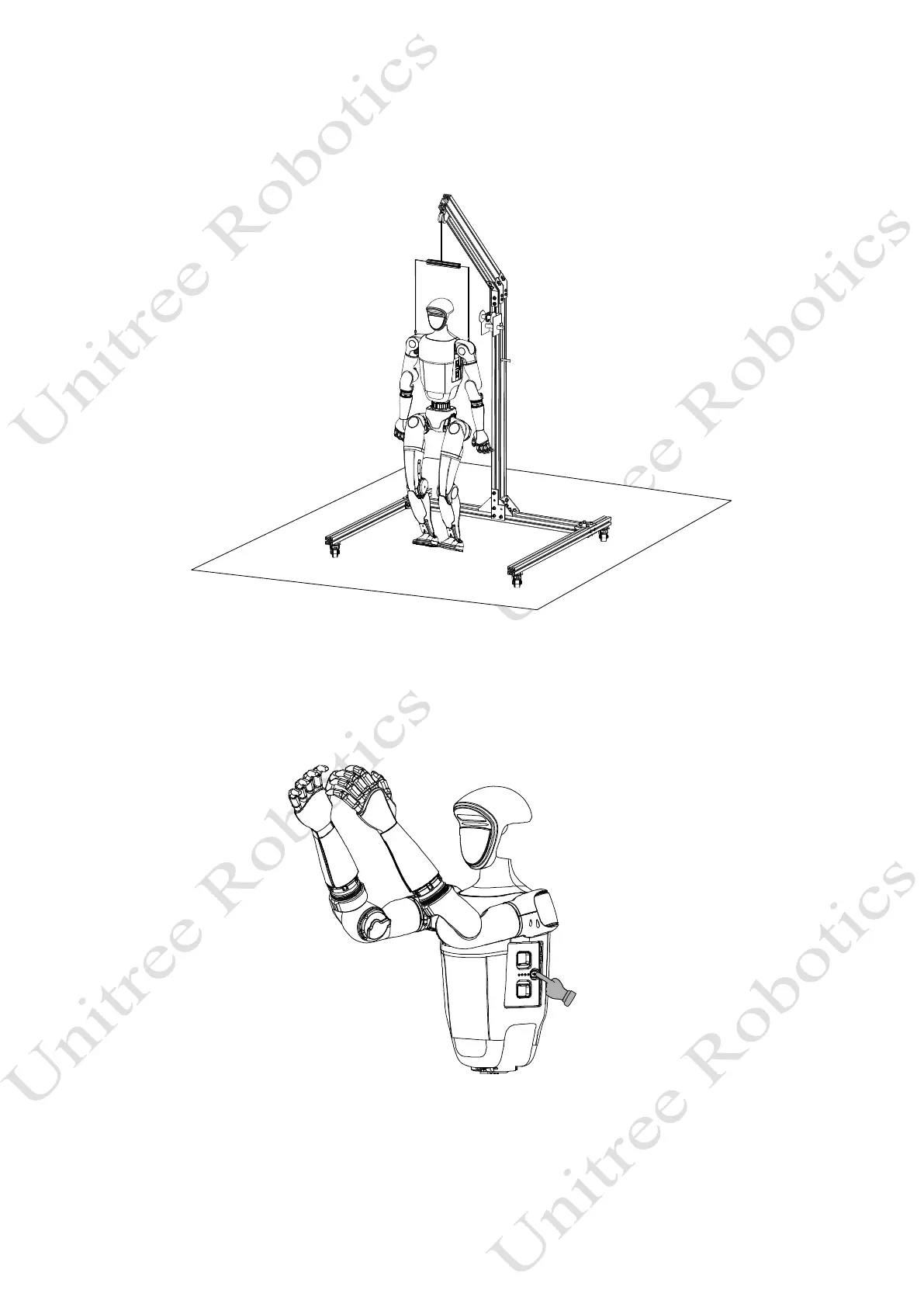
3) Body Placement
Hanging and starting up: Place the arms and legs naturally, ensuring that the joints are not entangled
4) Start up
After completing the pre-startup check and preparation of the robot, power it on by following these
steps:Short-press the power button of the battery once, and then press and hold the power button for more than
2 seconds to power on the battery.



 To Next Page