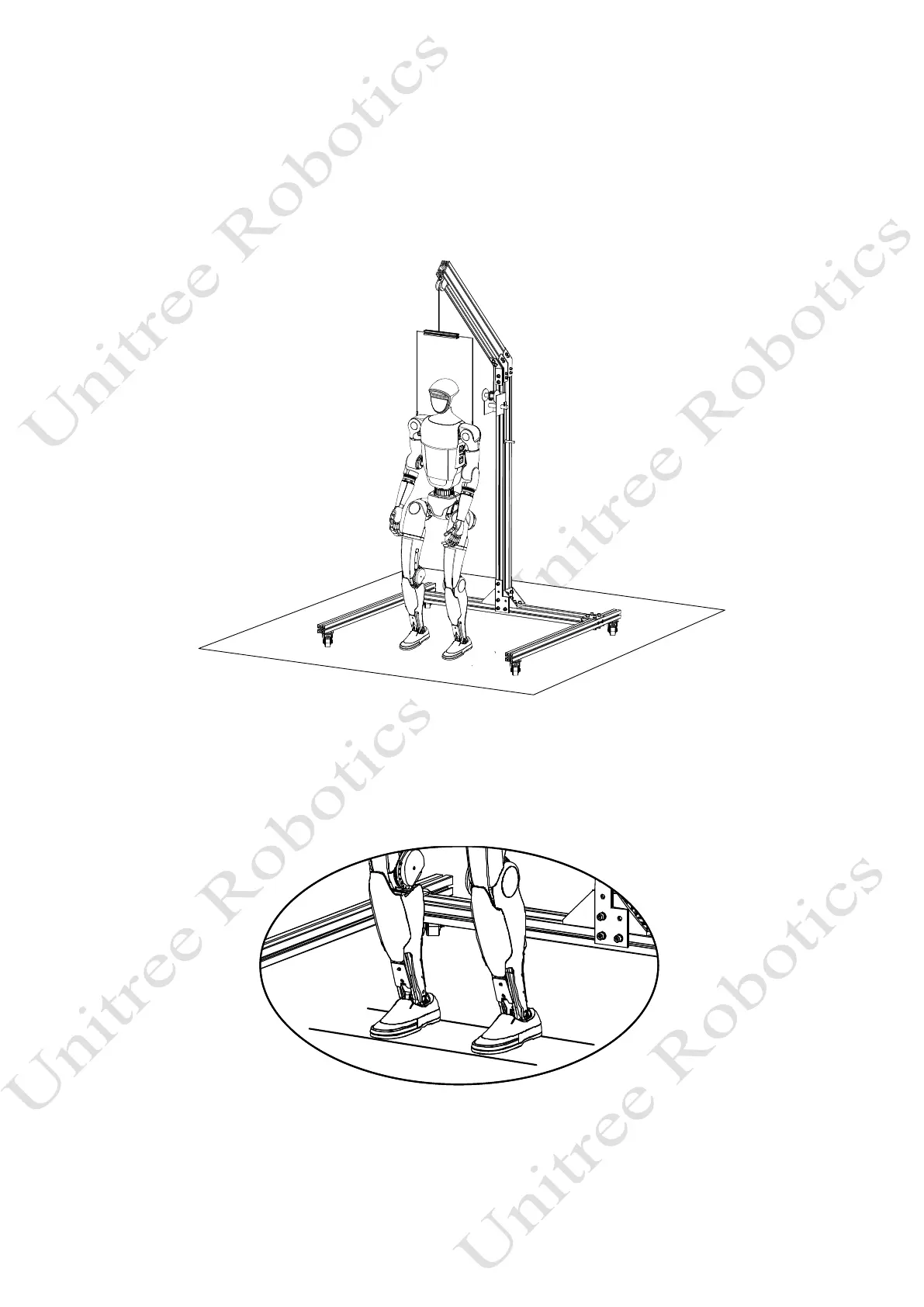
5) Successfully boot
The entire boot process lasts approximately 1 minute. Please be patient after the battery starts up.When
all joints are in a zero torque state, it indicates successful initialization.Press the L1+A key on the remote
control to enter damping to unlock the control, and then press L1+UP to enter the ready state.The G1 posture
is shown in the following figure.
6) Descend the suspension rope
After lowering the suspension rope, make G1's feet touch the ground. Press R2+X on the remote control
again. At this time, the control program starts, G1 enters the motion state from the ready state, and G1 starts
to move in place.



 To Next Page