UAD Powered Plug-Ins Manual - 60 - Chapter 4: Cooper Time Cube
Color The Color switch toggles between the original filter emphasis of the hardware
in position A and the “leveled” filter in position B which allows for greater De-
cay ranges.
Unlike the other parameters, the A and B labels for Color are for reference
only. They do not represent the left and right channels.
Note: Color can be subtle, and its affect can vary depending on the value of
Coils and/or Decay.
Treble Treble controls the high frequency response in the delayed portion of the sig-
nals. It does not affect the dry signal. Treble is a cut/boost control; it has no
effect when in the 12 o’clock position.
Bass Bass controls the low frequency response in the delayed portion of the sig-
nals. It does not affect the dry signal. Bass is a cut/boost control; it has no ef-
fect when in the 12 o’clock position.
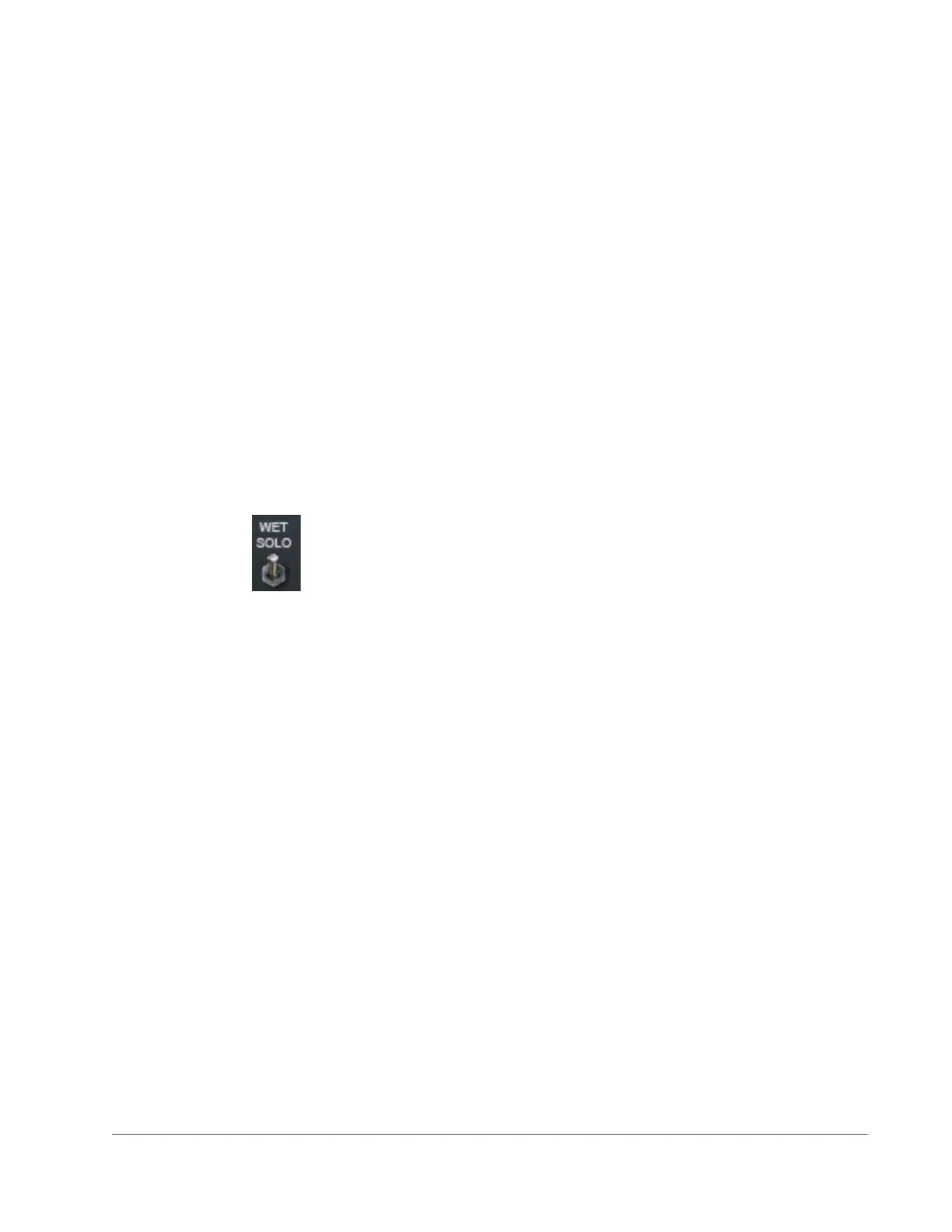
Wet Solo The Wet Solo switch puts the Cooper Time Cube into “100% Wet”
mode. When Wet Solo is on (in the “up” position), it mutes the dry un-
processed signal.
Wet Solo is optimal when the plug-in is used on an effect group/bus that is
configured for use with channel sends. When the plug-in is used on a channel
insert, this control should be deactivated.
Note: Wet Solo is a global (per plug-in instance) control. Its value is saved
within the host project/session file, but not within individual preset files.
Power The Power switch determines whether the plug-in is active. It's useful for com-
paring the processed sound to the original signal.
Meter The VU Meter provides a visual indication of the output level of the plug-in (the
meter is not calibrated). The meter needle drops to minimum when the plug-in
is disabled with the Power switch.


 To Next Page
 Loading...








