Apollo Solo Manual Using UAD Plug-Ins 86
Setting a default preset
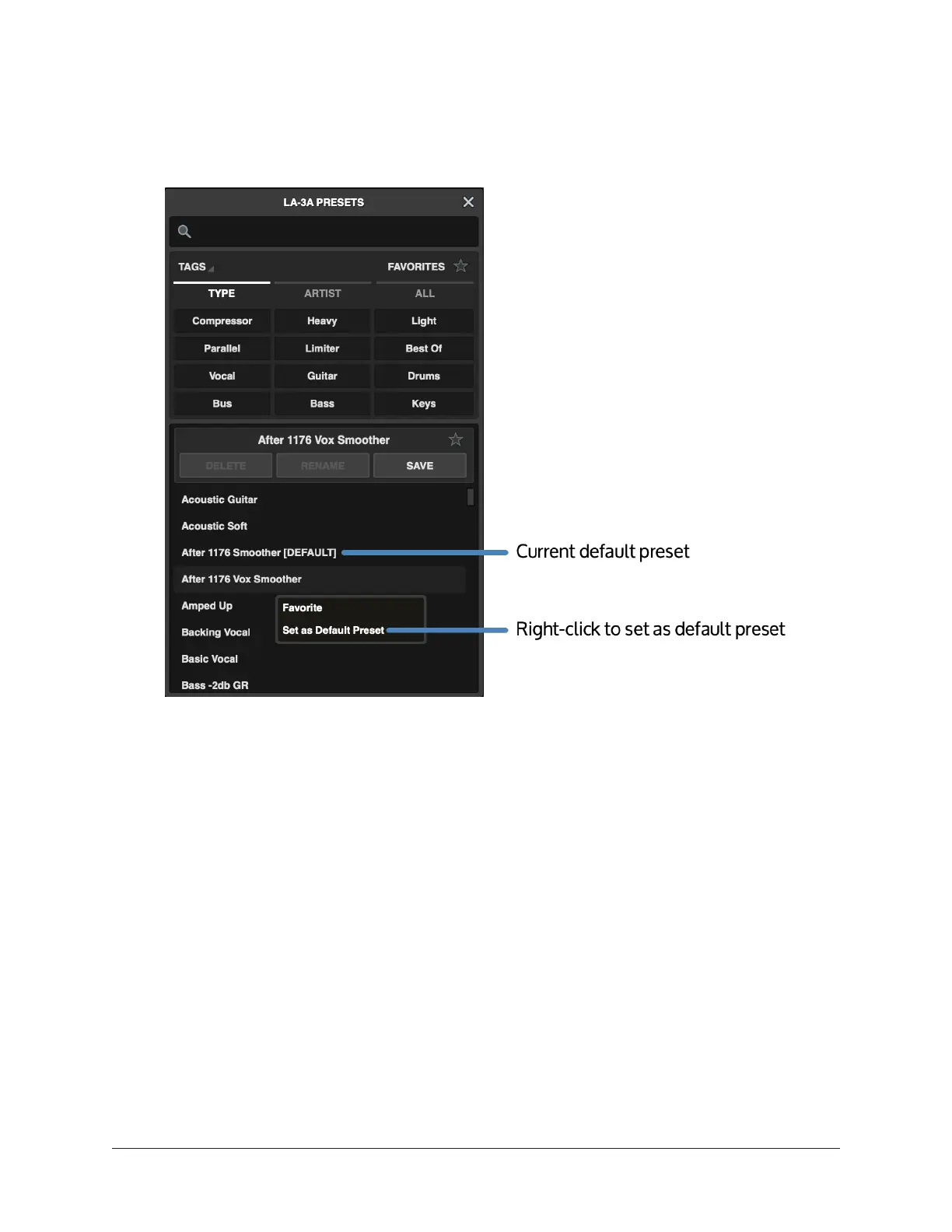
You can set a default preset that will load automatically when you instantiate a native
UAD plug-in.
• To set a default preset, right-click the preset name and choose Set as Default
Preset. The current default preset includes [DEFAULT] after the preset name.
• To clear the default preset, right-click the preset name and choose Clear Default
Preset.















 To Next Page