Apollo Solo Manual Using UAD Plug-Ins 85
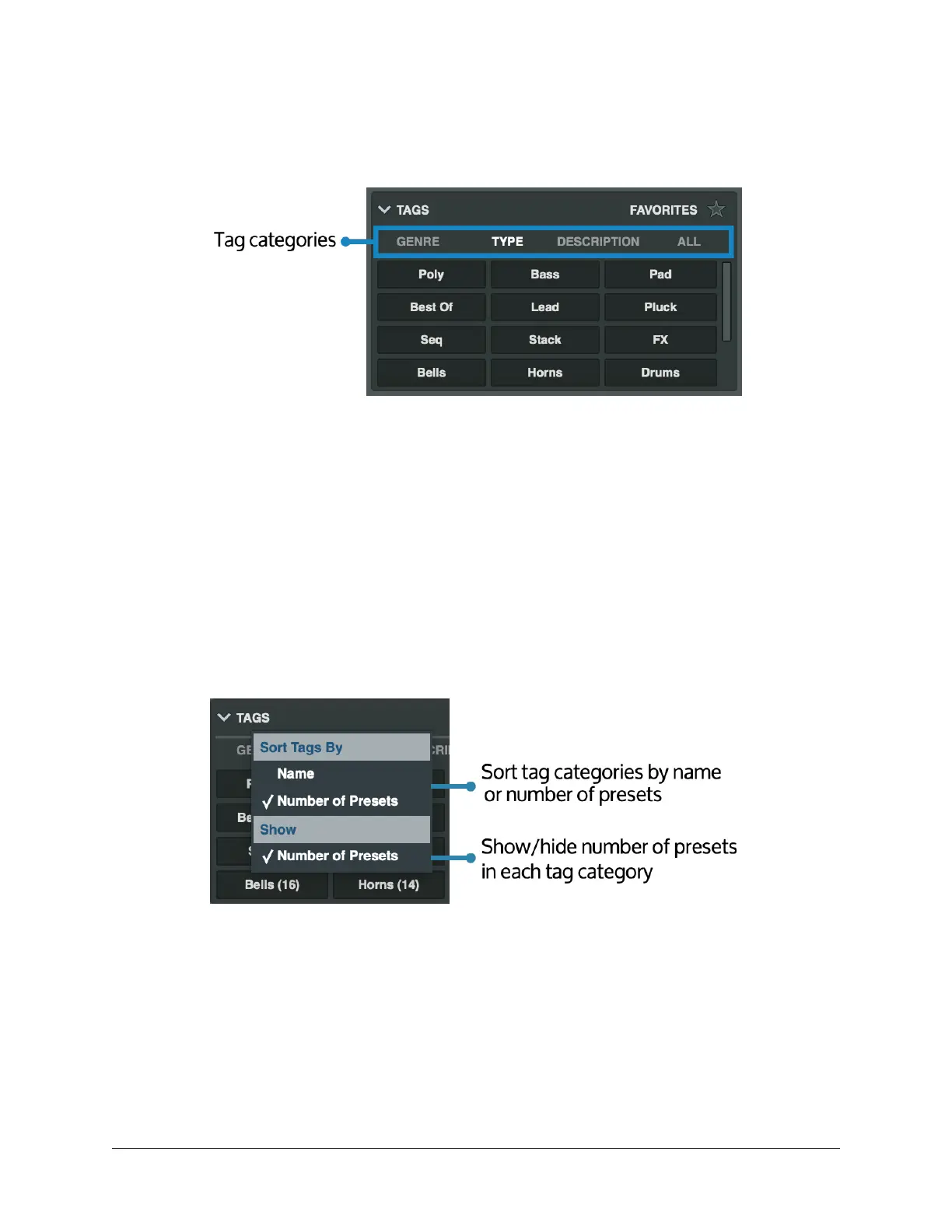
Tag categories
UAD plug-ins include preset tag categories. Categories run across the top of the tags list,
and allow you to view a subset of tags.
Click a category to see tags for that category. Click All to see all tags.
You can sort tag categories by category name, or by the number of presets in the
category, from most to least, and you can show the number of presets in each tag
category.
To sort tag categories:
1. Right-click or control-click on TAGS.
2. Under Sort Tags By, choose Name or Number of Presets.
3. To show the number of presets in each tag category, under Show, select Number
of Presets. Deselect Number of presets to stop showing the number of presets in
each category.















 To Next Page