33
5. ReentertheAccessCodetobedeleted.
6. Pressthe“7”key.Ifcorrect,2shortbeeps(if 1 long beep is heard, start over with step 1).
Deleting All Access Codes:
1. Enter the Master Password.
2. Pressthe“7”key.Ifcorrect,2shortbeeps(if 1 long beep is heard, start over with step 1).
3. Reenter the Master Password.
4. Pressthe“7”key.
5. Reenter the Master Password.
6. Pressthe“7”key.Ifcorrect,2shortbeeps(if 1 long beep is heard, start over with step 1).
Changing Keypad Security Code:
ThiskeypadhasavirtualdipswitchusedtocreateyourSecurityCode.Thevirtualdipswitchcontainsnine
3-positionswitches.Toensureneighboringkeypadsdonotinterferewitheachother,thevirtualswitches
shouldbepositionedinarandompattern,usingthefollowingprocedure.
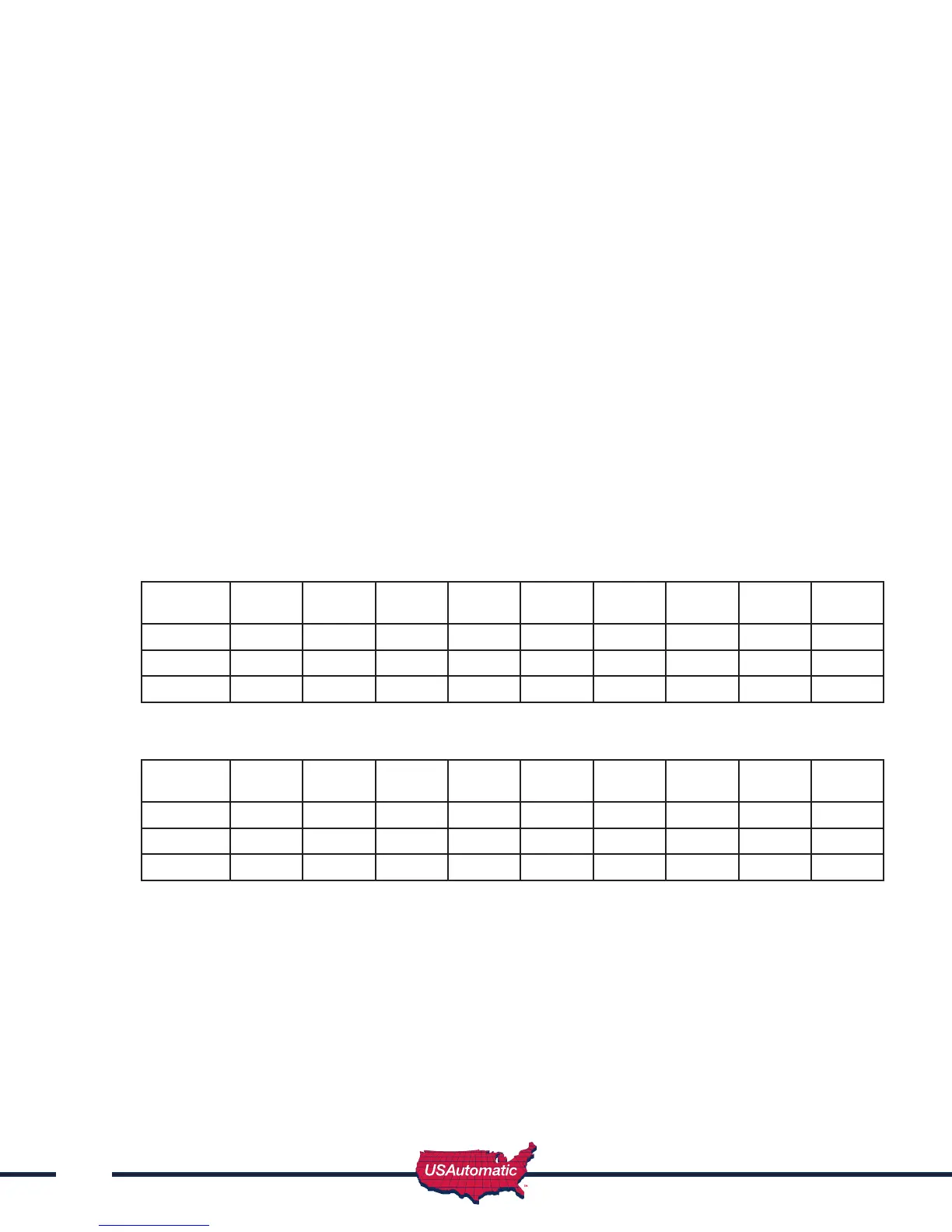
ExampleofrandompositioningofthevirtualdipswitchestocreateaSecurityCodeisshownbelow.To
entertheSecurityCode,enterthedipswitchnumber,followedbythedipswitchpositioncharacter.
The Security Code would be entered as: 1# 20 3* 4* 5# 6* 7# 80 9*
Dipswitch
Position
Switch
1
Switch
2
Switch
3
Switch
4
Switch
5
Switch
6
Switch
7
Switch
8
Switch
9
# or B X X X
0 X X
* or A X X X X
Usetablebelowtocreateyourrandomsecuritycodeandfollowstepsbelowtoprogramyourkeypad.
Dipswitch
Position
Switch
1
Switch
2
Switch
3
Switch
4
Switch
5
Switch
6
Switch
7
Switch
8
Switch
9
# or B
0
* or A
1. Enter the Master Password.
2. Enter“6”Ifcorrect,2shortbeeps(if1longbeepisheard,startoverwithstep1).
3. EntertheSecurityCodecreatedintheprevioustable.Ifcorrect,2shortbeepsaftereach
switchnumberandswitchpositioncombinationisentered.
4. Enter“#orB”
5. Enter“6”
6. Ifcorrect,2shortbeeps(if1longbeepisheard,startoverwithstep1).



 To Next Page