3-49
Common Operations > Using Various Functions
Staple
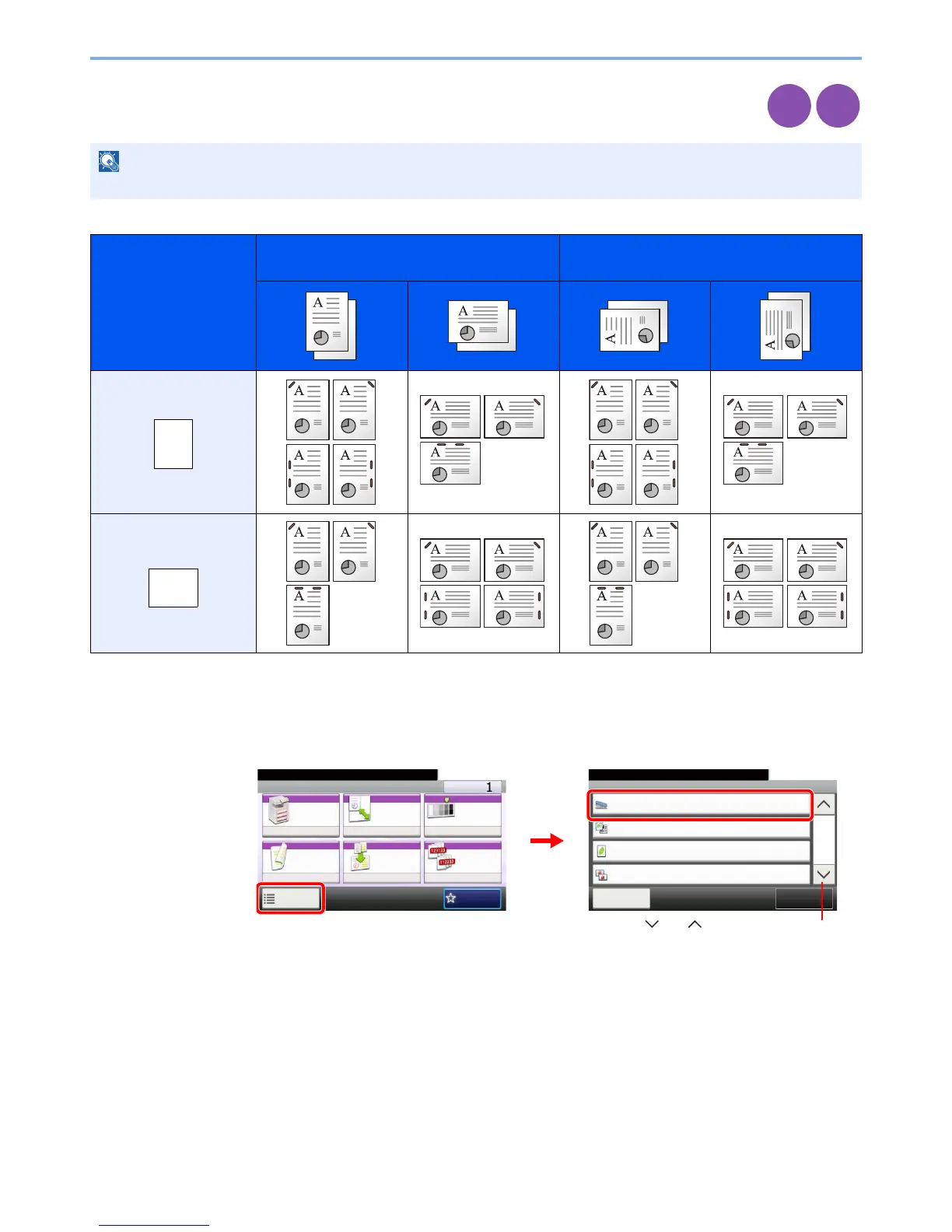
Staple documents. In addition, you can specify the staple position.
The following stapling options and orientations are available.
1
Display the screen.
1 Referring to Using Various Functions on page 3-30, display the screen.
2 Press [Functions] and then [Staple].
NOTE
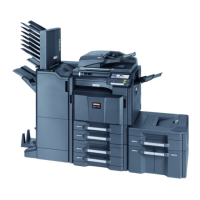
Stapling requires the document finisher.
Original Orientation:
Top Edge (Back Edge)
Original Orientation:
Left Top Edge (Left top corner)
Cassette Paper Load
Direction
Cassette Paper Load
Direction
Copy
Print from
USB
Ready to copy.
Functions
Staple
Off
Close
10:10
Original Image
Text+Photo
0
Off
EcoPrint
Sharpness
2/4
Add/Edit
Shortcut
Ready to copy.
Copy Copies
Paper
Selection
Zoom Density
Duplex Combine Collate/
Offset
1-sided>>1-sided
Auto 100% Normal 0
CollateOff
Functions
10:10
Favorites
GB0001_01
GB0002_05
2
1
Use [ ] or [ ] to scroll up and down.


 To Next Page